ArchViz UI3 Documentation Archive 2025
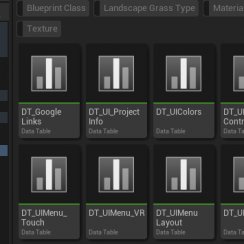
Data Tables
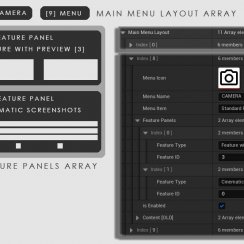
UI Layout
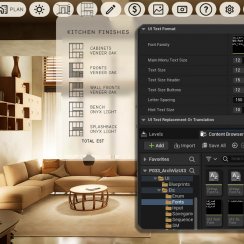
UI Settings
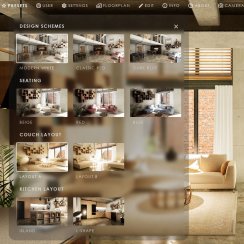
F. w. Preview
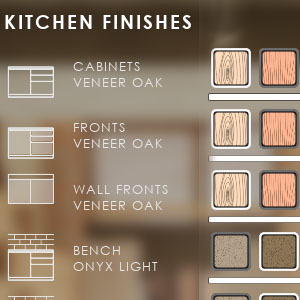
Designer
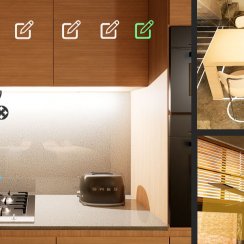
Variation Actor
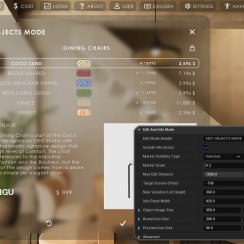
Widget Panels
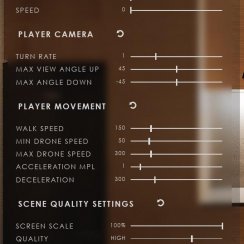
Scene Settings
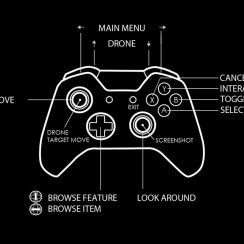
Gamemode
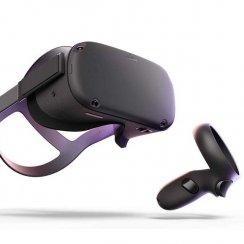
VR projects
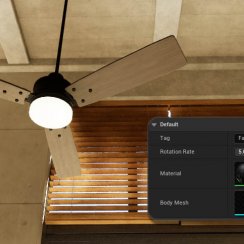
Connect BP

Cost Tracking
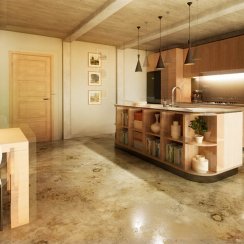
FAQ + TIPS
Fix Known Bugs
Table Of Content: ArchViz UI3 Documentation Archive 2025
Data Management And Data Tables
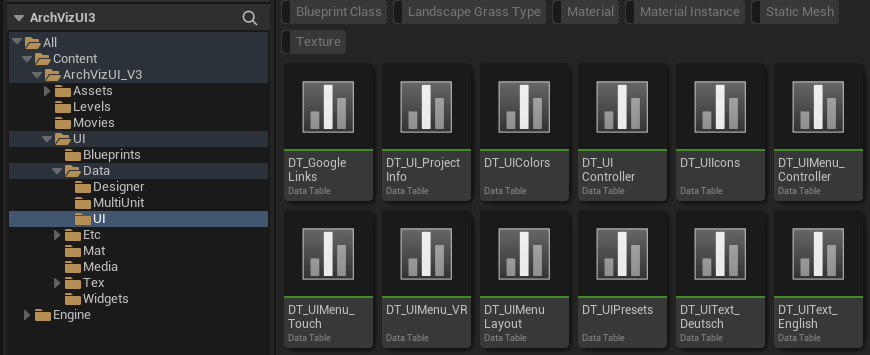
Data Tables are now used to store data for the UI3. This moves some of the data out of the Info Map. It also gives a way to save and re-use data entered.
This is a brief overview about how data tables are used.
UI3 Interface Layout Design
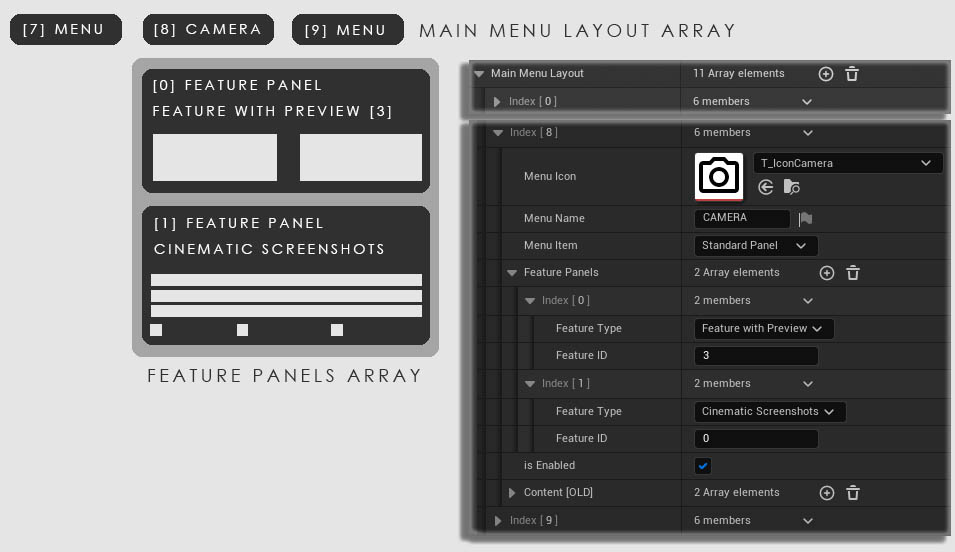
UI3 has a modular interface design. All menus can be created from Features and arranged with the Main Menu Layout array.
- Layout Design - how the UI is arranged
- Design Settings - text format, icon appearance, and colors.
UI3 Interface Design Settings
Available Settings that change the look of the interface. Text format, colors used and icons or image sizes.
Translation or Text replacement is covered here too.
- Layout Design - how the UI is arranged
- Design Settings - text format, icon appearance, and colors.

Features With Preview
Features With Preview (former Custom Features) can be any of the following features
- Scenario
- Design Scheme
- Variation Group
- Scene Travel
- Sequence Player
This section explains how to use them.

Designer
The Designer shows objects and their variations in a table like widget.
- Modify objects that are in multiple locations or difficult to select
- External blueprint tools like the Modular Kitchen Builder or the Interactive Doors
Variation Actor
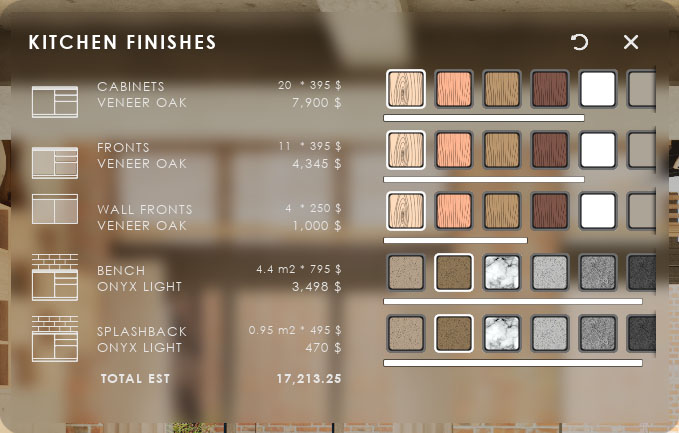
The Variations Actor is the link between the UI3 and the objects placed in the scene. It can
- change meshes and or their materials
- interact with any other blueprint using a blueprint interface
- provide more info about the object
The ObjectInfo Actor can provide information about an object but has no variations component.

UI3 Feature Widgets Overview
Overview of all available feature widgets in the UI.
In order of their appearance in the Info Map.
Some features have their own detailed page.
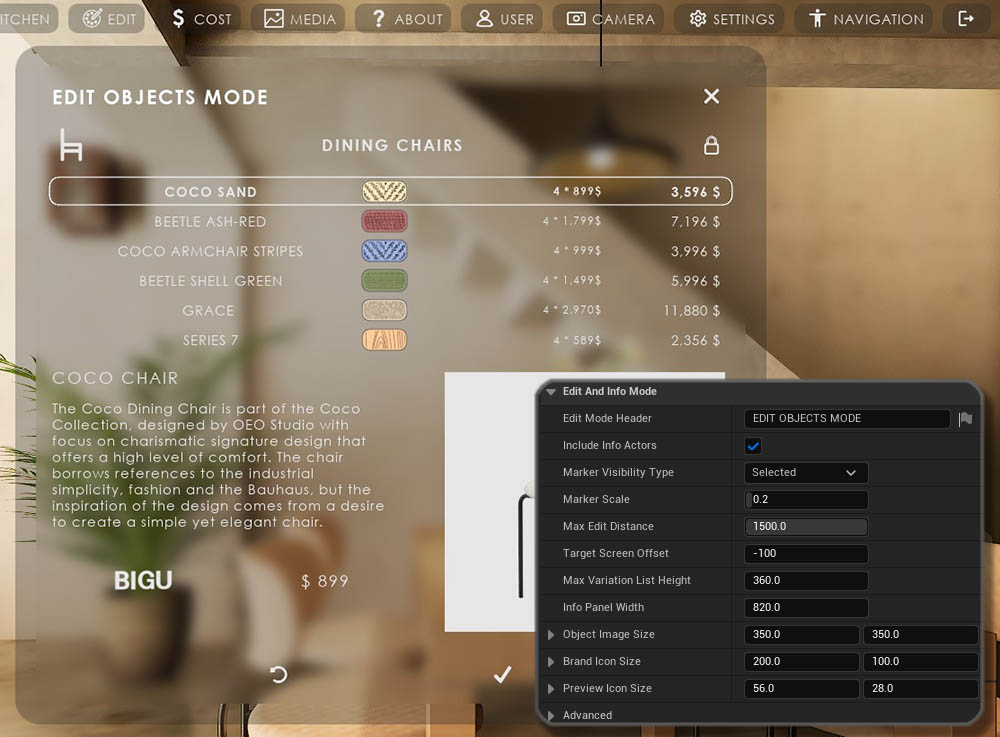
UI3 - Scene Settings
Scene Settings affect the quality and performance of the scene.
They also control the movement of the player character and the player camera control.

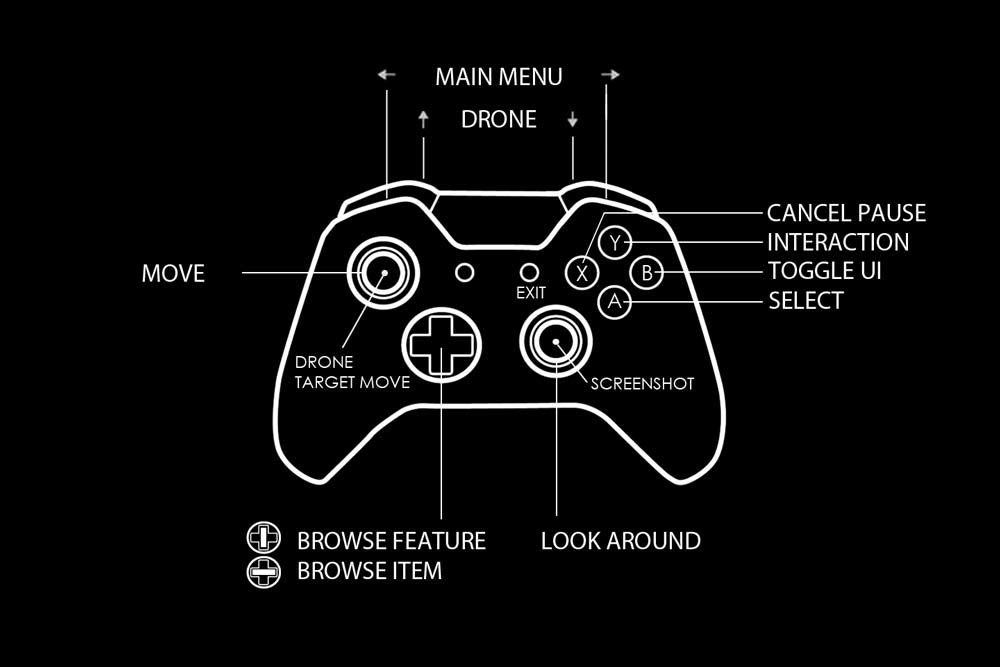
UI3 Input Controls & Game Modes
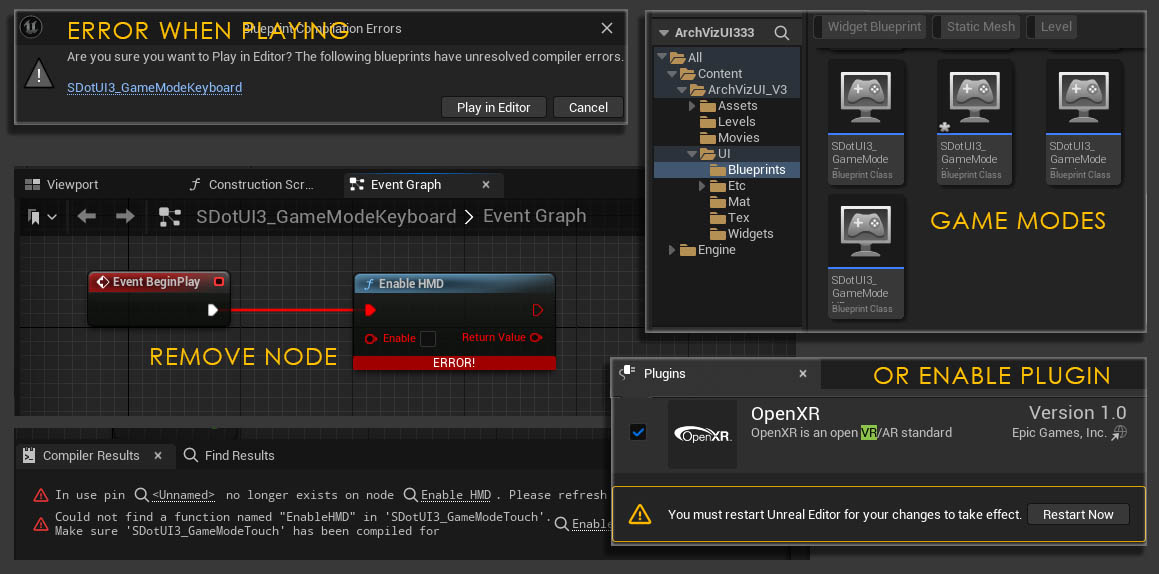
The Game Mode defines the type of game (Touch, VR) for the scene and what input devices are used to control it.
Some of the content is slightly different between versions.
VR Projects
This will give you a brief overview of what is required to run the UI3 with a VR headset.
The demo project is optimised for PC and may run poorly in some VR environments. Your project needs to be performing well if you want to use it in VR!
This is not a complete guide for VR in Unreal Engine. Follow the links provided for better guides.
Unreal Documentation - XR Best Practices
Connect UI3 To External Blueprints
How to connect to other blueprints that are not part of the UI3 project.
- Modular Kitchen Builder Blueprint
- Interactive Door Blueprint
- Switchable Lights
- Ultra Dynamic Sky
- File Plugins

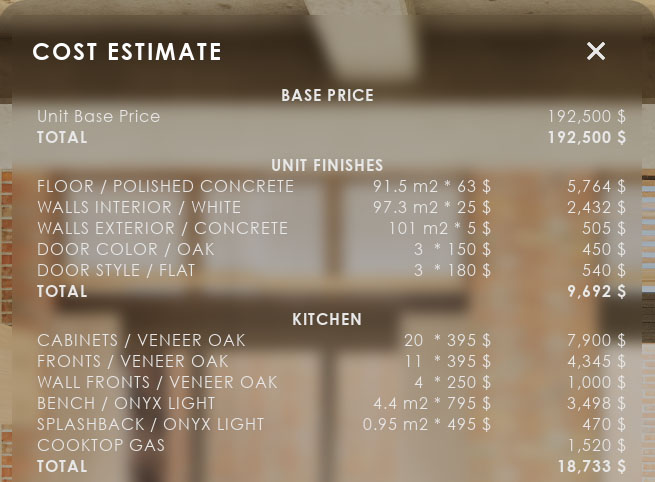
Cost Tracking
When objects in the scene are modified, their costs will most likely change. Cost tracking allows to keep track of these changing costs.
UI3 Frequently Asked Questions
FAQ, Tips and tricks, or answers for frequent questions are here. Known bugs are on the next page.
All Unreal 5 versions of ArchViz UI3 are more or less the same until end of 2024.
From now on only the 5.3 or later versions will be updated. Unreal is in development and new features are added to new versions. This will help to take advantage of the new features.
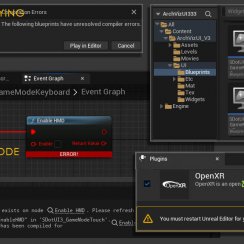
UI3.2 Known Bugs And Solutions
Look here for answers if something does not go according to plan. Issues that are listed here will most likely be fixed in the next update.
[fixed] or [legacy] indicate that the issue has been solved in an update.
 Top of page