Interactive Doors Blueprints Documentation
User Guide
Custom Assets
Swap Actor
Additional Assets
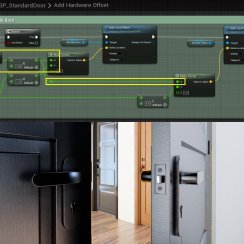
FAQ + TIPS
Doors UE4 (V1)
Table Of Content: Interactive Doors Blueprints Documentation
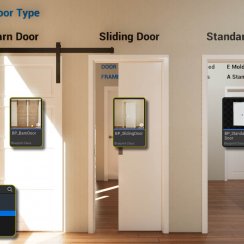
Interactive Door Blueprint - User Guide
Quick Guide for the Interactive Door Blueprint available on FAB and the Unreal Marketplace.
Written for the 2026-05 version for UE 5.5+. Names and position of settings are a bit different in earlier versions.
Interactive Door Blueprint - Marketplace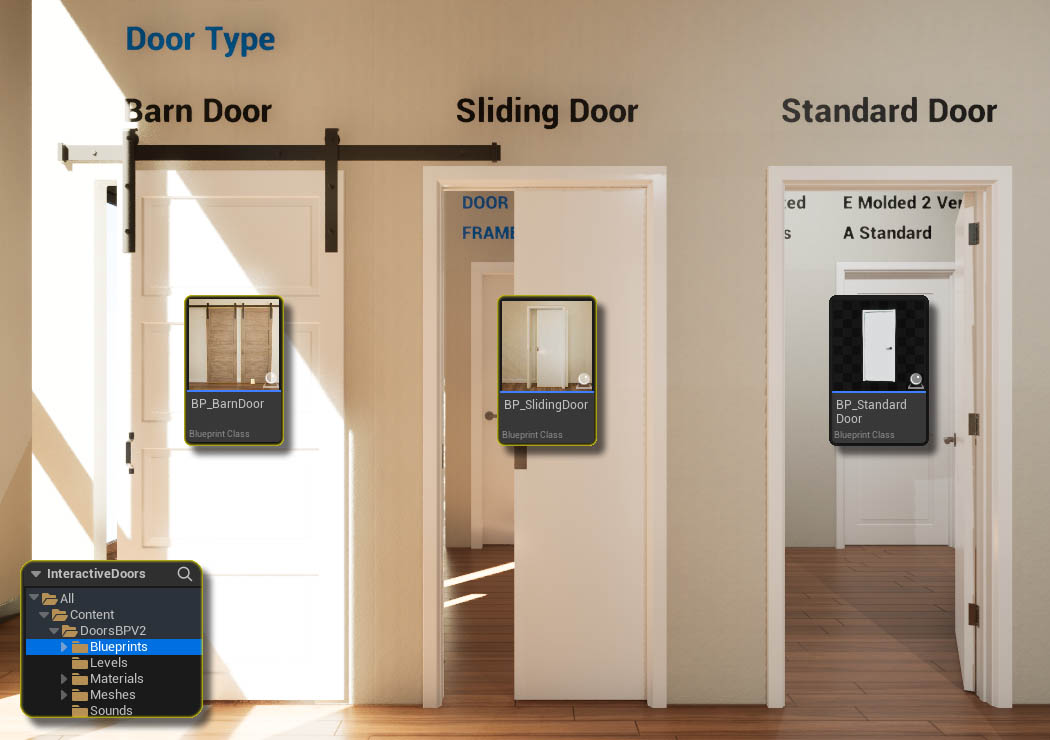
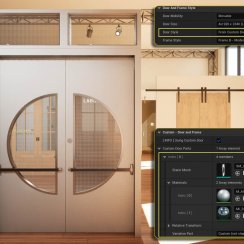
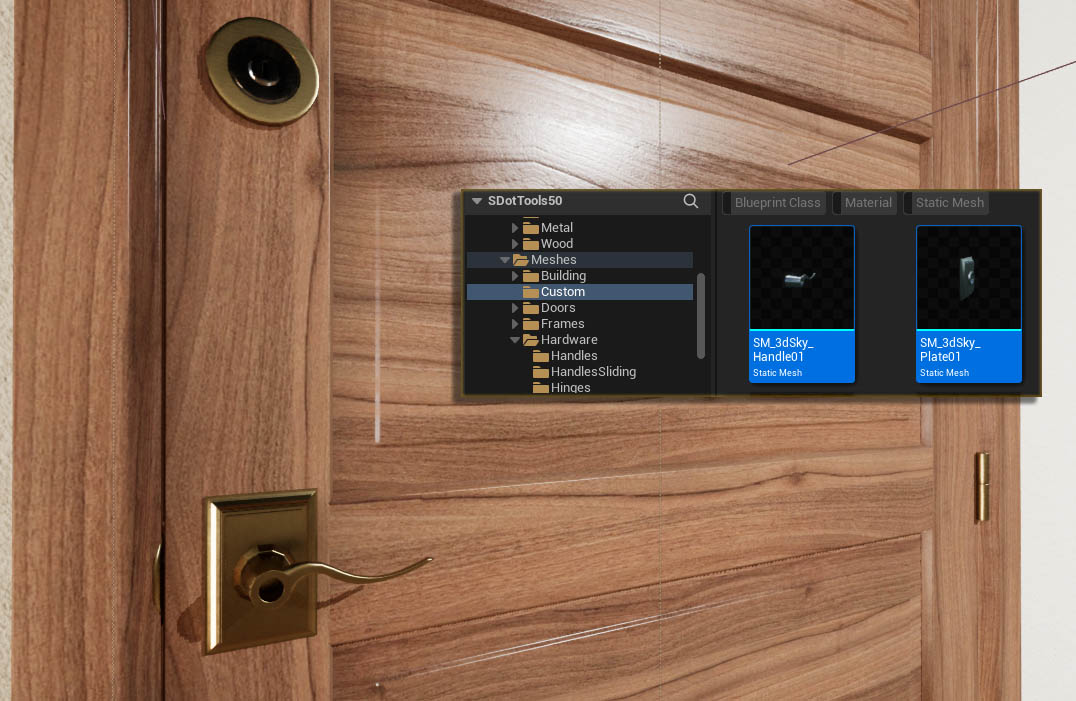
Custom Meshes And Materials
Custom Meshes that are not part of the list can be added to the doors blueprint. This page explains the process.
A selection of usable Materials can be found in the project. The second part on this page explains how to use materials and create new ones for the project.
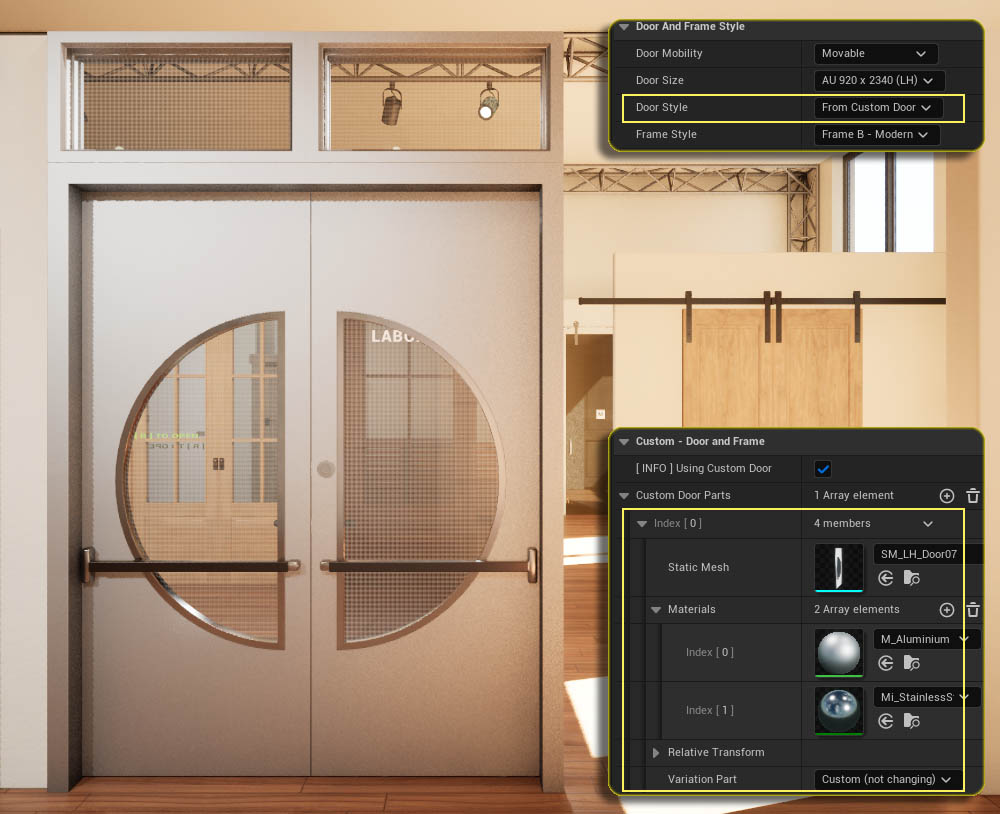
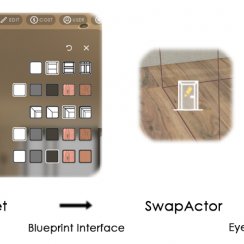
Interactive Doors - Swap Actor
The swap actor is the bridge between a user interface and the interactive doors. It allows to change materials and door parts during a walkthrough.

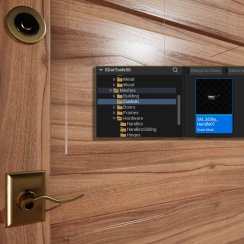
Interactive Door Blueprint - Additional Assets
You may want to add your own set of doors or door handles to the door blueprint. This page explains what you can do.
Written for 2025 or earlier versions.
Universal Door Blueprint - FAQ And Tips
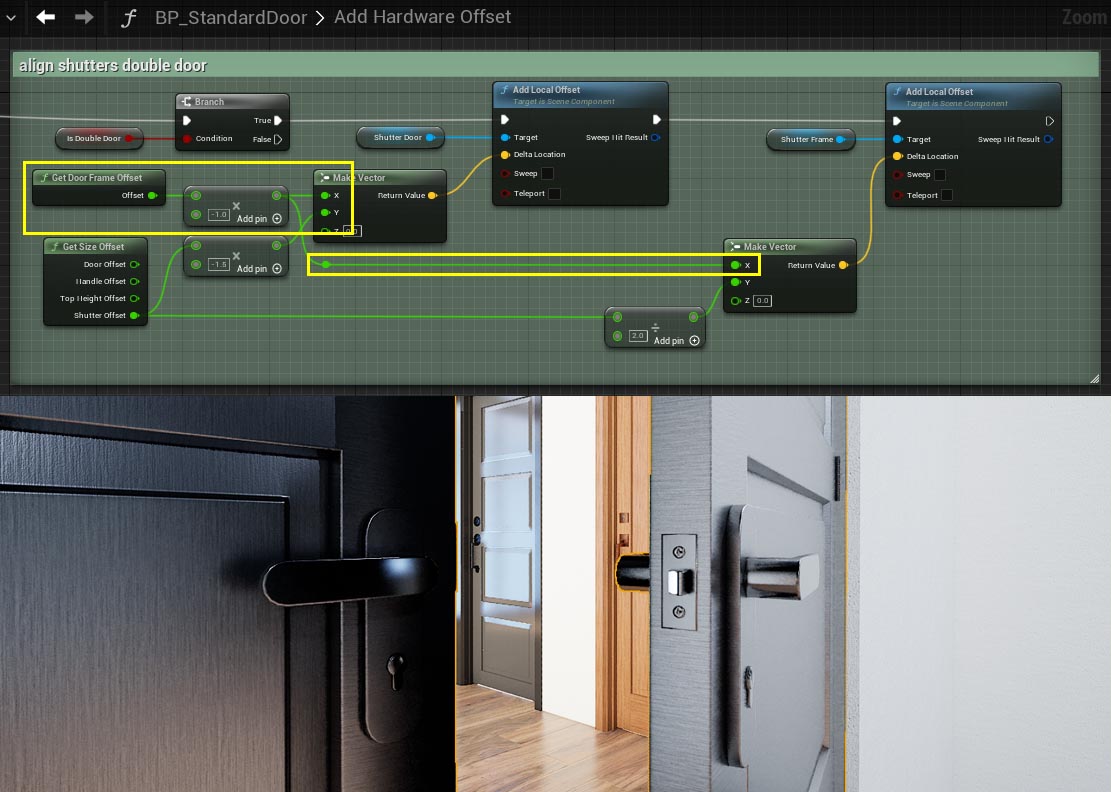
Tips and frequently asked questions about the Door Blueprint.
Universal Door Blueprint V1 - UE 4.25
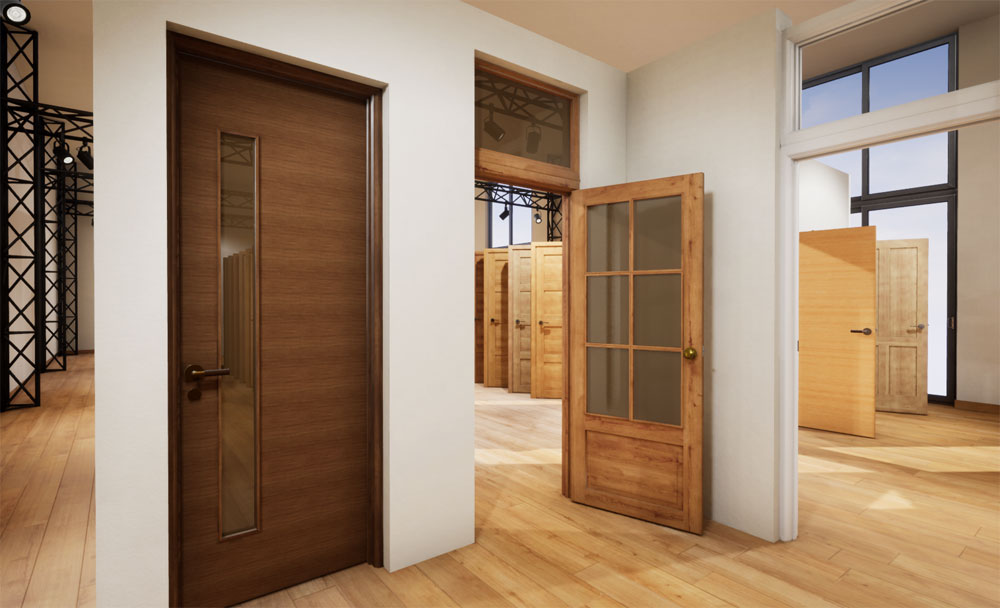
Documentation for the First Version Universal Door Blueprint available on the Unreal Marketplace for Unreal 4.25 or higher

 Top of page