ArchViz UI3 Documentation 2026
New in 2026
Quick Guide
Video Guides
Getting Started
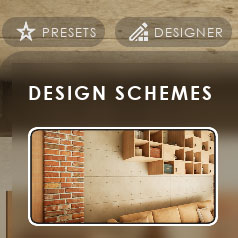
UI Design
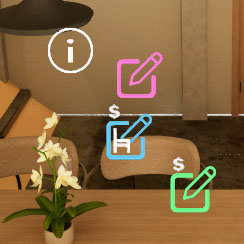
Var Actor

Edit Scene
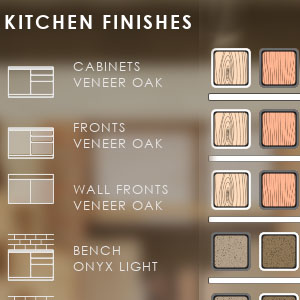
Designer
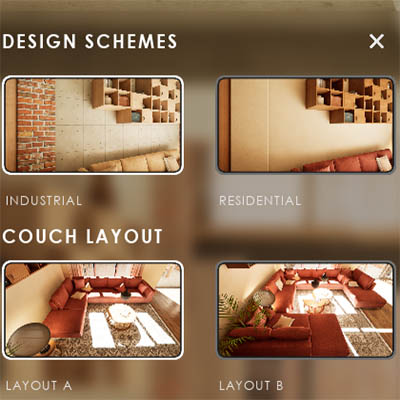
Feat. w. Preview
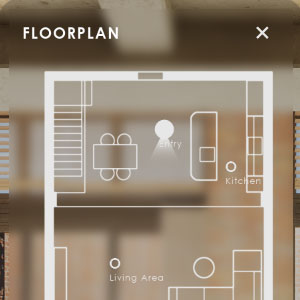
Other Features
Modes
Blueprints

Cost Reports
Multi-Unit-Prj
Google Sheets
FAQ & Tips
Fix Bugs
Updating
Version History
Table Of Content: ArchViz UI3 Documentation 2026
New In UI3 Version 2026
The 2026 updates in a nutshell:
- Optimizing and clean up of blueprints to be better to understand
- Using data tables to input data to declutter the info map
- Using data tables for mesh and material choices to avoid having to enter the same data multiple times
- Engine Version 5.5 is the minimum version for this update to be able to make use newer engine features
Some data and settings have to be re-entered due to the use of data tables when updating from older UI3 versions
UI3 Quick Guide
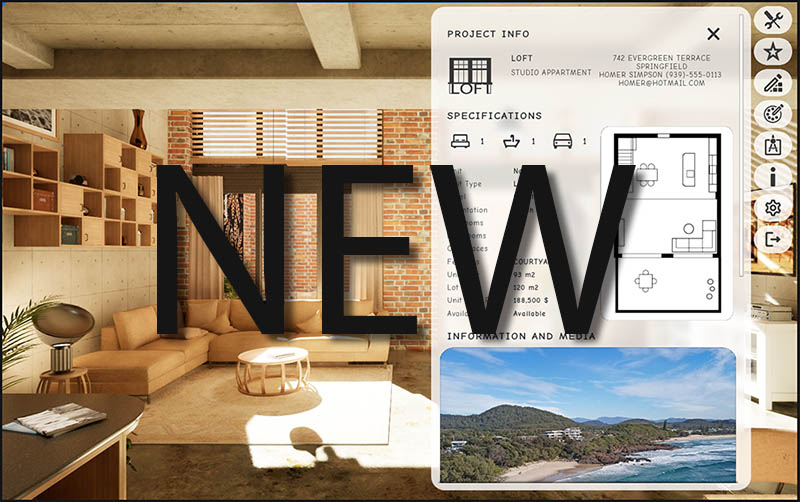
Quick Guide for the Arch Viz UI3 User Interface available on FAB and the Unreal Marketplace.
Videos
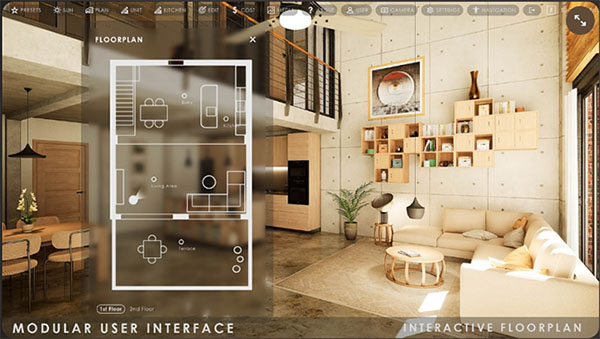
A List of Quick Guide Videos available on YouTube.
Most videos are not made for the latest version of UI3. But they still can be useful for understanding how it works.

Getting Started With UI3
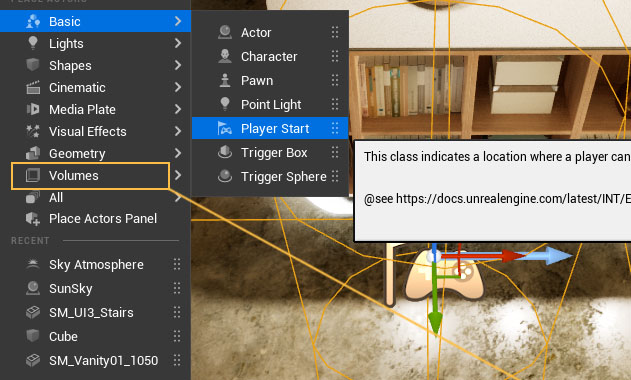
How to get started with the UI3 in your own project:
UI Layout And Design
User Interface Layout and Design. Settings that affect the Interface design
- Colors
- Text Format
- Panel Size
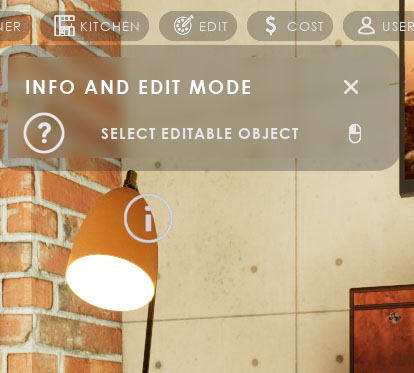
Variation And Object Info Actors
The Variation Actor is the link between the User Interface and the Assets in the scene, so they can be edited.
The Object Info displays information without editing.
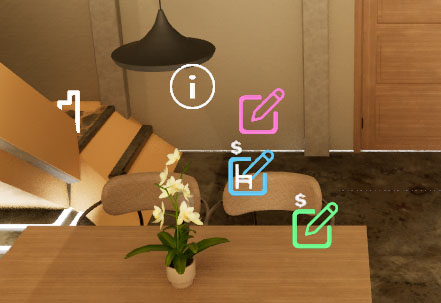
Editing Scene Objects
Edit mode can change materials or meshes of a scene object or display Information about an object.
Other widgets to change objects in the scene which have their own section are
- Designer
- Design Schemes and Scenarios (Feature with Preview)
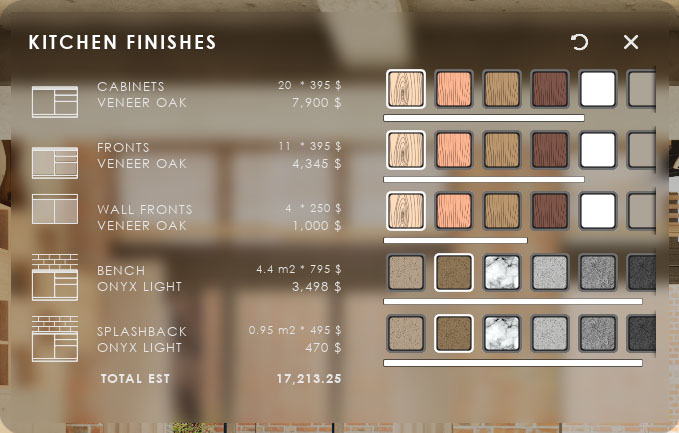
Editing: Designer
The Designer shows object choice buttons in a table like widget.
- A quick way to change related objects
- For objects that are difficult to select
- For external blueprint tools like the Modular Kitchen Builder or the Interactive Doors Blueprint
Features With Preview
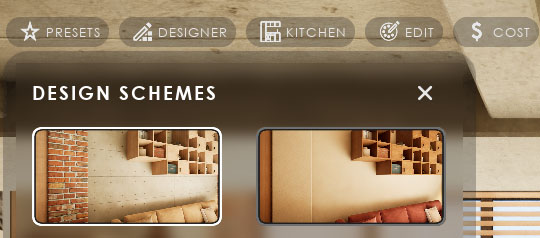
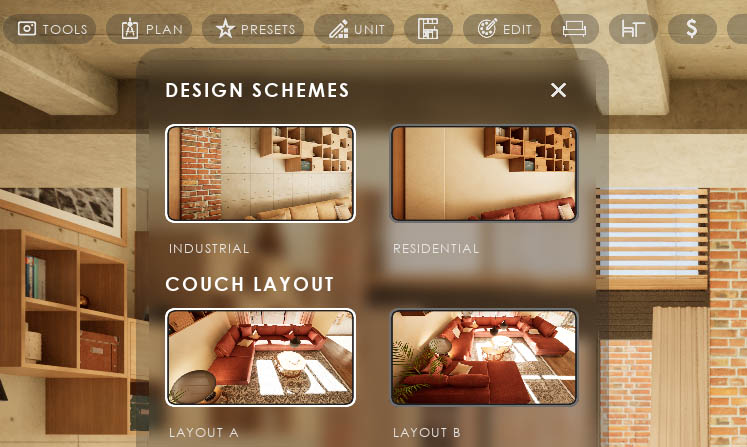
Features with Preview is a type of widget that has larger preview buttons to switch to another option.
- Design Schemes switch many objects to another design
- Variation Groups switch groups of objects
- Scenarios replace a sub level with another one
- Animation plays an unreal sequence
- Scene Travel loads another scene in the same project
Non-Editing Features And Settings
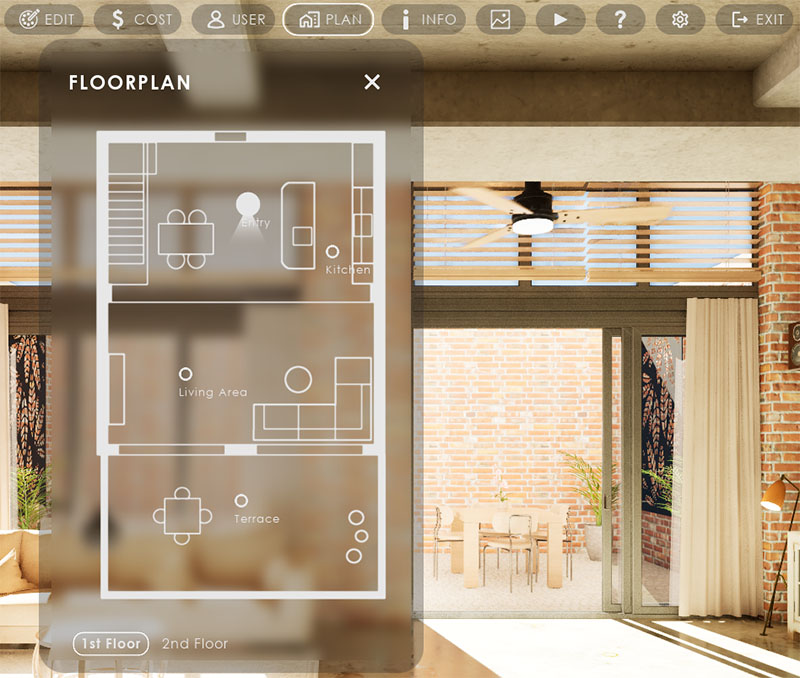
All features and widgets that are not mentioned in the Editing section.
Scene and App Settings are driven by Settings Features and their sliders. The slider defaults are set when the app starts.
Game Modes, Controls, VR
This section covers
- UI Presets
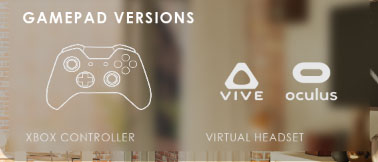
- Game Modes including VR
as well as a short explanation of how controller and character work together to control the UI and the player movement.
Supporting Blueprints For UI3
Supporting blueprints that come with UI3.
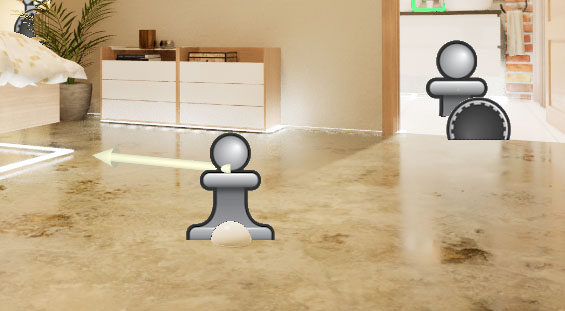
- Location actor
- Walkable mesh marker
- Cost group
- Layout Swap
Cost Tracking And Reports
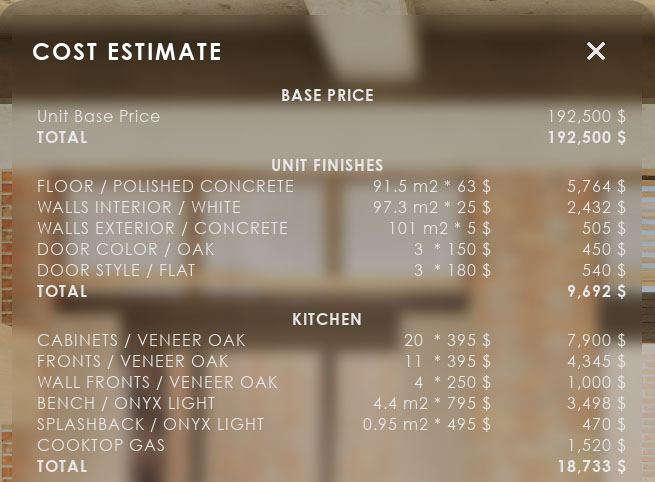
UI3 has built in Cost Tracking that gives the user an estimate of the cost of his choices in the scene.
How to print reports to a file with a free plugin.
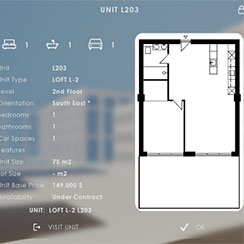
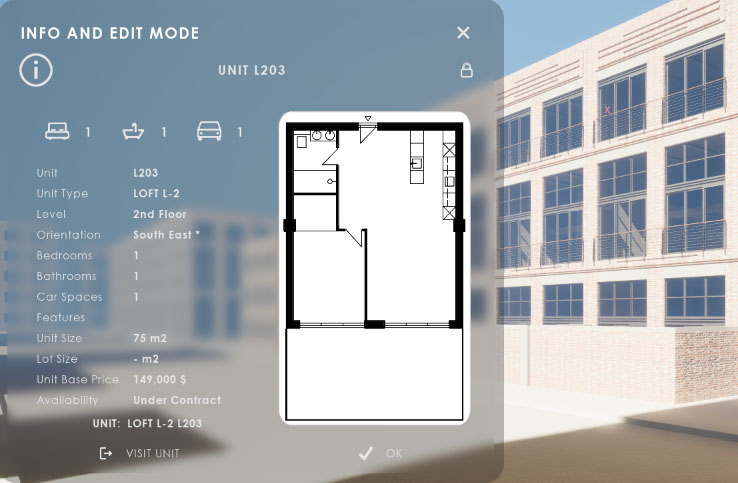
Multi-Unit Projects (Part 1)
Setting up a multi unit project, like an appartement building. The project runs locally and uses datatables to store data defining the units.
It could be used in a showroom on site or in the real estate office.
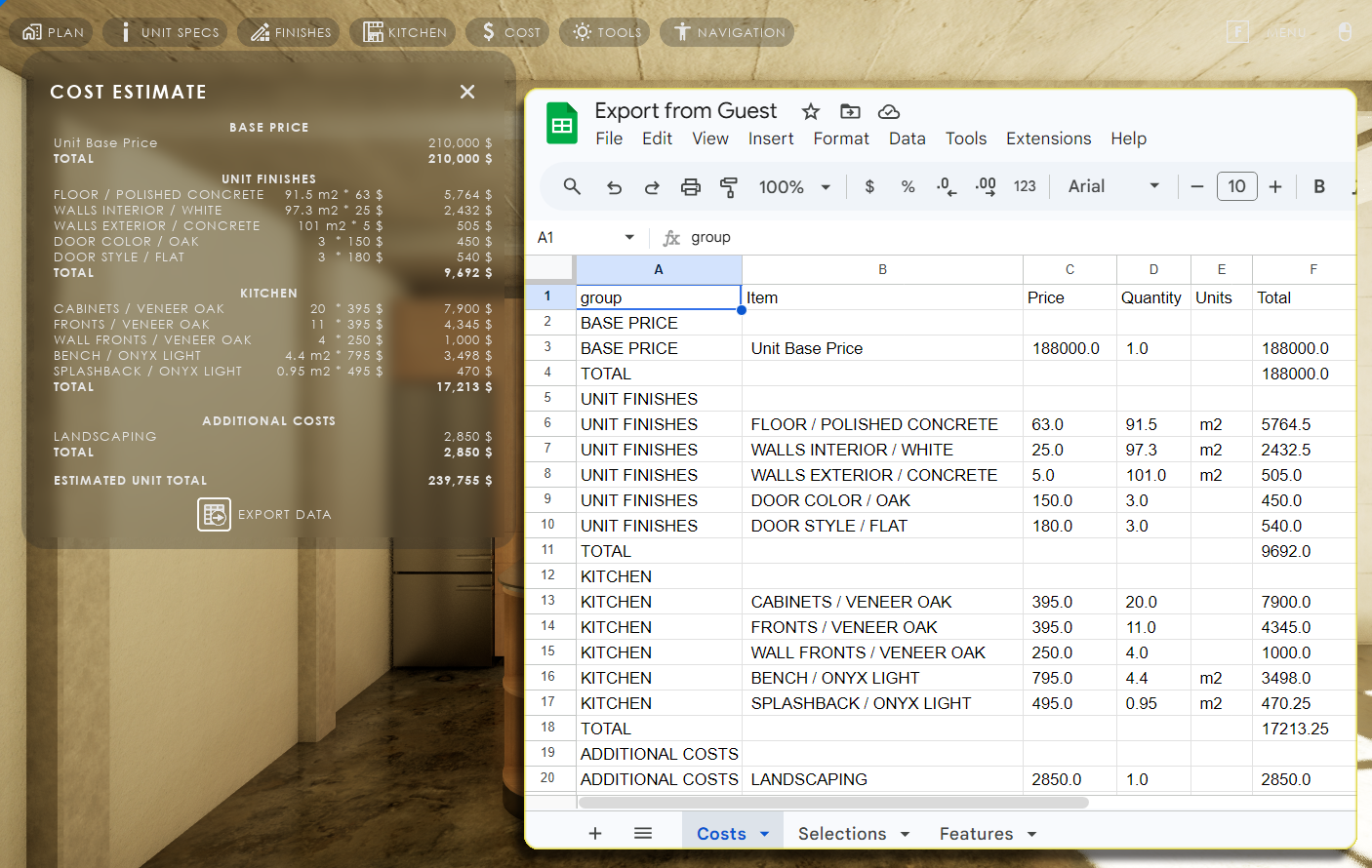
Google Cloud And Sheets
Using Google Cloud and Google Sheets to store and receive data for multi-unit projects.
Useful for projects running on remote servers. Allows real-time updates from a spreadsheet in Google Sheets as well as export of user choices to a Google sheet
Third party plug-ins are required for this to work.
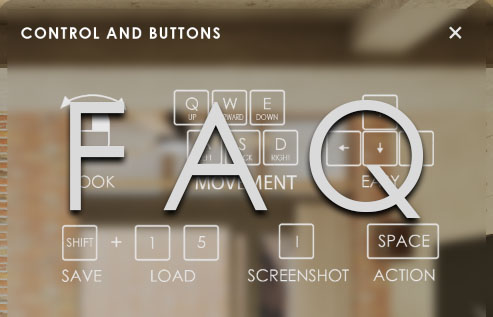
Frequently Asked Questions And Tips
Frequently Asked Questions for issues that are not bugs.
Tips for common tasks and how to properly use the UI3. How to connect to external plug-ins and more.
Known Bugs And How To Fix Them
Known Bugs in UI3 and possible solutions if you do not want to wait for an update. This may require editing some blueprints or widgets.
Also check the FAQ section.
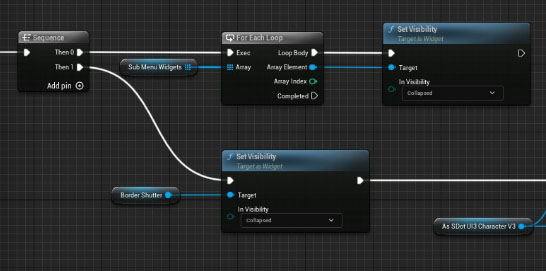
How To Update UI3
Best way to update the UI3 to a new feature version or a new Unreal Engine version.
General advice: Do not fix what is not broken! There is usually no need to update if you are happy with the project and you are nearing the end of it. An update may revert some of your work or it could introduce a new error. There is always a risk.
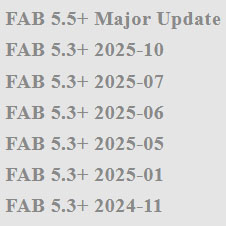
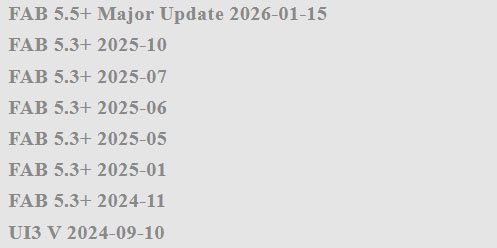
UI3 Version History
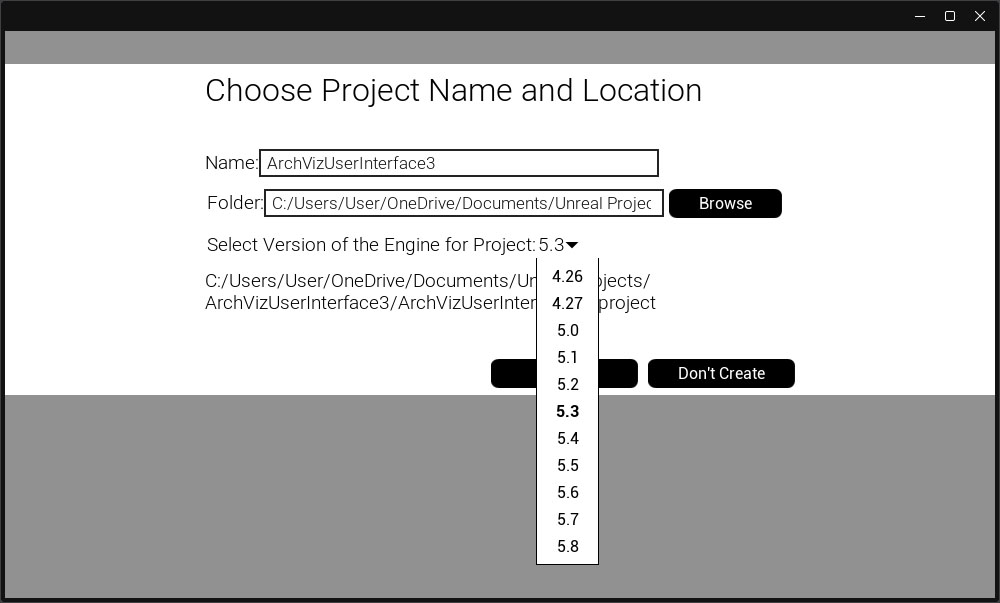
Version History for ArchViz User Interface 3. Updates and new Features will now only be provided for Engine Version 5.5 or later
- Last Update for Engine Version 5.3 to 5.4 was 12/2025
- Last Update for Engine Version 5.0 to 5.2 or earlier was late 2025
- Last Update for Engine Version 4.26 or earlier was 04/2024
Before you Update
- Data is now stored in Data Tables. The default Data Tables will be reset if you re-migrate UI3 files. Best to work in your own copies that have a different name.
- Make a backup of your project before updating. It should be enough to just backup the ArchVizUI_V3/UI folder.
- Avoid switching engine versions while working on projects or at least make a backup.
Check the Updating page for more information.
 Top of page