Table Of Content
User Guide
Custom Assets
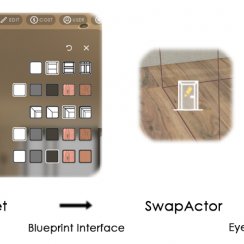
Swap Actor
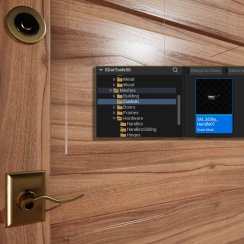
Additional Assets
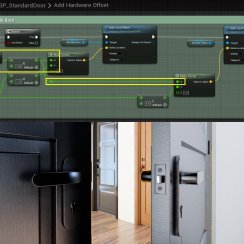
FAQ + TIPS
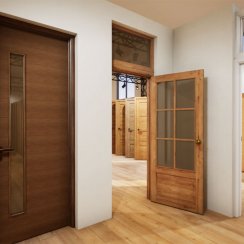
Doors UE4 (V1)
Interactive Door Blueprint - User Guide
Quick Guide for the Interactive Door Blueprint available on FAB and the Unreal Marketplace.
Written for the 2026-05 version for UE 5.5+. Names and position of settings are a bit different in earlier versions.
Interactive Door Blueprint - MarketplaceContent:
Installation
Epic Games Launcher
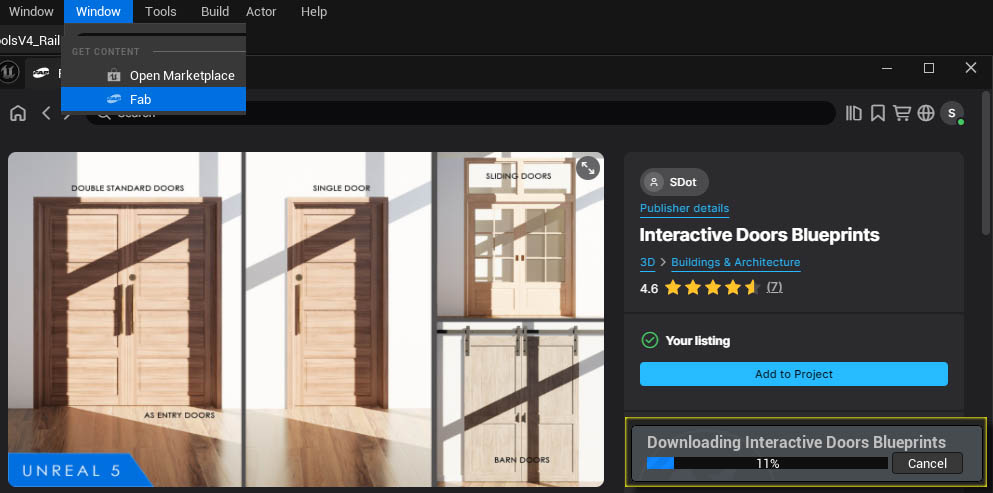
The Interactive Door Blueprint can be added to your project from the Epic Games Launcher.
- Navigate to Fab in the left menu
- Search for Interactive Door
- Add it to your project.
Use the FAB Editor plugin if the Launcher refuses to install.
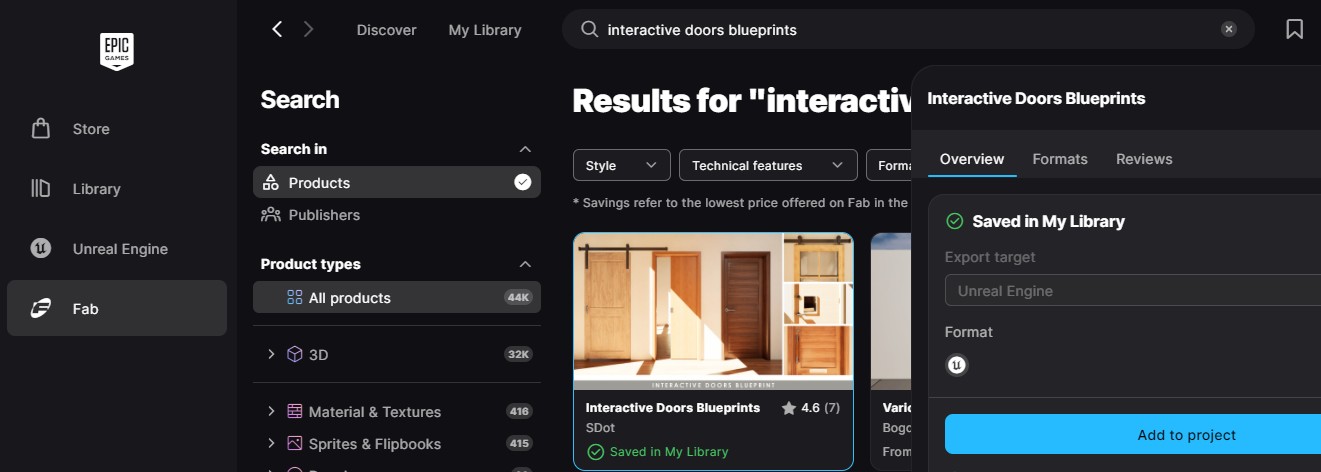
Installing with FAB plugin
- Open the Window menu
- Navigate to FAB
- Search for Doors
- Select the Interactive Doors Blueprint from the results
- Click on Install to Project
Updating
Allow to overwrite existing files. Already placed doors will stay where they are. Some settings may have to be adjusted.
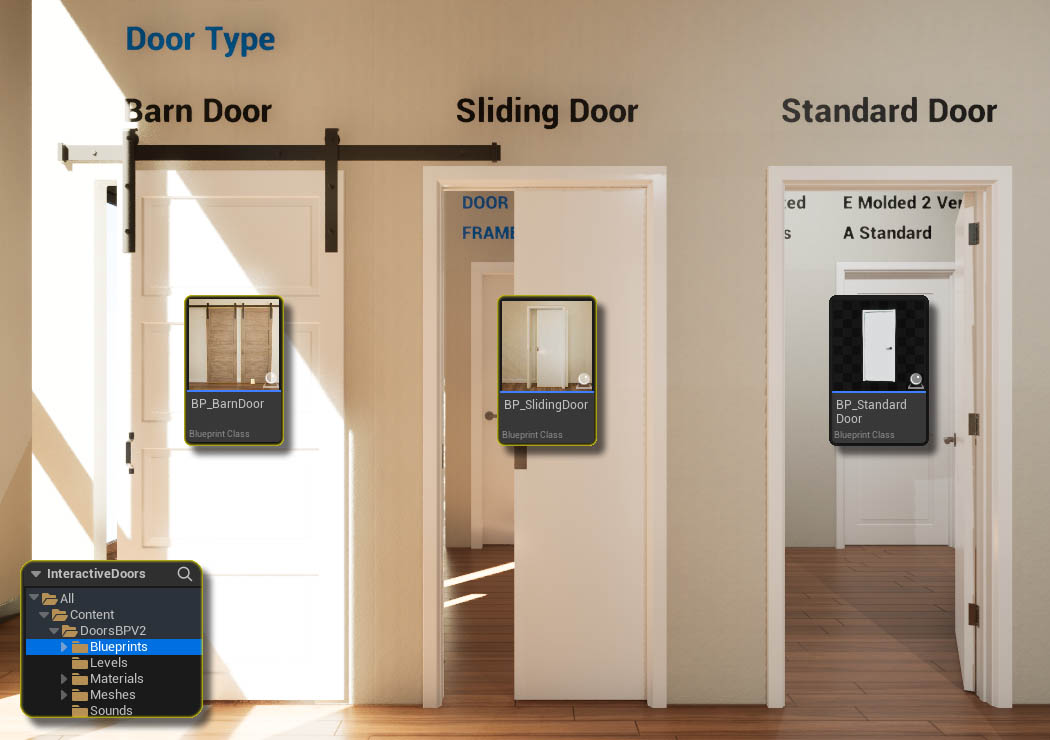
Door Blueprints
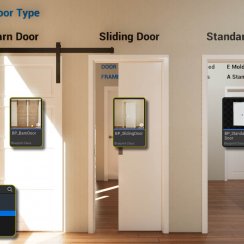
MyProject / Content / DoorsBPV2 / BlueprintsThere are three main blueprints available for different door types.
Standard Doors
BP_StandardDoor is for hinged doors opening inwards or
outwards.
Sliding Doors
BP_SlidingDoor opens into a wall cavity.
Barn Style Doors
BP_BarnDoor hanging down from tracks and opening to the side.
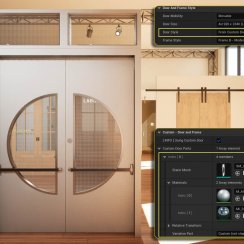
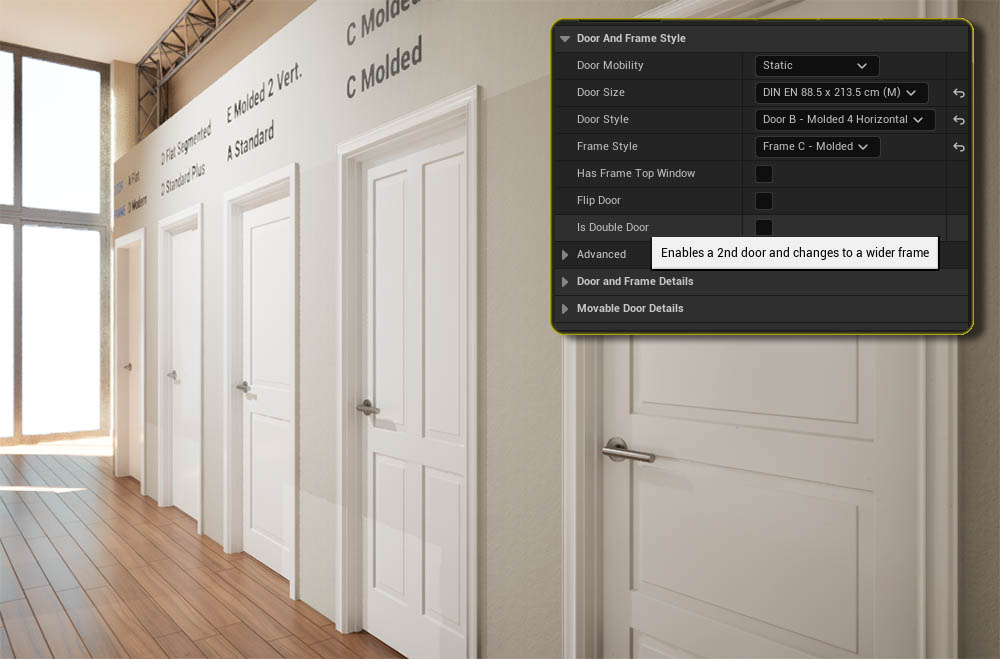
Door and Frame Styles
Hovering the mouse over a setting will give a pop-up with a short explanation.
Door Mobility
- Static The door is always closed
- Movable The door can open
Door Size
Pick the best size from the list. The nominal door size is different to the actual size of frame and opening in the wall. The exact size is displayed in the Addvanced settings.
Flip Door
Flips door handle and hinges to the opposite side. The door will open to the other side.
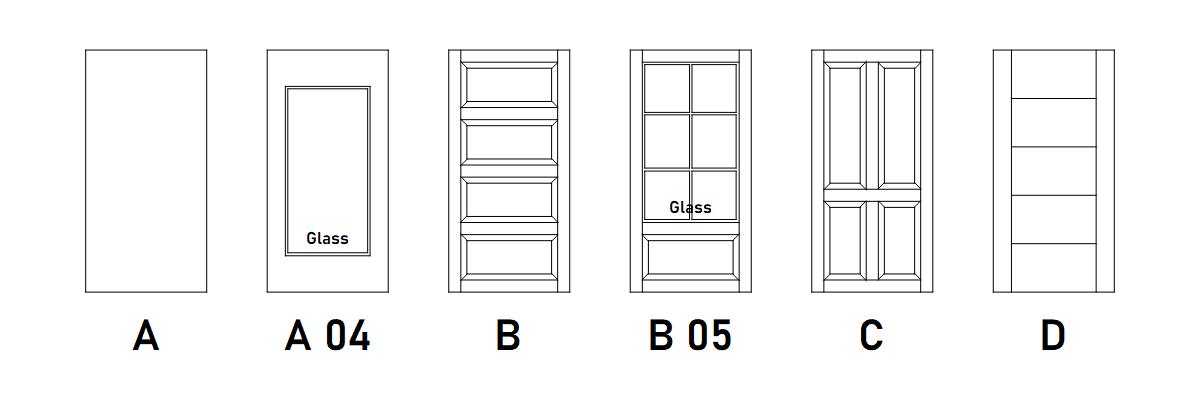
Door Styles
The list has 6 common door styles. A few more doors can be found in the Meshes / Doors folder. They can be added as Custom Style.
Two of the doors have glass windows: A 04 and B 05. There is also a full size glass door available.
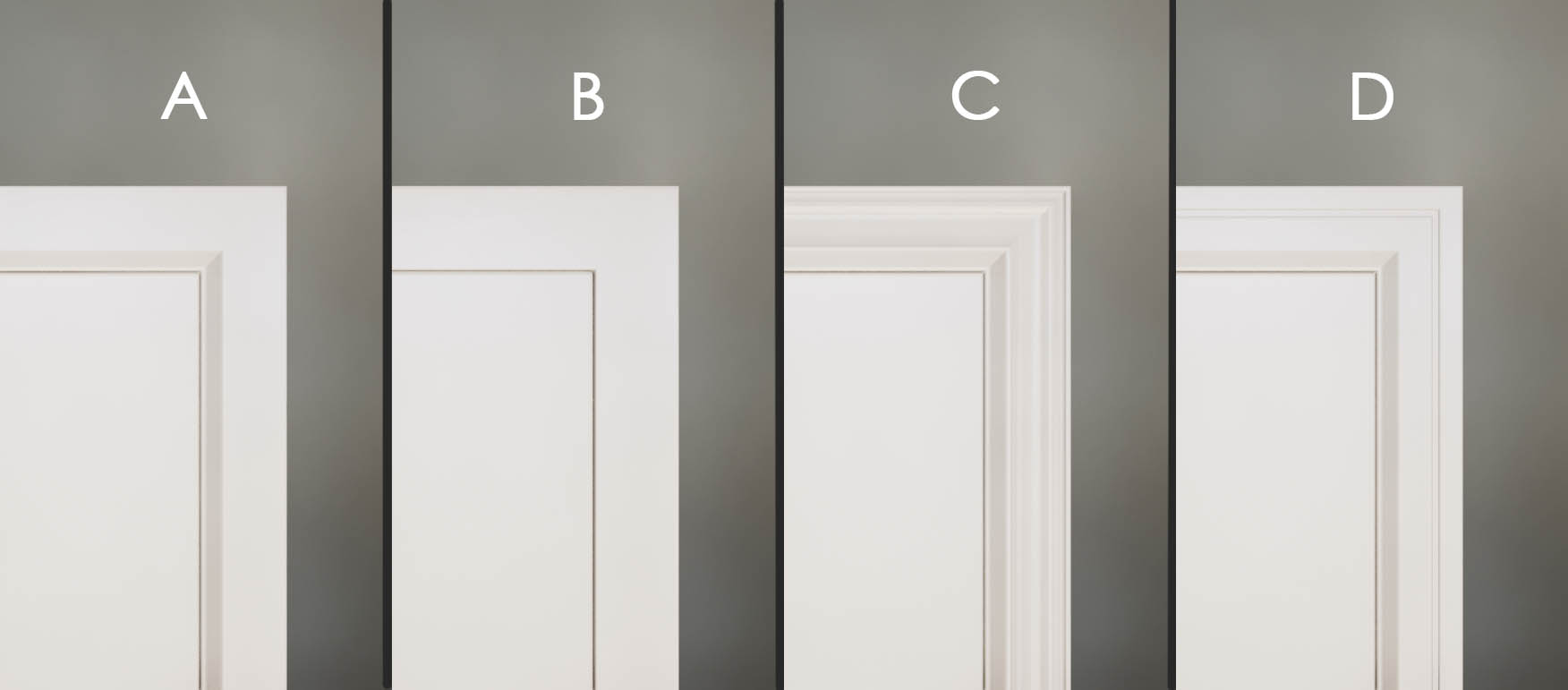
Frame Style
There are 4 frame types available from the drop-down list.
- A - Standard
- B - Modern
- C - Molded (Traditional)
- D - Modern (unavailable for sliding doors, use style A instead
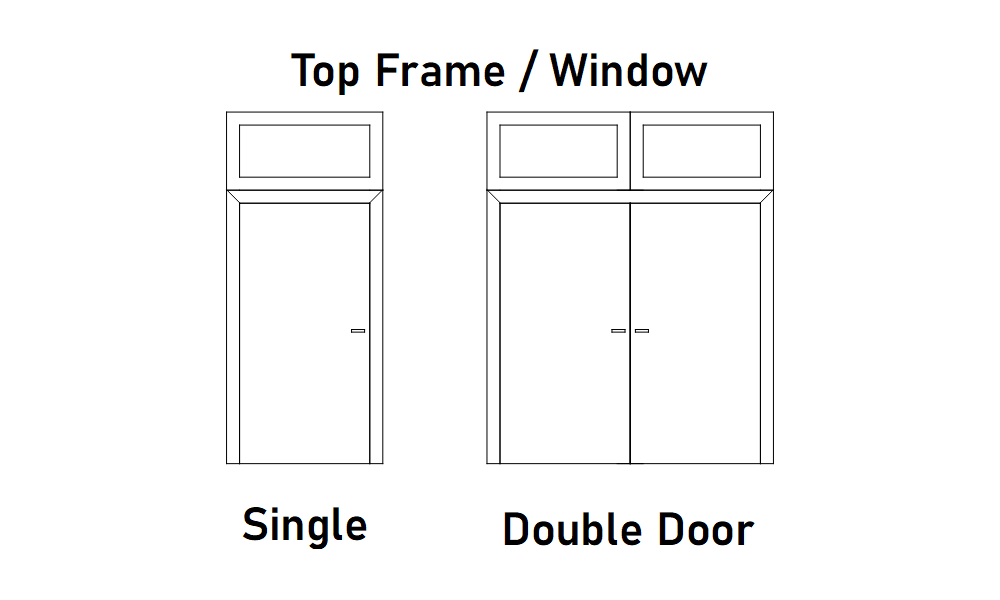
Is Double Door
Will turn the single door into a double door with a wider frame to fit both doors.
Has Top Frame Window
Will add a top frame with a window above the door(s). Currently the frame is always added as a standard A style frame.
Door and Frame Detail Settings
Door and Frame Details
Door Opening Angle
How much Static doors will stand open.
Door and Frame Materials
A set of materials for door or frame. Some doors have more than one material ID
Glass Material
Material for the glass mesh of some doors
Frame Window Height Scale
Adjusts the height of the optional frame window.

Movable Door Details
Auto Open
The door will auto open if the player comes within its collision box and close when the player exits the box.
Manual doors will have a prompt pop up to open the door. The player controller needs to support this (see elsewhere in the documentation)
Text Hints
Text hints are placed on each side of the door. The color, font and the hint text can be changed here.

Handles and Hardware
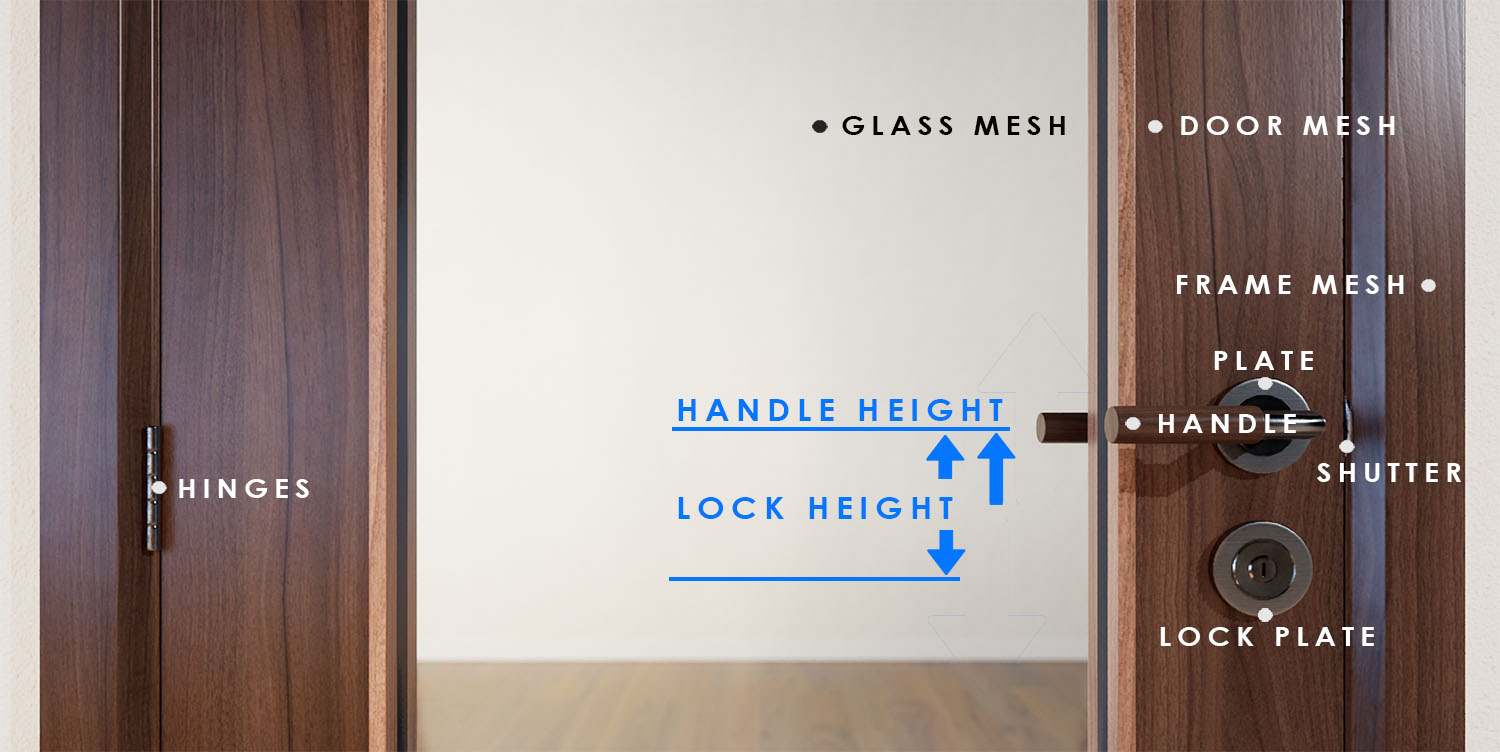
Hardware Naming
Selected Handles, Handle Plates, Hinges, and Shutters are added to the door and frame in the correct location.
The image shows the naming of the hardware.
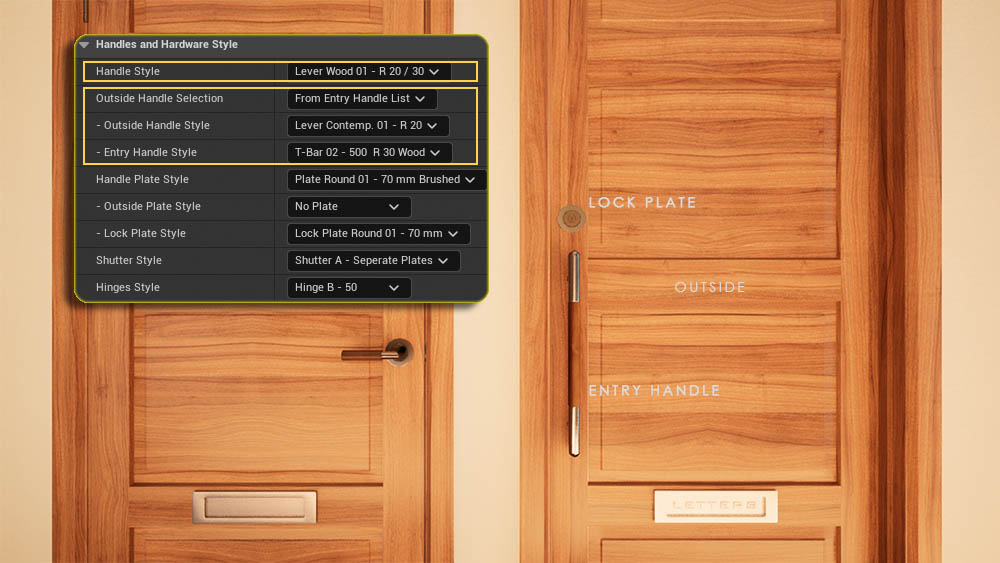
Handles and Hardware Style
Handle Style
The selected handle style is for both sides, unless a different
Handle Style is selected for the outside of the door below.
Outside Handle Selection
- Same as Interior Handle - default
- From Outside Handle List - a different handle than the interior.
- From Entry Handle List - a selection of fixed entry handles.
Plate Style Outside
A different plate than the interior.
Additional Lock Plate Style
Seperate plates for a key lock.
Handles and Hardware Details
Handle Height from Floor
This height is usually defined by local regulations.
Entry Handle Offset
The height offset for long entry handles.
Lock Plate Relative Height
Measured from the pivot of the handle
Materials
Sets of materials seperated for Handles and Plates and Other
Hardware like hinges, shutters.
 Continue Reading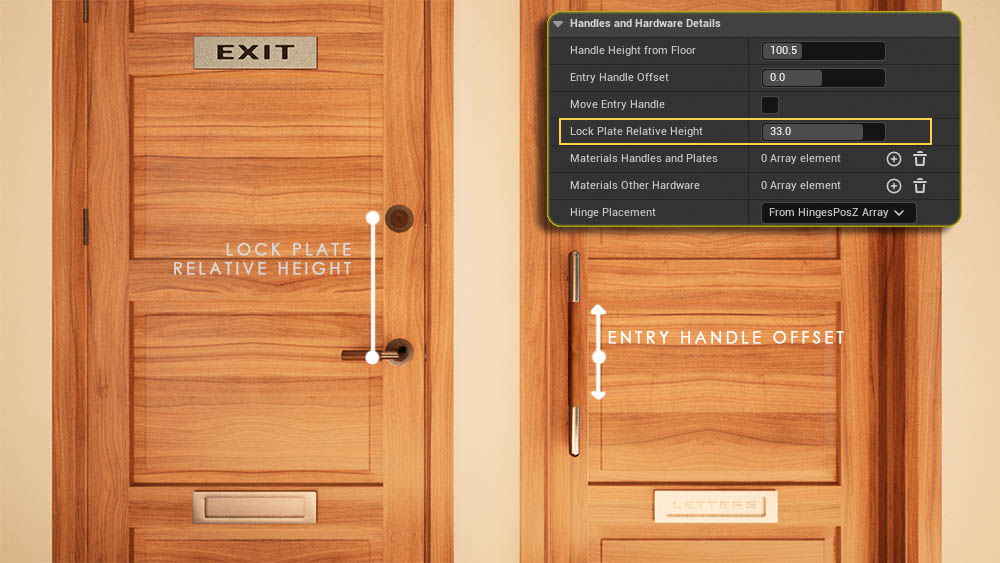
 Top of page