Table Of Content
New in 2026
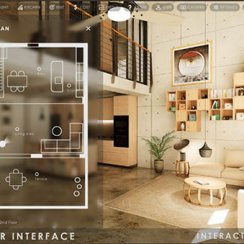
Quick Guide
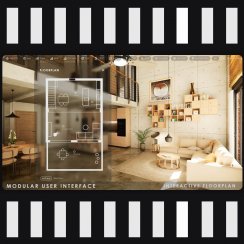
Video Guides
Getting Started
UI Design
Var Actor

Edit Scene
Designer
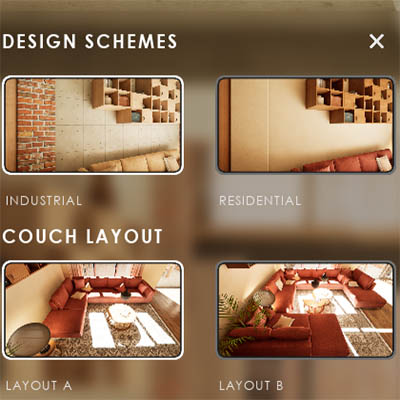
Feat. w. Preview
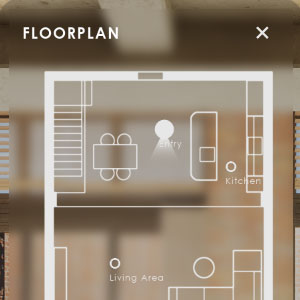
Other Features

Modes
Blueprints

Cost Reports
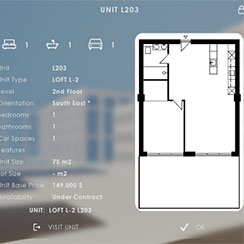
Multi-Unit-Prj
Google Sheets
FAQ & Tips
Fix Bugs
Updating
Version History
Videos
A List of Quick Guide Videos available on YouTube.
Most videos are not made for the latest version of UI3. But they still can be useful for understanding how it works.
Content:
Overview Video
Promotional overview video.Getting Started
Watch this first. It should give you a quick overview of the main features of the Arch Viz UI 3.- FAB and Installation
- Plugins
- UI Panel Overview
- Settings
- Interaction
- Packaging
Use of Data Tables
A quick introduction for the use of the data tables in the new version of the UI3.
There might be more places where data tables are used. This gives a general understanding of how data tables work.
Quick Guide Videos
Features With Preview
Accompanying Video giving a quick overview of how to use Features with Preview widgets in the UI3 user interface.
Designer
A quick guide about the Designer, how it works and in what cases it is meant to be used.
Variation Actor
This should give you a quick overview on how to use the Variation Actor and what it can be used for.
UI Settings
- Widget Layout Design
- UI Colors
- Text Format
- Icon Replacement
- Text Translation
Cost Tracking
Slightly out of date!Prices are now entered into the Variation Details array of the Variation Actor and Choices array of the Designer. The rest should be more or less the same.
Optional Plugins
Connect to Ultra Dynamic Sky and Easy file manager.You can just rename the BFL_Custom_xxx files to *.uasset to connect UDS and File SDK plug-in.
 Top of page