Table Of Content
New in 2026
Quick Guide
Video Guides
Getting Started
UI Design
Var Actor

Edit Scene
Designer
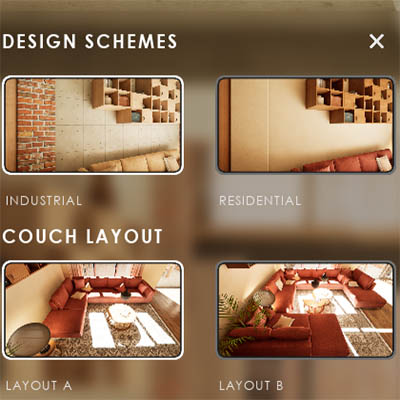
Feat. w. Preview
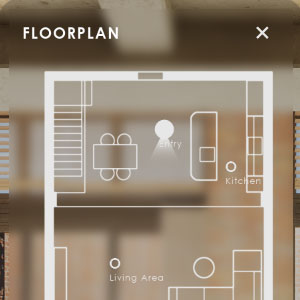
Other Features
Modes
Blueprints

Cost Reports
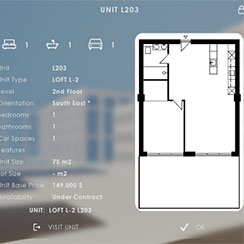
Multi-Unit-Prj
Google Sheets
FAQ & Tips
Fix Bugs
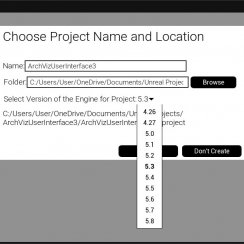
Updating
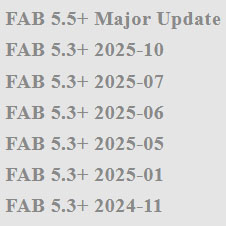
Version History
UI3 Version History
Version History for ArchViz User Interface 3. Updates and new Features will now only be provided for Engine Version 5.5 or later
- Last Update for Engine Version 5.3 to 5.4 was 12/2025
- Last Update for Engine Version 5.0 to 5.2 or earlier was late 2025
- Last Update for Engine Version 4.26 or earlier was 04/2024
Before you Update
- Data is now stored in Data Tables. The default Data Tables will be reset if you re-migrate UI3 files. Best to work in your own copies that have a different name.
- Make a backup of your project before updating. It should be enough to just backup the ArchVizUI_V3/UI folder.
- Avoid switching engine versions while working on projects or at least make a backup.
Check the Updating page for more information.
Content:
FAB 5.5+ 2026-07
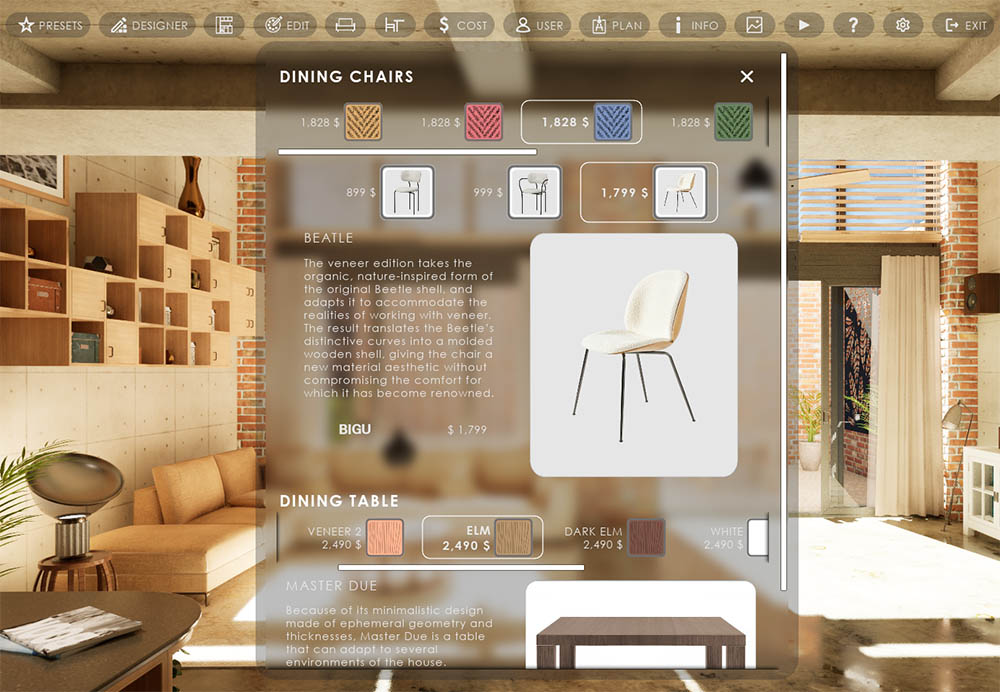
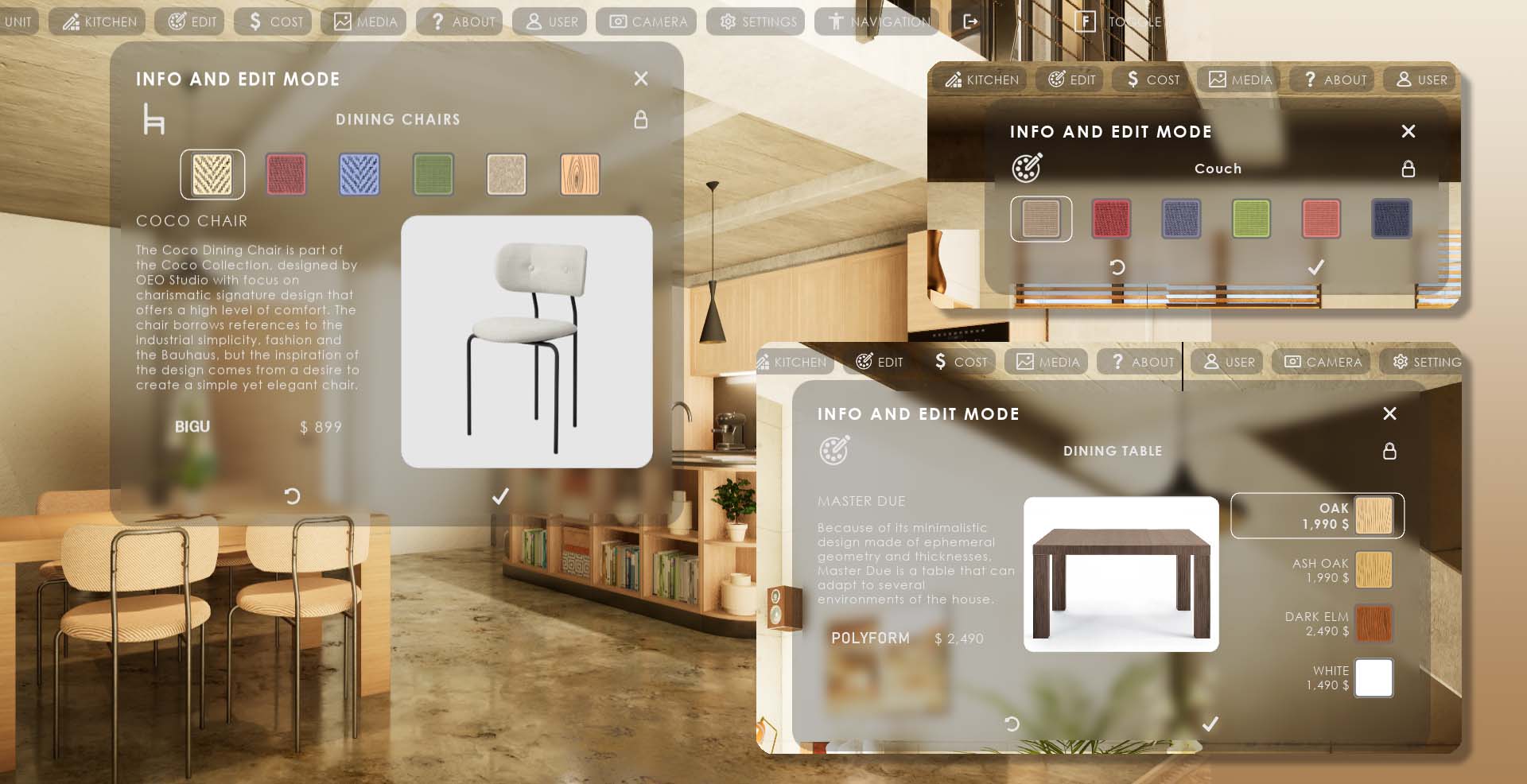
Edit Mode widget panels can now be placed multiple times with Variation Actors permanently linked to them. This way the user doesn't need to pick the object in the scene.
Improved panel positioning on all sides of the screen
Added splash screen options
Fixed map check errors and improved general quality
This update should be the last big feature update for a while. Documentation is up to date. Versions 07.1 and 07.2 are fixing minor bugs.
FAB 5.5+ 2026-06
Menu Positioning- Main menu buttons can now be placed on all sides of the screen
- Menu panels can now have a vertical scroll bar
- Improved the way the panel width is defined
- removed obsolete and unused functions
Mesh and material updates
- updated glass material
- replaced light fixtures, windows, media cabinet and assets with Nanite meshes
- updated book materials

FAB 5.5+ 2026-04.1
Replaced the older Touch Input nodes with newer Enhanced Input nodes. Moved touch input actions and mapping to Touch Controller
Fixed issues with the Remote Google Sheets support. This should work again. Check the documentation.
Some Reports and some minor bugs fixed.
FAB 5.5+ Major Update 2026-01-15
Major Feature Update- Minimal Engine Version for this update is 5.5
- This version is not fully compatible with previous versions. Some work may be lost when updating
- Exporting to remote Google Sheets is not working in this version (separate update files will come soon)
Changes
- Easier setup. More pop up descriptions for variables.
- Blueprint clean up. Better comments and easier to understand node layout.
- Increased use of Data Tables. Friendly names to identify Features.
- Data can be shared over projects or scenes reducing repetitive work.
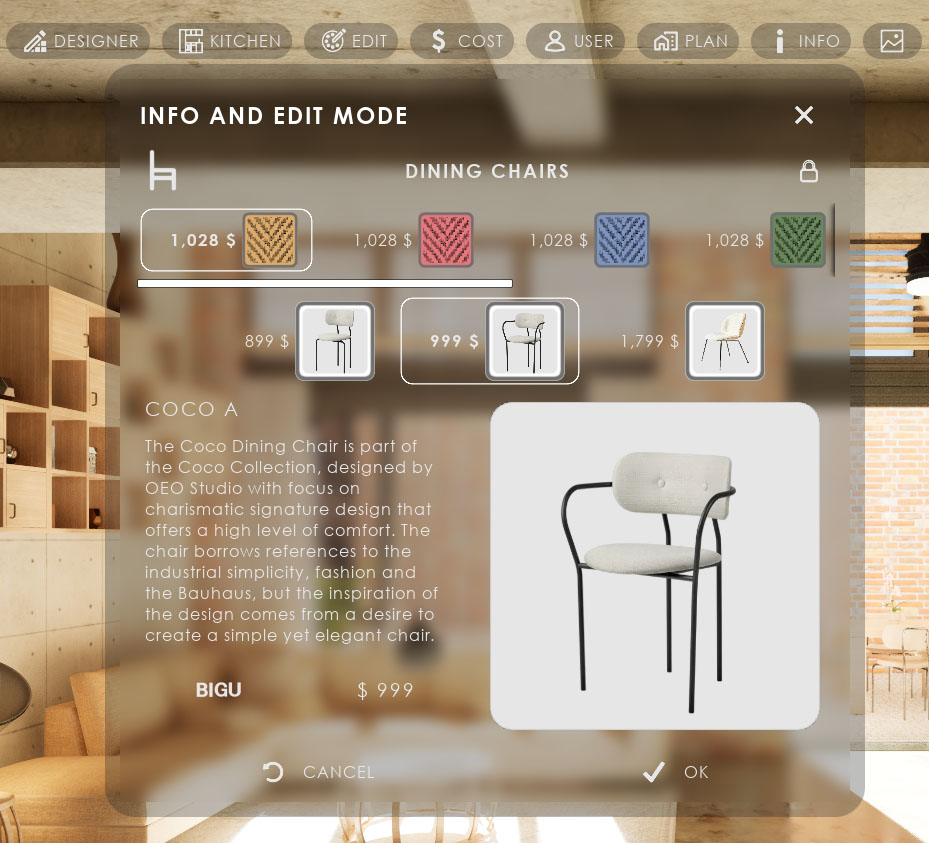
- Edit mode now allows changes to Mesh and Material independently
- Most meshes are now built for Nanite and are using standard materials. Meshes now have materials with multiple IDs.
- Some improved visuals and the use of high polygon Nanite enabled meshes.
FAB 5.3+ 2025-10
Feature Updates
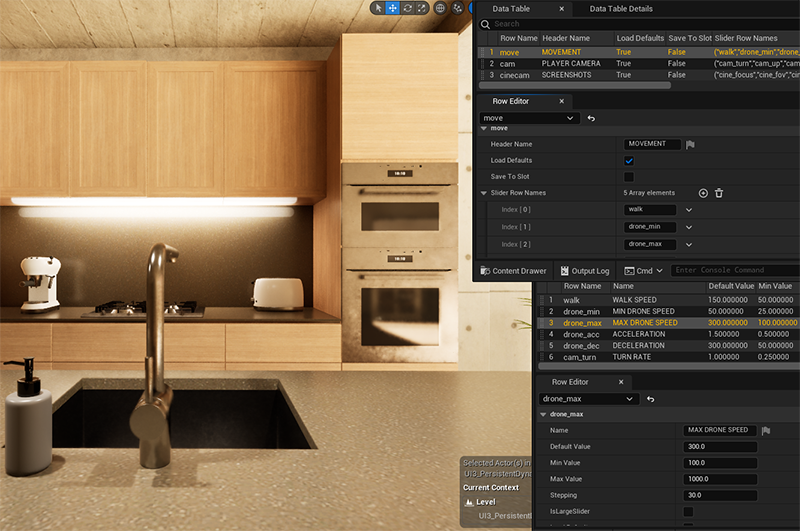
- Slider Groups, Sliders, Buttons data is now in data tables.
- North Direction can be set in menu or data
- Added Menu Switcher blueprint (experimental)
- Added tick box to restore last session from save game
Functionality Updates
- Unified Sliders and Buttons to use the same logic
- Menu Layout is now always taken from data table
- Removed some unused functions
FAB 5.3+ 2025-07
minor update 27/07/2025
Functionality Updates
- Moved Reports type data to data table. Data Tables widget now creates csv files that can be used in google sheets.
- Settings logic improved and data put into data tables. All sliders actions are now in one function. Sliders can be re-ordered, deleted or added to the widgets.
Fixes and other improvements
- infinite loop crash when adding more than 35 variations to a single actor
- widget panels overlap
- Unit price and lot size mix-up
- Missing Nanite Settings
FAB 5.3+ 2025-06
Finalizing Multi-Unit extension.- Now with multi unit example project in MUP folder. Large version of the LOFT example building with 9 units in 3 unit types. Access to all units from overview level.
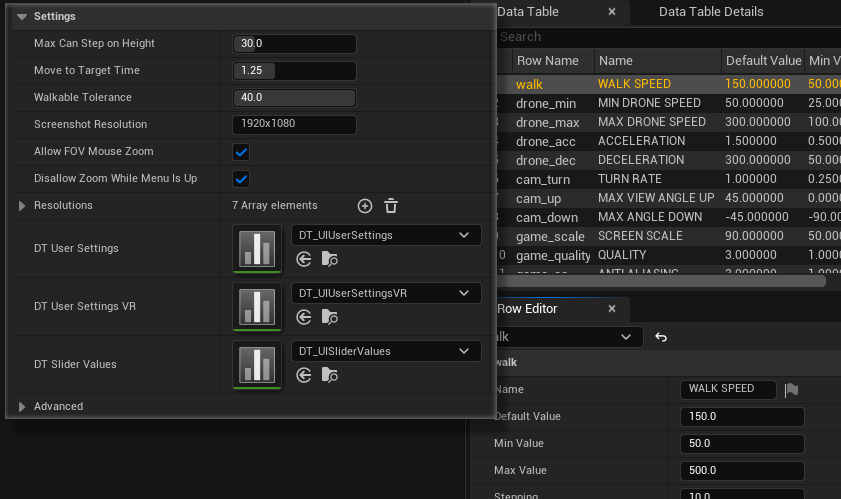
- To work well in larger projects with multiple scenes important UI settings can now be shared by using the same data tables.
- Added option to user manager to share users between multiple levels or set user from outside unreal engine
- Recently tested the project in 5.6 pixel streaming on tablet with touch screen.
 Multi Unit Project Documentation
FAB 5.3+ 2025-05
This update improves the UI3 for the use in multi-unit projects- Use of Data Tables to store information. These can then be used in multiple scenes. This also makes navigation within the Info Map easier
- Preparations for the use of remote data and reports saved and read from Google Sheets. A plug-in is required and a couple of files need to be replace.
There will be a tutorial available soon on how to make the changes to get remote access to the data used and changed within the UI3.
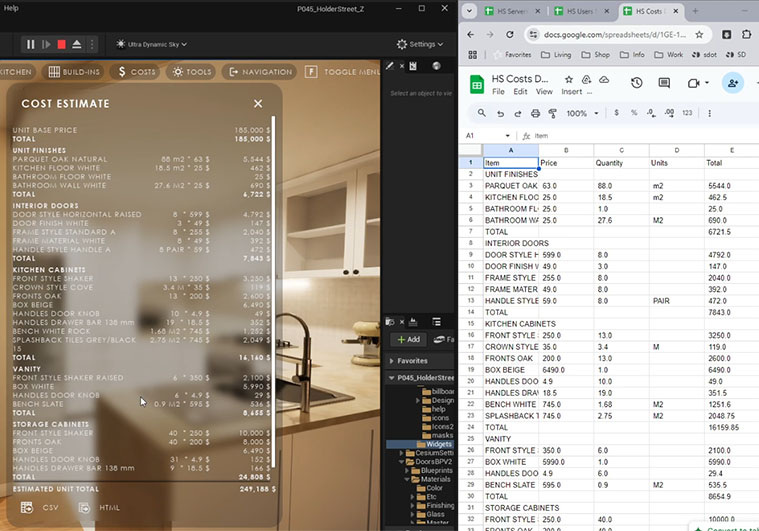
- Edit Mode has the option for Horizontal and Vertical choices lists. Widgets visually improved.
- All media and info images now have Rounded Corners.
Backbone changes to prepare for remote user and data control. W.I.P.
FAB 5.3+ 2025-01
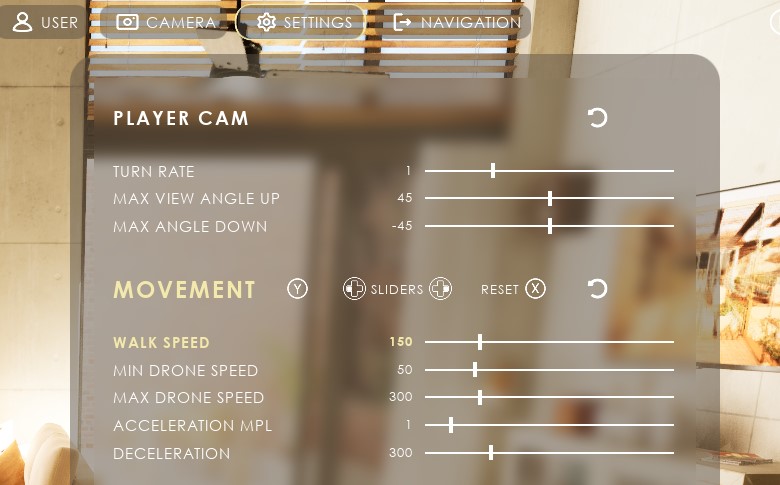
Gamepad Navigation improved. Check images in help folder.- Browsing between features is now the Y button. Holding Y goes up.
- Browsing the menu or controlling the sliders now happens by clicking the control pad in the obvious direction.
- Updated / added hints in feature header when using a gamepad.
- Reset is always X-Button.
- Designer now requires confirmation to change.
Edit Mode now starts from the current choice.
Dynamic sun settings now applied as default
FAB 5.3+ 2024-11
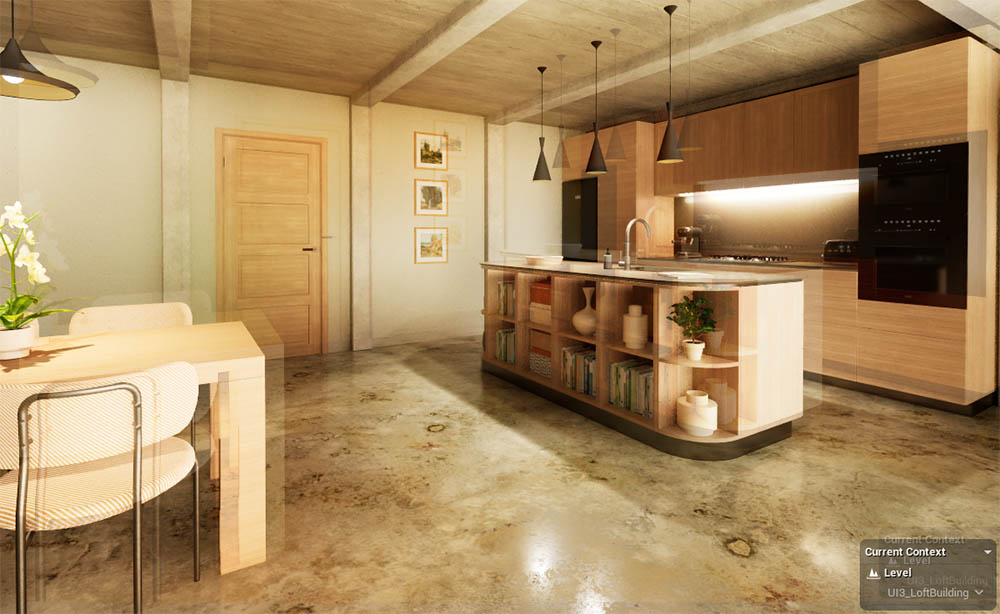
- New config files and updated PPVs to avoid image ghosting on some systems
- Fixed not being able to move with VR controller (set to 2D axis now)
- Fixed sequence restarting instead of pausing with gamepad
- Fixed blueprint access none error due to empty variation actor details when UI is added to new level and played instantly
UI3 V 2024-09-10
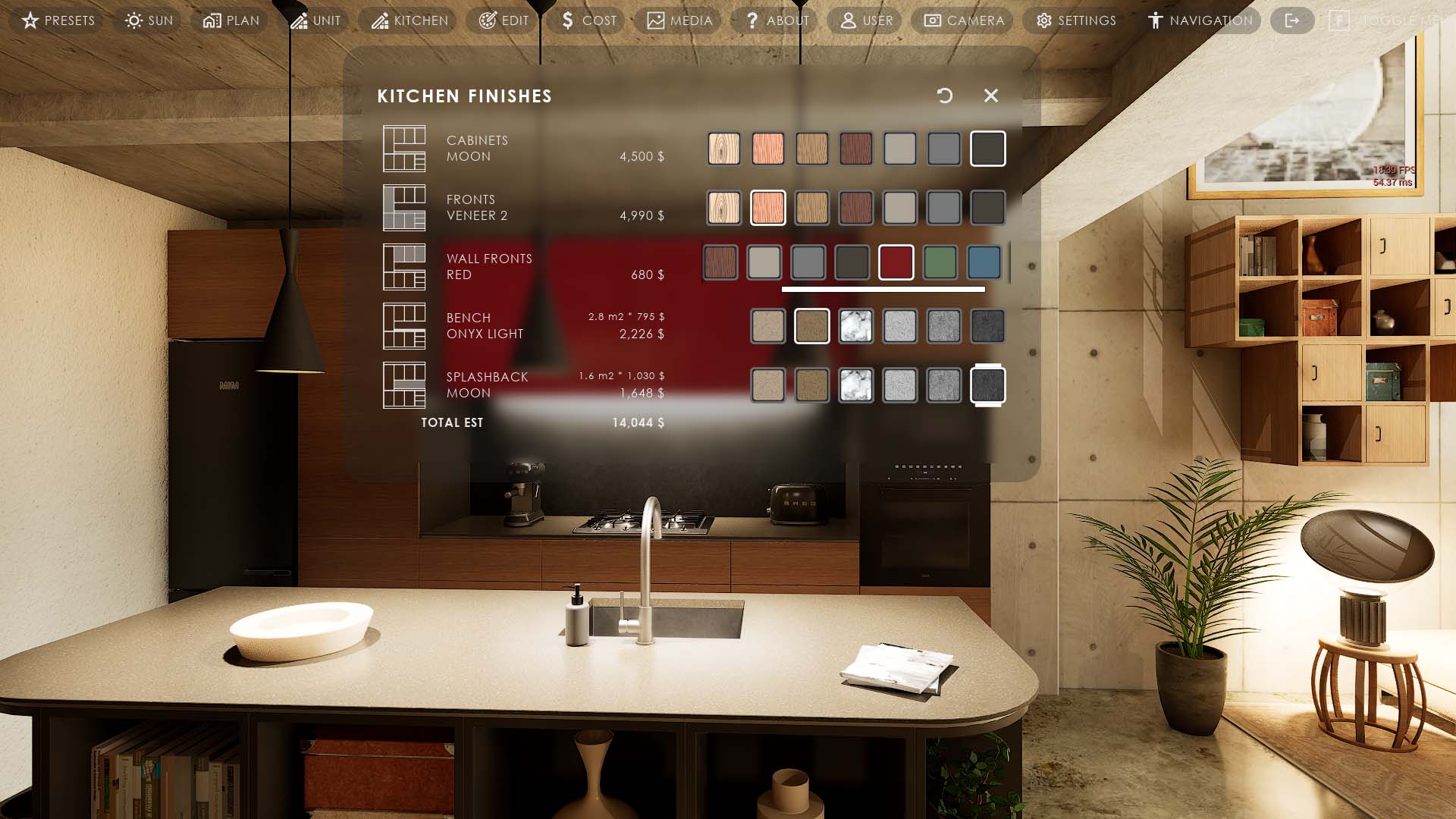
New Designer Feature
- table like UI Widget.
- can change objects without selecting it.
- can change materials and mesh variations of the same object.
- works with all other features and reports
- works with modular kitchen builder and door blueprint
Visual improvements and optimizations
- better button borders and image frames
- better focus and active choices marking
- moving some functions into library for better customizations
- improved blueprint logic and readability
- added one click presets for gamepad, touch and VR related settings
- Enhanced input for all Unreal 5 versions
UI3 V 2024-06
3.3.4.2 June 2024Unreal 5.3 and later only
- Edit Mode now includes Object Info.
- Updated Input method to Enhanced Input. The Input Context actor is UI/Etc/Input/MC_ArchVizUI3.uasset.
- Movement and browse have been swapped on all controllers. Left hand is move now and right hand browses the menu.
Unreal 5 - all versions
- Added Update Blueprint tick box to rescale the floorplan.
- Disabled real-time capture of skylight to avoid performance drops.
- Improved cost tracking and the on-screen report. SDotUI3_CostGroup actor can be placed to add cost items to individual levels.
- implemented group totals and level cost info widget and CSV export
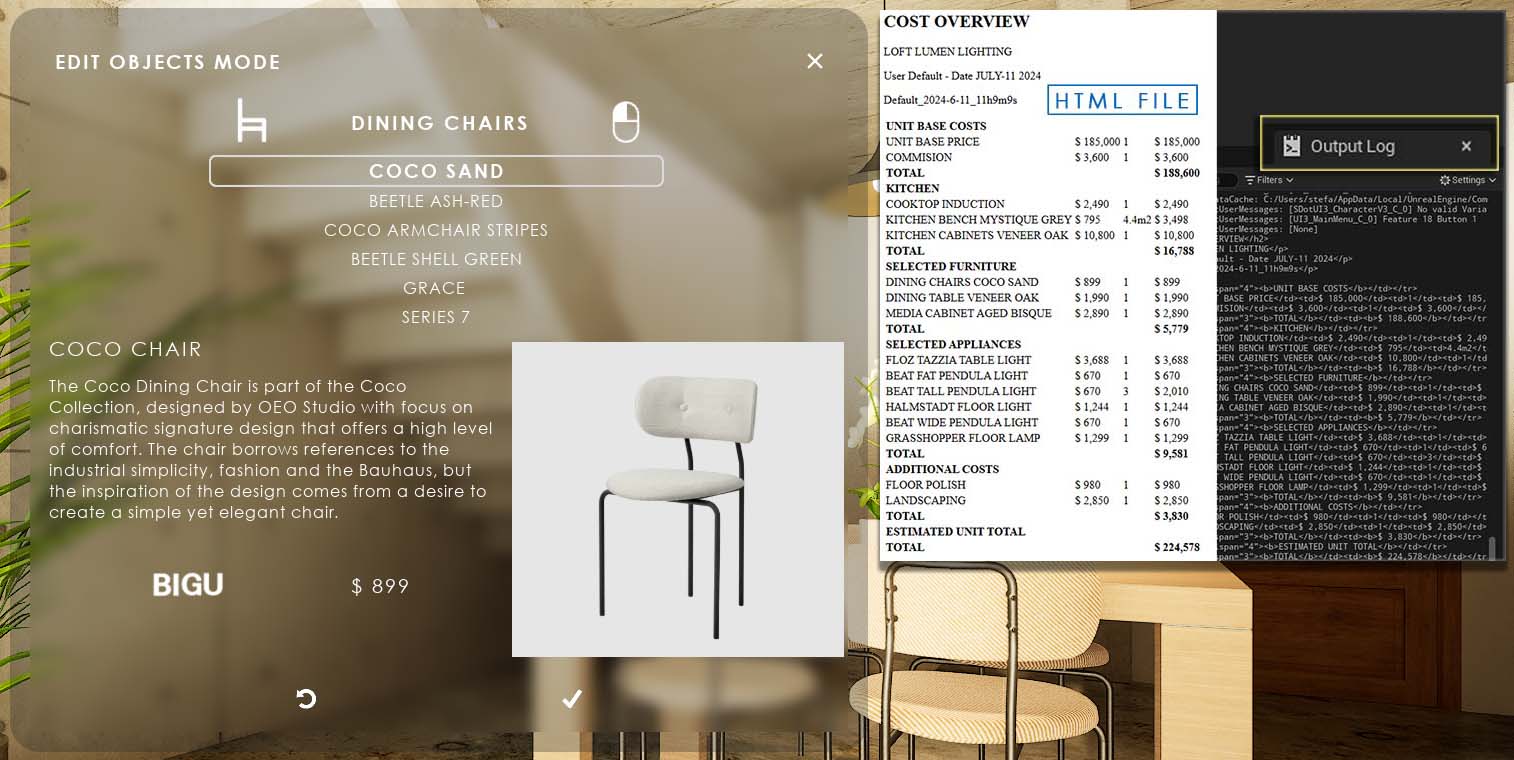
UI3 V 2024-04.1
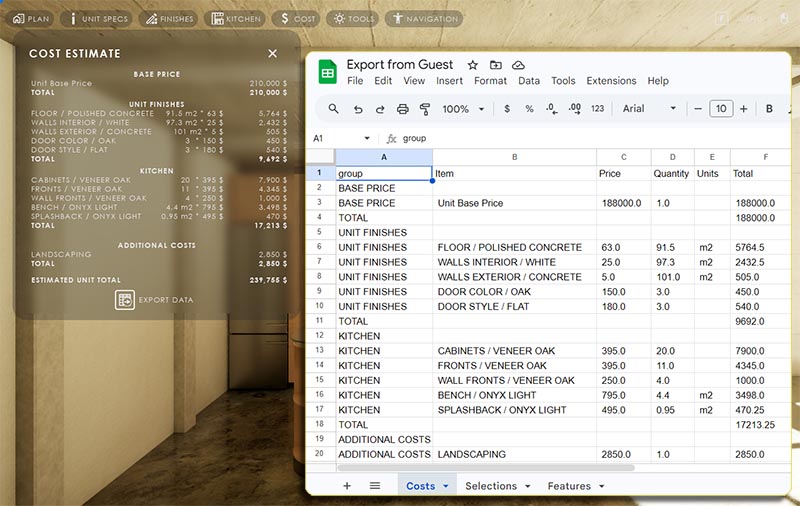
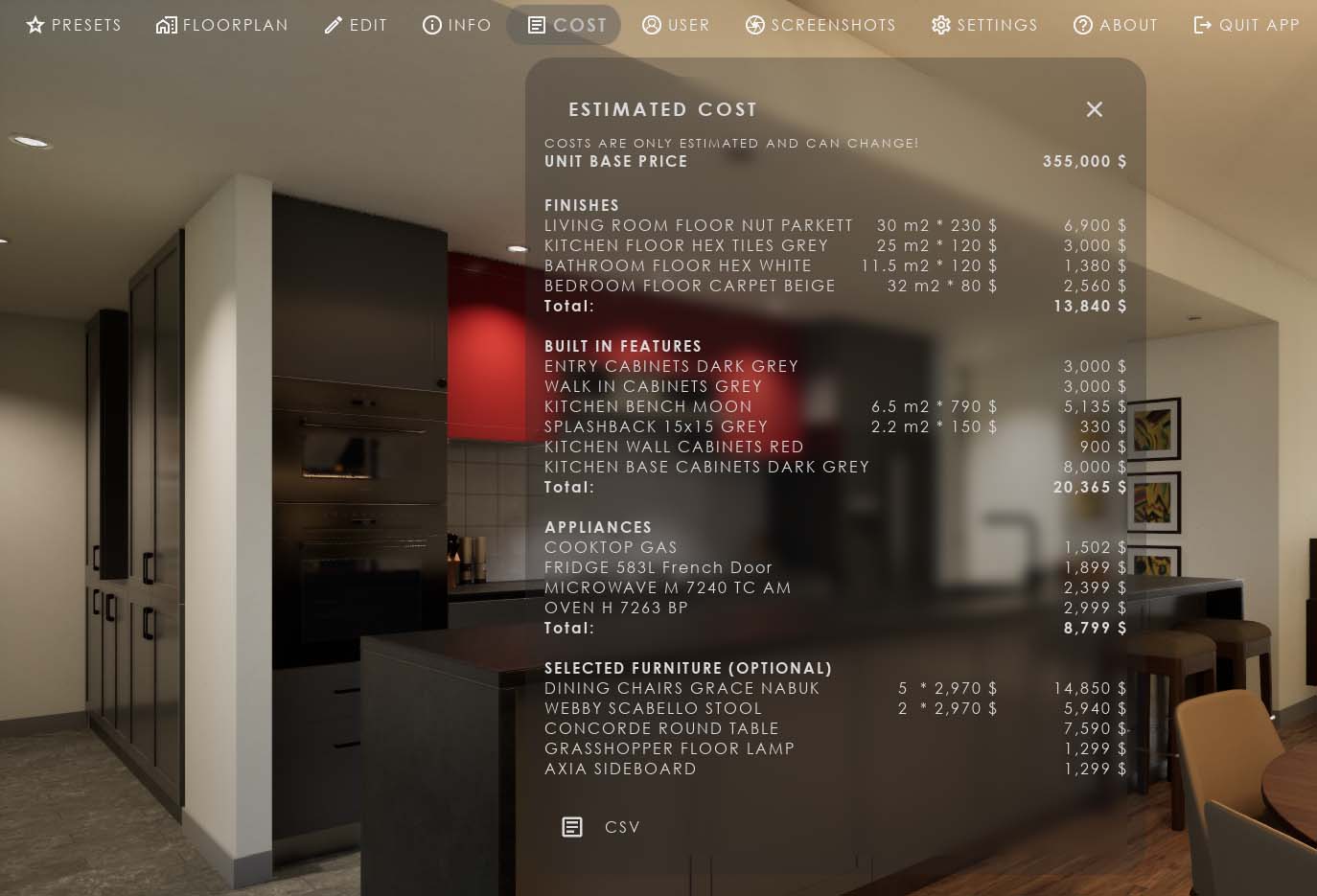
This update is for Unreal Engine 5 only.- Added Cost Estimate Widget. This calculates the cost based on user choices. (Object Info - Feature ID 1)
- The Variation Actor has a price array for each variation. This can be used instead of adding an Info Object for each variation.
- The first info array element will be used if the current variation doesn't have an array element.
- The price will be listed next to the variation name.
- The cost data can be exported as a CSV table.
Unreal 4 requires baked lighting most of the times. This makes changing static meshes in the scene difficult. I recommend using Unreal 5 instead.
UI3 V 2024-04
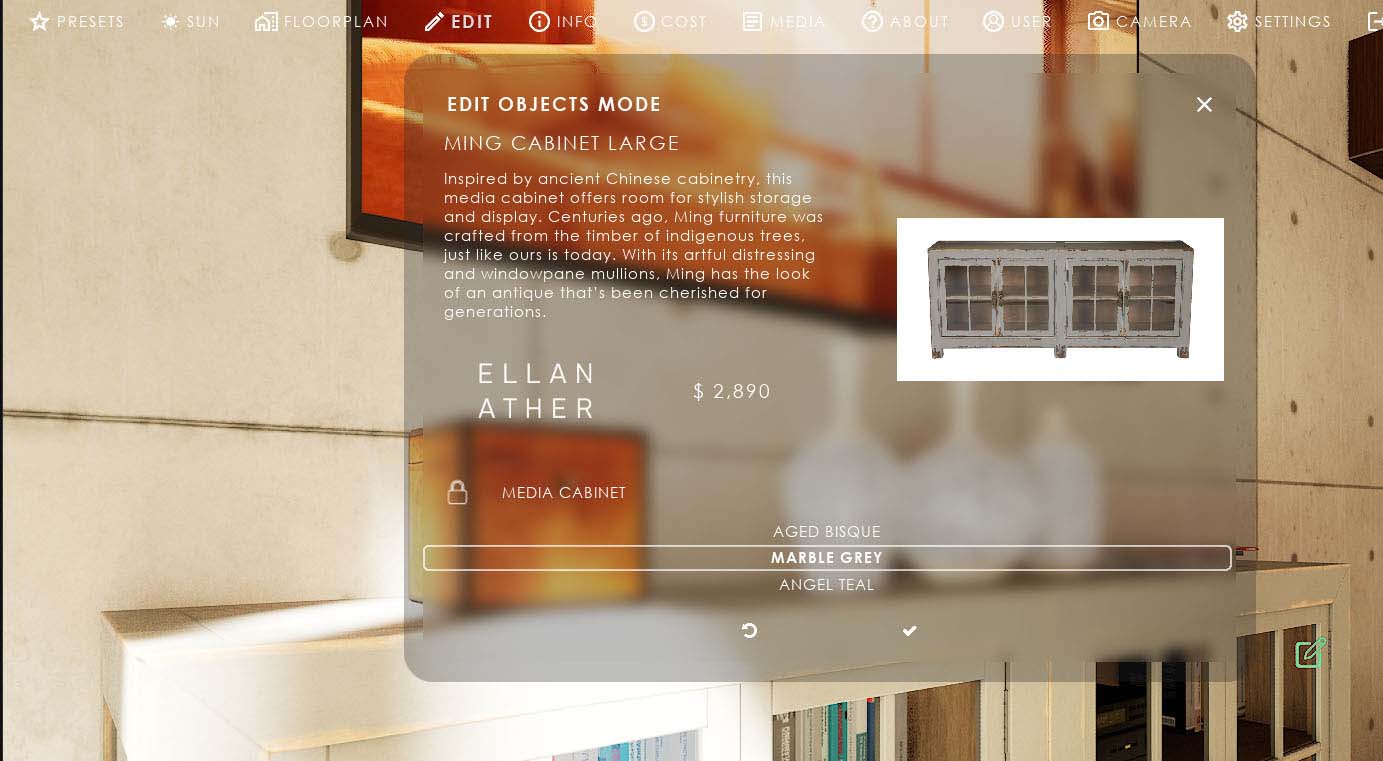
Object Info feature- Added BP_SDotUI3_ObjectInfo Blueprint actor. It works similar to the Variation Blueprint and displays an image and information text for selected objects in the UI.
- The Variation Blueprint got an Object Info section too
- A JSON data file for the inventory list can be created. The CSV and HTML formats are now working proper log (requires easy file manager plugin to create file)
Other
- A small target cross is now displayed during actor searching for Info Objects and Variations. The target can be offset from center.
- Player camera height now changes the VR tablet position with it
- Location Names can now be hidden and their size can be adjusted in the Floorplan widget.
UI3.2.4 - May-July 2023
July 2023
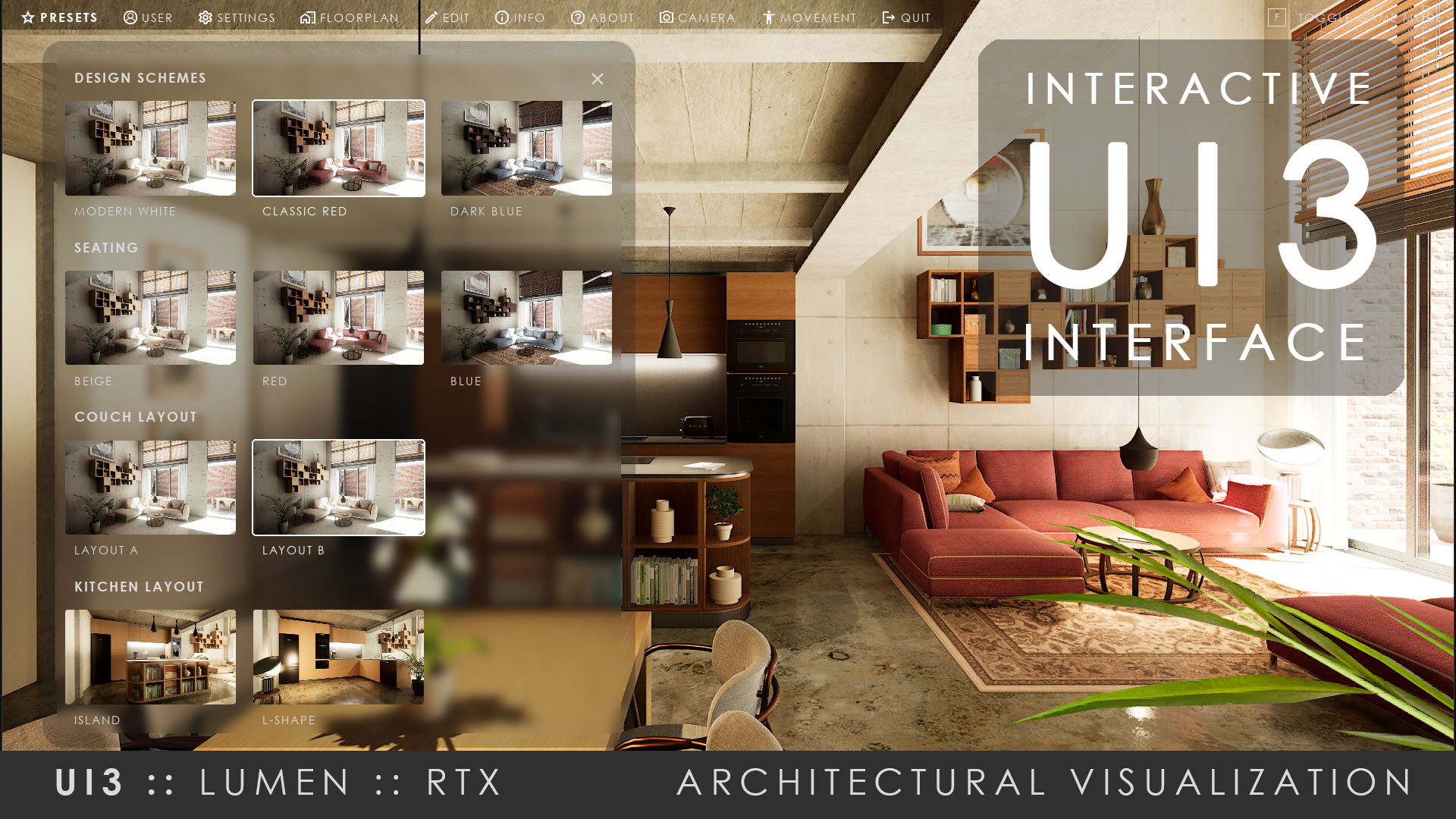
This update completed the 2023 major UI3 improvements.- Merged Scenario, Design Scheme, Scene Travel, Sequence Player with the 5 Custom Features into Features with Preview. There can be as many as needed.
- The Dynamic Sky got a 'Speed' setting that will animate the daylight cycle when larger than 0.0.
- Game Settings can now be changed in the UI to improve quality or performance.
May 2023
- Temporary enabled additional 5 custom feature panels that can contain Design Scheme, Scenario, or Scene Travel. Gives the opportunity to change object groups independently. Like the kitchen area, or the seating area.
- The Font can now be changed within the Info Map.
- Improved design options, like colours, or text and icon sizes.
UI3.2.1 - March 2023
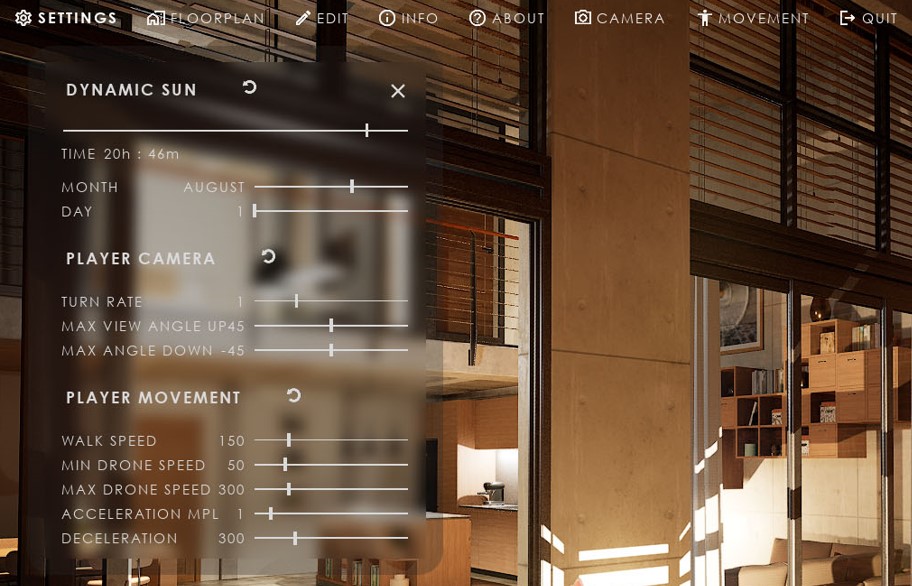
This is a major improved version. Some data from older projects would need to be re entered after updating from previous versions.- This version introduced a modular interface. Feature Panels can be moved to any main menu item. Main menu items can be moved, added or deleted.
- Fully translate all used text into a different language using text arrays for everything that wasn't customized already.
- General quality update and fixes of problems that surfaced over time.
UI3.1.5 - April/Mai 2022
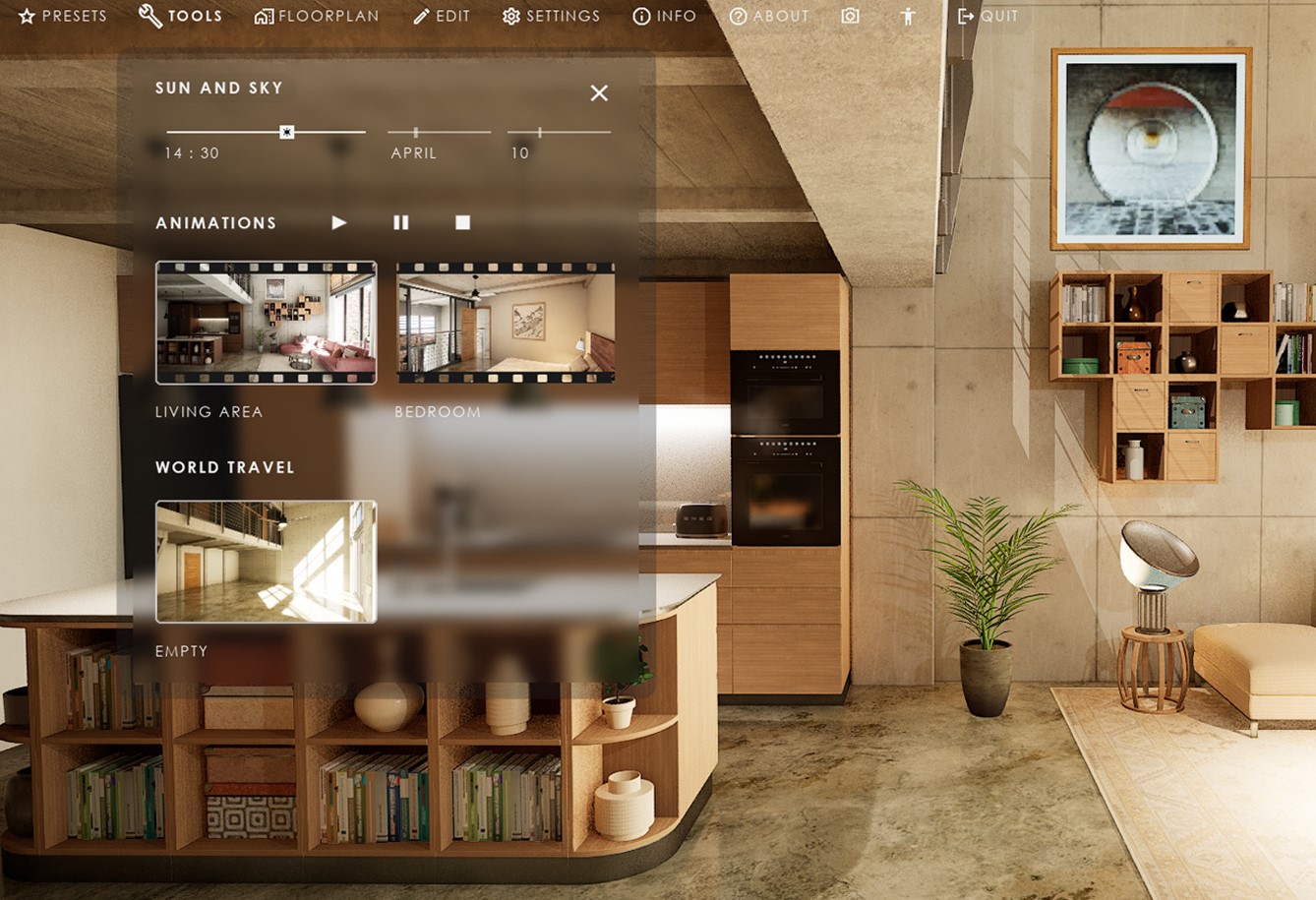
Unreal Engine 5 released.- Added fully dynamic lighting
- Dynamic Sun and Positioning
- Exposed text for better translation (wip)
Updating to this version requires some data to be re entered into the Info Map.
UI3.1.5 - March 2022
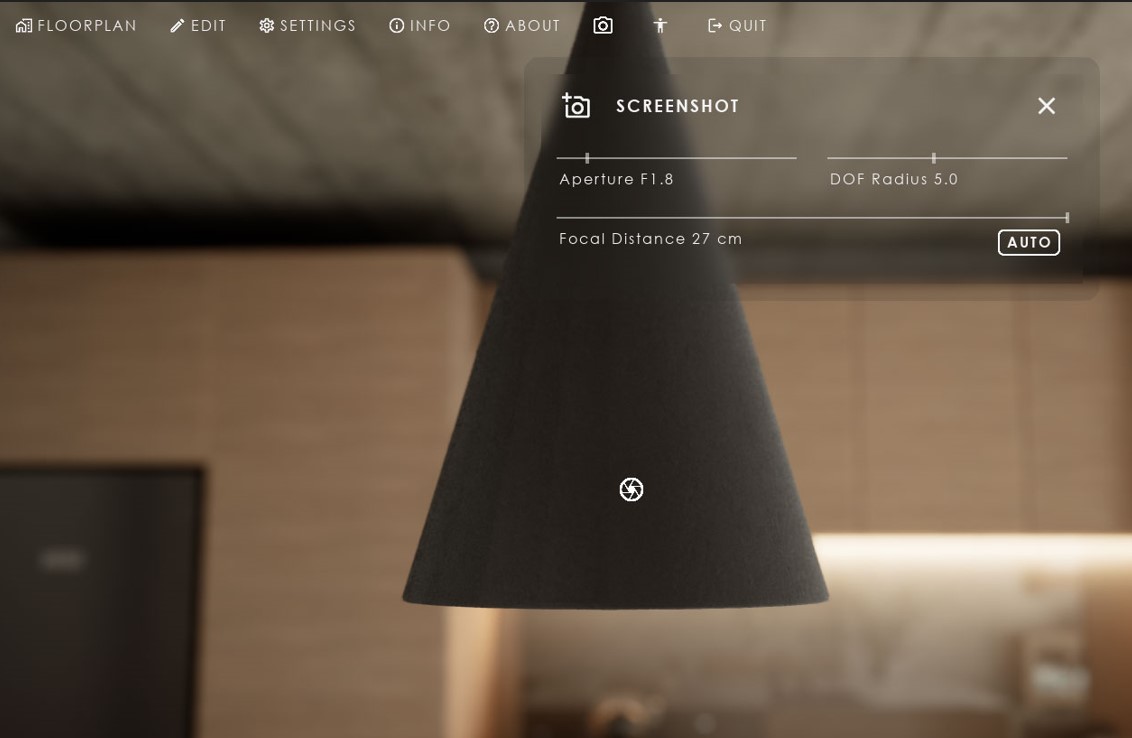
This versions main improvements:- A cinematic camera and controls in the UI
- An orbital camera option
- Icons next to the menu
UI3.1.3 - October 2021
Added Game modes and input controls for- Game Pad (XBox Controller)
- VR
And a lot of little improvements of the visuals, stability, usability.

UI3.0/1 - September 2021
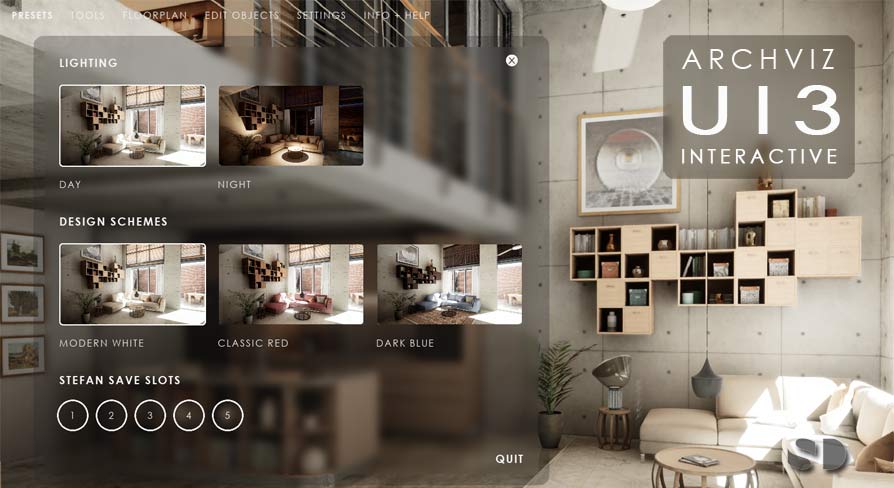
The product contained all main features from its release on- Scenarios
- Design Schemes and object edits
- Sequence Player
- Scene Travel
- Interactive Floorplan
- Help and Info Panels
- Screenshots, Lists
- Multiple User support and Save Slots
- Keyboard and Mouse
- Touch (with pixel streaming)
- Mouse Move (click on a spot on the floor to move to it)
 Top of page