Pages in Documentation

Settings

UI3 Overview

[old] Doors UE5
Quick Guide 2026
Quick Start
Swap Actor
Custom Assets
System Drawings
Guide 2022
Tips & FAQ
Guide 2024
Updating
Feat. w. Preview
Fix Bugs
FAQ & Tips

Cost Reports
Modes
Other Features
Designer
Edit Scene
Var Actor

New in 2026
Multi-Unit-Prj
Google Sheets
Data Tables
Video Guides
Quick Videos
Designer

Cost Tracking
Widget Panels
Quick Guide
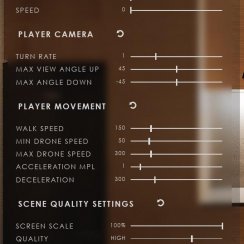
Scene Settings
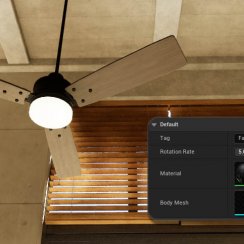
Connect BP

VR projects
Version History
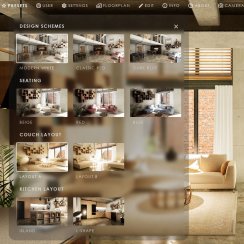
F. w. Preview
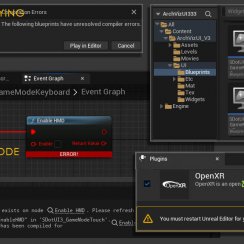
Fix Known Bugs
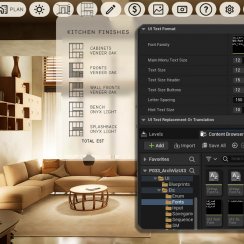
UI Settings
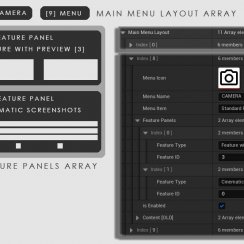
UI Layout
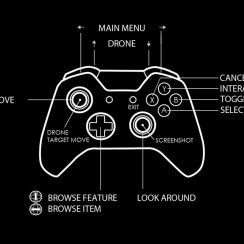
Gamemode

FAQ + TIPS
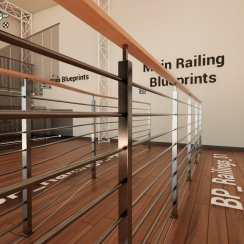
Quick Guide
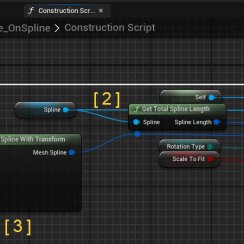
V4 Functions 2
V4 Functions P1
V4 Quick Guide
Ver History
V3 Placements
V3 Mesh Def.
V3 Segments
V3 Quick Start
Books V2
Books V1
Custom Assets
Additional Assets
User Guide
Swap Actor
FAQ + TIPS
Doors UE4 (V1)

3.1 Bugs Fixes

Ver History
V2 Generic BP

V2 Examples
V1 Railings Fences

UI 1 - Part 1
UI 1

Ui 1 - Part 2

1 Overview
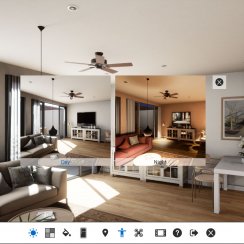
UI2 Features
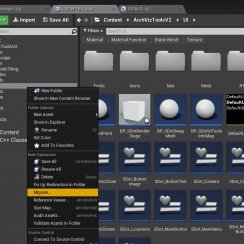
UI2 Get Started
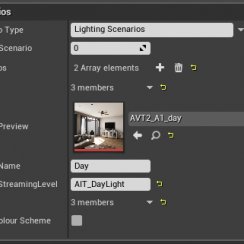
UI2 Info Map
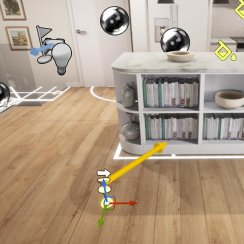
UI2 BP Actors
UI2 User Manager
UI2 FAQ
UI2 Tutorials

UI3 Overview
Getting Started

3.1 Info Map
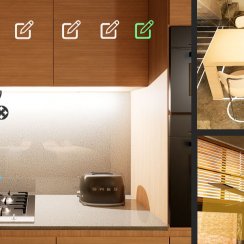
Variation Actor
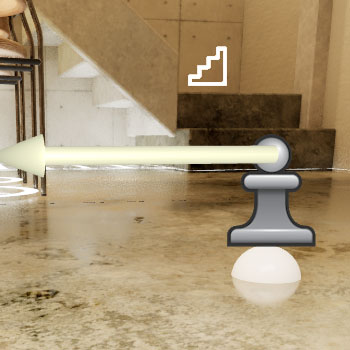
Blueprints
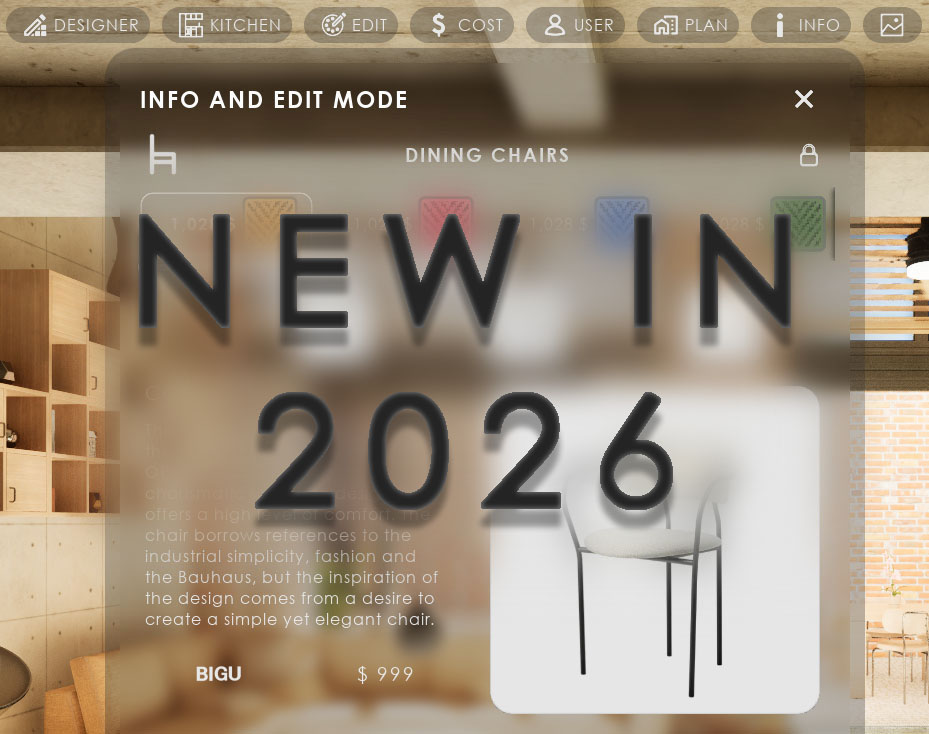
New In UI3 Version 2026
The 2026 updates in a nutshell:
- Optimizing and clean up of blueprints to be better to understand
- Using data tables to input data to declutter the info map
- Using data tables for mesh and material choices to avoid having to enter the same data multiple times
- Engine Version 5.5 is the minimum version for this update to be able to make use newer engine features
Some data and settings have to be re-entered due to the use of data tables when updating from older UI3 versions
Content:
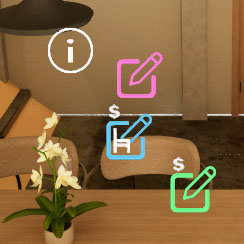
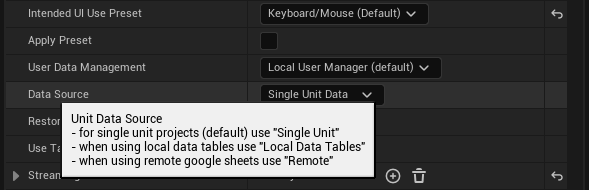
Pop Up Hint
A pop up will show an explanation of the selected variable or setting.
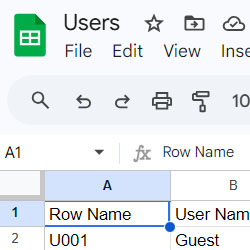
Row Name
The Row Name defines which row will be taken from the data table. Mesh choices have their own Row Name.
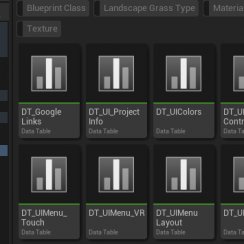
Data Table
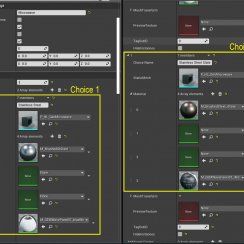
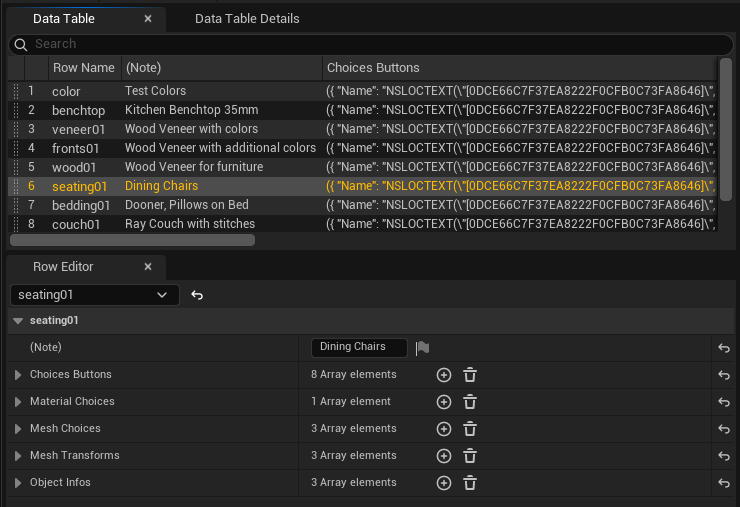
A row in the data table can hold the arrays for
- Button Appearance
- Material Choices
- Mesh Choices
- Object Information
Designer
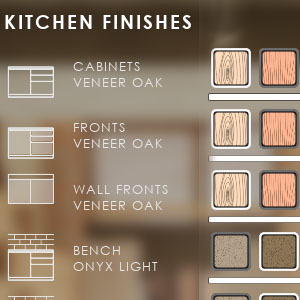
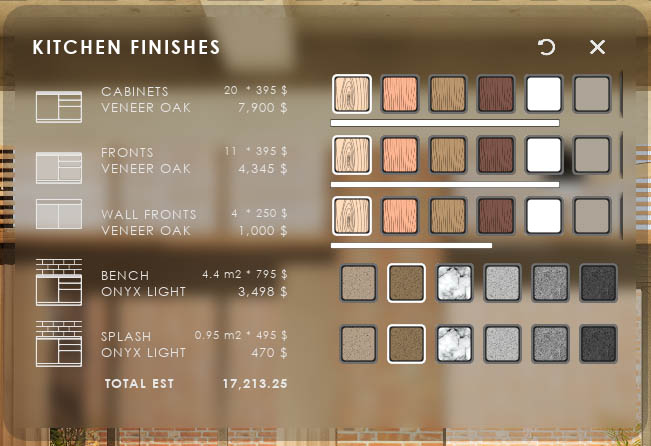
Designers can use the same data table as Variation Actors.Elements with the same choices can now share the same data.
Cost Tracking
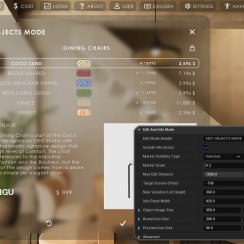
Cost and Quantity can be overridden (optional) in each element and for each choice.
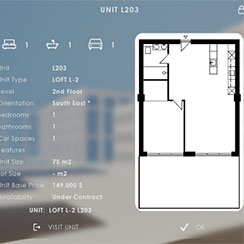
Unit Info Widget
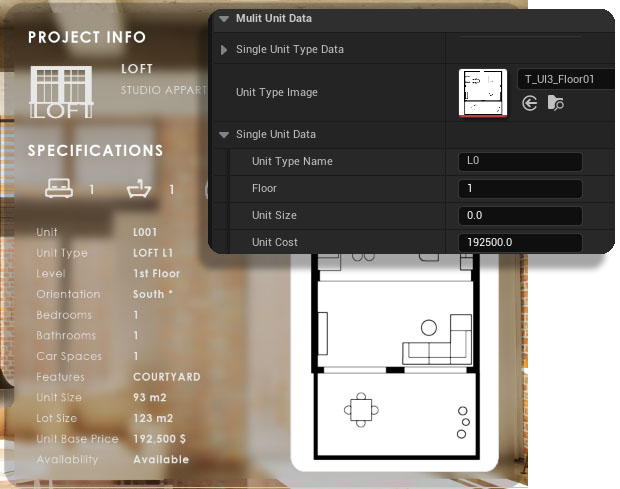
Single Unit DataThe data used for the Unit Info widget has been moved to the Unit Data section.
Single Unit (Type) Data can be added there for projects that don't require multi unit data tracking.


 Top of page