Pages in Documentation

Settings

UI3 Overview

[old] Doors UE5
Quick Guide 2026
Quick Start
Swap Actor
Custom Assets
System Drawings
Guide 2022
Tips & FAQ
Guide 2024
Updating
Feat. w. Preview
Fix Bugs
FAQ & Tips
Cost Reports
Modes
Other Features
Designer
Edit Scene
Var Actor
New in 2026
Multi-Unit-Prj
Google Sheets
Data Tables
Video Guides
Quick Videos
Designer
Cost Tracking
Widget Panels
Quick Guide
Scene Settings
Connect BP

VR projects
Version History
F. w. Preview
Fix Known Bugs
UI Settings
UI Layout
Gamemode
FAQ + TIPS
Quick Guide
V4 Functions 2
V4 Functions P1
V4 Quick Guide
Ver History
V3 Placements
V3 Mesh Def.
V3 Segments
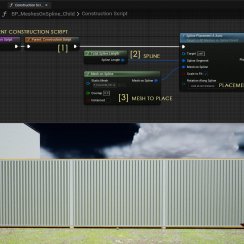
V3 Quick Start
Books V2
Books V1
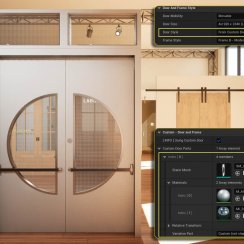
Custom Assets
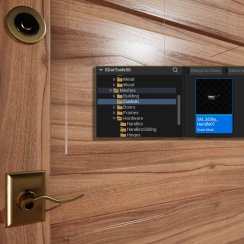
Additional Assets
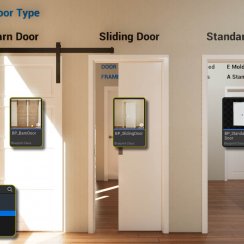
User Guide
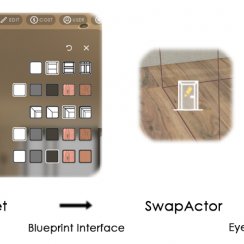
Swap Actor
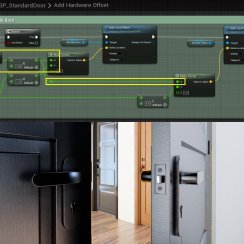
FAQ + TIPS
Doors UE4 (V1)

3.1 Bugs Fixes
Ver History
V2 Generic BP

V2 Examples
V1 Railings Fences

UI 1 - Part 1
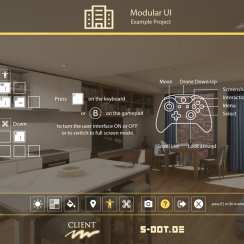
UI 1

Ui 1 - Part 2

1 Overview
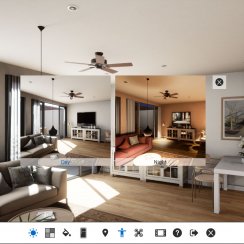
UI2 Features
UI2 Get Started
UI2 Info Map
UI2 BP Actors
UI2 User Manager
UI2 FAQ
UI2 Tutorials

UI3 Overview
Getting Started

3.1 Info Map
Variation Actor
Blueprints
Editing: Designer
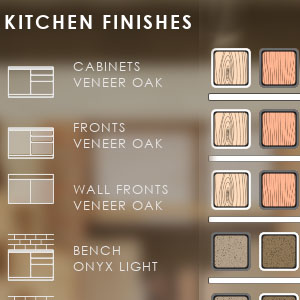
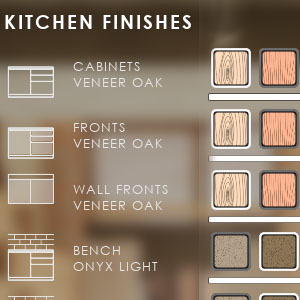
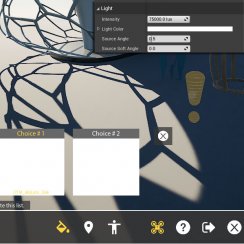
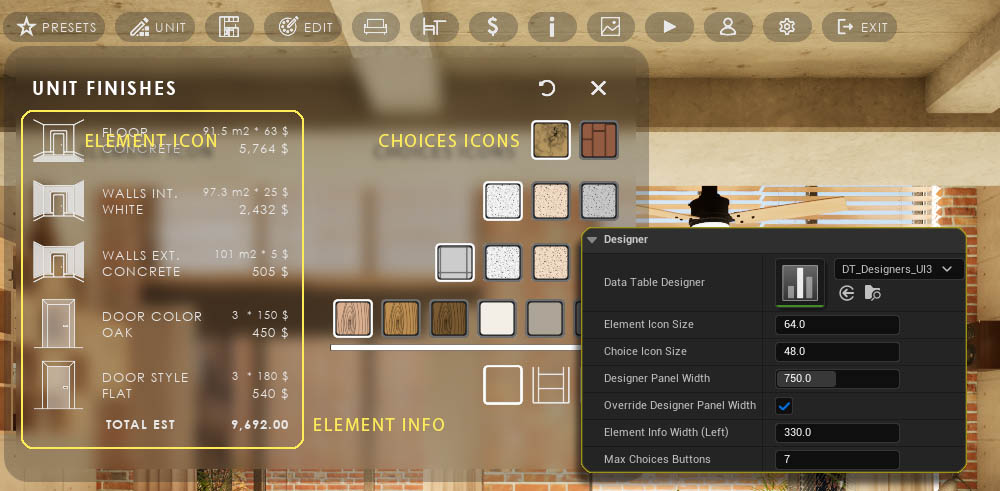
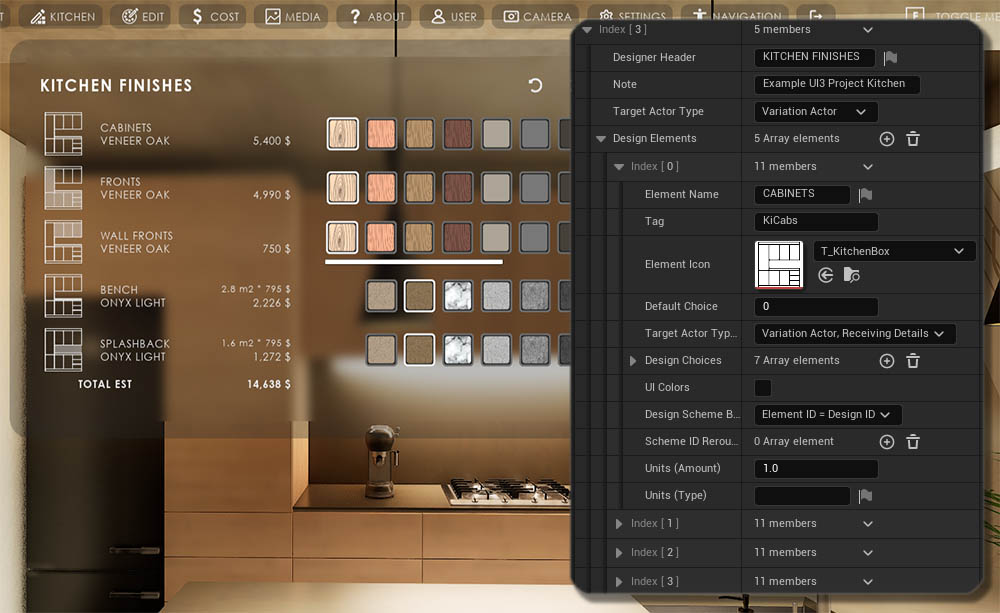
The Designer shows object choice buttons in a table like widget.
- A quick way to change related objects
- For objects that are difficult to select
- For external blueprint tools like the Modular Kitchen Builder or the Interactive Doors Blueprint
Content:
Icon Sizes
- Element Icon is on the left side.
- Choices Icons - Allows to set a separate size for choice buttons in Designers.
Widget Size
- Designer Panel Width - A larger width than the standard width can be set.
- Override Designer Panel Width - Will use above width if ticked
- Element Info Width - Constrains the width of info section on the left
- Max Choices Buttons - Limits the amount of buttons before they start scrolling.
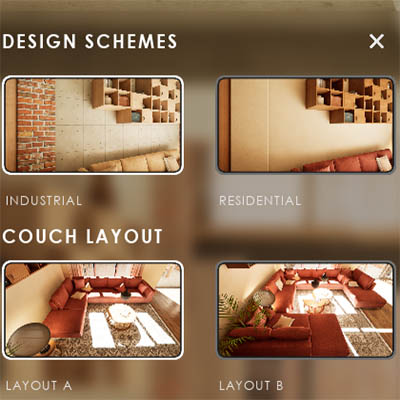
Designers and Design Schemes
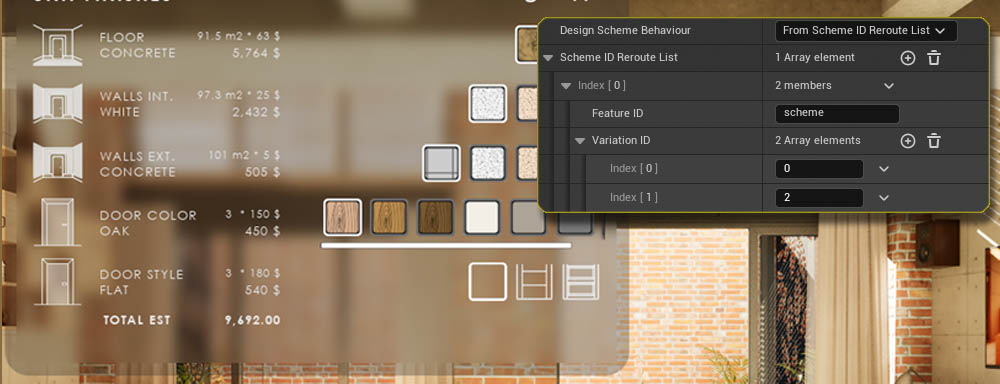
Design Scheme Behaviour
How the Designer reacts to any Design Scheme changes in the scene.
- Ignore Design Schemes - No action
- Element ID = Design Scheme ID - The Element changes the choice to the ID sent from the Design Scheme
- From Scheme ID Reroute List - The Element changes the choice to the ID that is set in the Reroute List with the same ID that is received by the Design Scheme.



External Actors
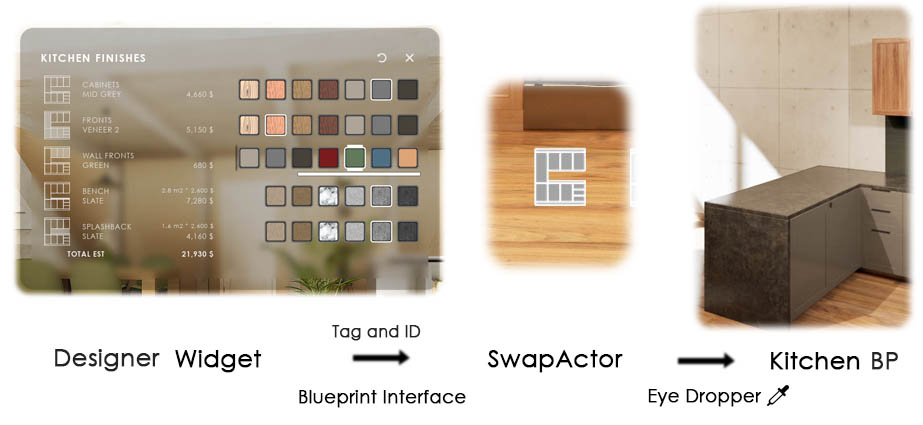
The Designer works with external blueprints, like- Modular Kitchen Builder
- Interactive Doors Blueprint
Target Actor Type (Override) == External Actor
External Blueprint Actor
External blueprints can be linked with the blueprint interface BPI_UI3_Interaction.
The Designer Element Row Name will be used as the Tag together with the choice button ID.


 Top of page