Pages in Documentation

Settings

UI3 Overview

[old] Doors UE5
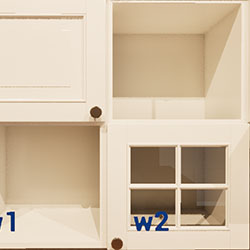
Quick Guide 2026
Quick Start
Swap Actor
Custom Assets
System Drawings
Guide 2022
Tips & FAQ
Guide 2024
Updating
Feat. w. Preview
Fix Bugs
FAQ & Tips

Cost Reports
Modes
Other Features
Designer
Edit Scene
Var Actor
New in 2026
Multi-Unit-Prj
Google Sheets
Data Tables
Video Guides
Quick Videos
Designer

Cost Tracking
Widget Panels
Quick Guide
Scene Settings
Connect BP

VR projects
Version History
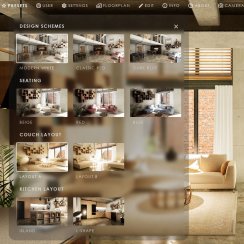
F. w. Preview
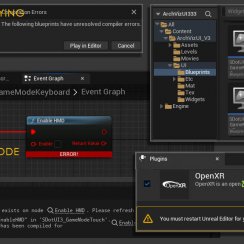
Fix Known Bugs
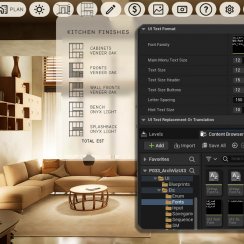
UI Settings
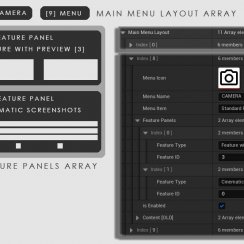
UI Layout
Gamemode
FAQ + TIPS
Quick Guide
V4 Functions 2
V4 Functions P1
V4 Quick Guide
Ver History
V3 Placements
V3 Mesh Def.
V3 Segments
V3 Quick Start
Books V2
Books V1
Custom Assets
Additional Assets
User Guide
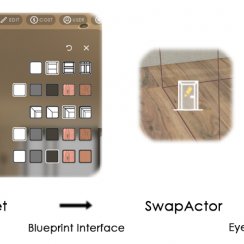
Swap Actor
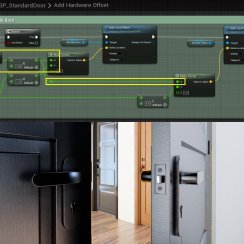
FAQ + TIPS
Doors UE4 (V1)

3.1 Bugs Fixes
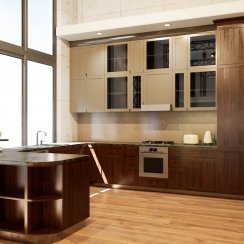
Ver History
V2 Generic BP
V2 Examples
V1 Railings Fences

UI 1 - Part 1
UI 1

Ui 1 - Part 2

1 Overview
UI2 Features
UI2 Get Started
UI2 Info Map
UI2 BP Actors
UI2 User Manager
UI2 FAQ
UI2 Tutorials

UI3 Overview
Getting Started

3.1 Info Map
Variation Actor
Blueprints
Modular Kitchen Builder Quick Guide 2026
Quick Guide for the 2025 Version of the Modular Kitchen Builder. The 2025-26 version has 2 main blueprint actors to create modular kitchens.
BP_KitchenBuilder2025
This quick guide is for the blueprint BP_KitchenBuilder2025. This is an updated blueprint and allows to set the base and wall cabinets independently from each other.
Content:
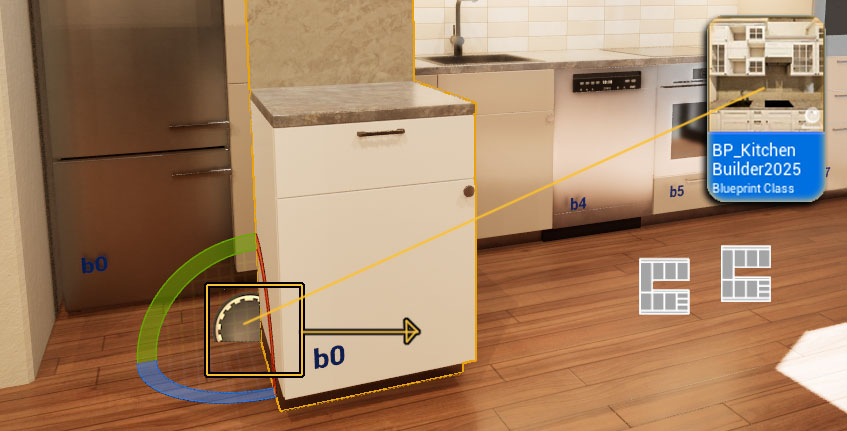
Drag the blueprint from the Content Browser into the scene. The kitchen will be build to the right side of the origin.
Rotate and move it into place.
Kitchen Style
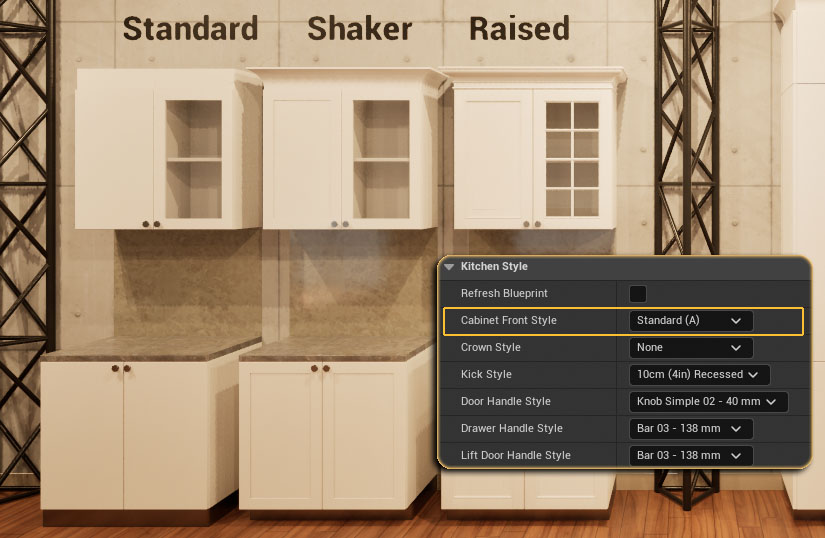
Select or change the style for the kitchen here.
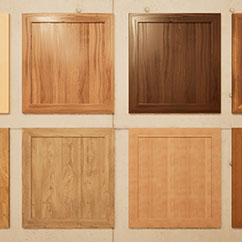
Front Style
Front style as seen in the image. There are 4 styles available at the moment.
Handles
- Door Handles are for standard doors
- Drawer Handles are for standard drawers
- Lift Door Handles are for doors that open upwards and not to the side.
Bench Style
A bench edge style can be selected (new 2026-03)
Appliances
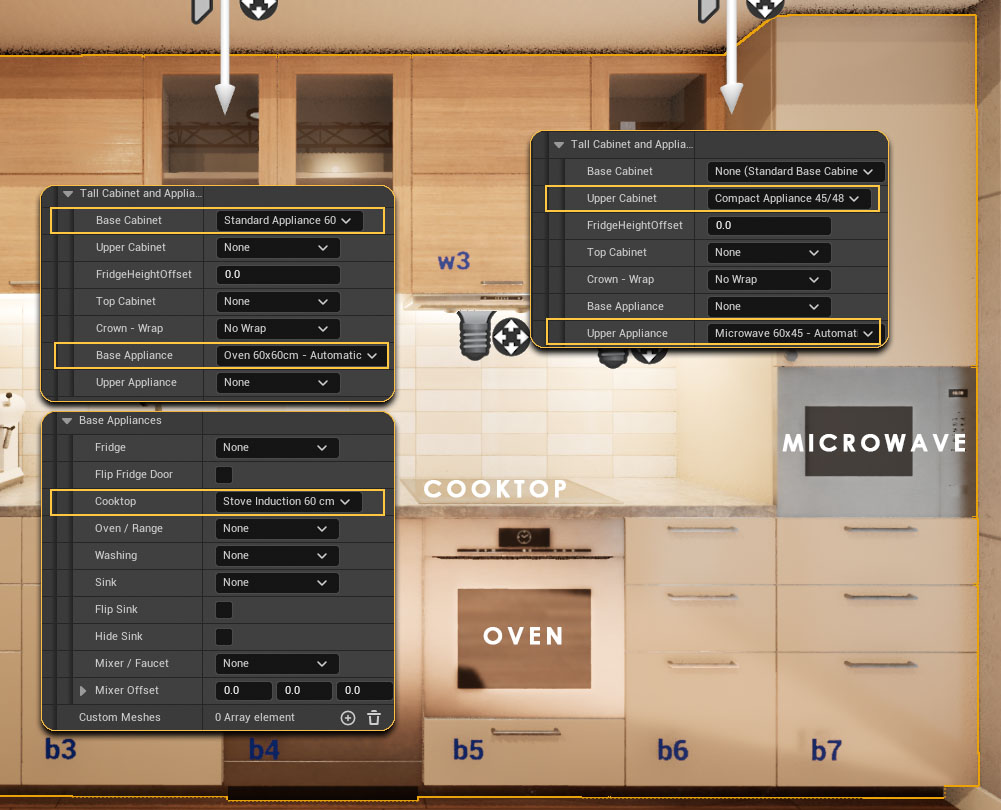
Tall Cabinet and Appliances
- Base and Upper Cabinet
Select the cabinet (size) for built in appliances from the list
- Base and Upper Appliances
Select the built-in appliance(s) from the list
Built-in appliances come in 3 standard sizes
(width x height)
- 60 x 60
- 60 x 45
- 90 x 48
Base Appliances
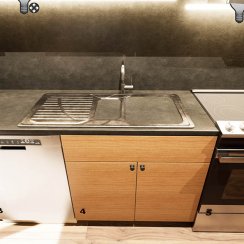
Fridge, Dishwasher, Cooktop, Sink and Faucet, etc. are added in this section. Generally these are appliances that are not build into special cabinets.
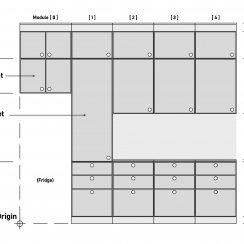
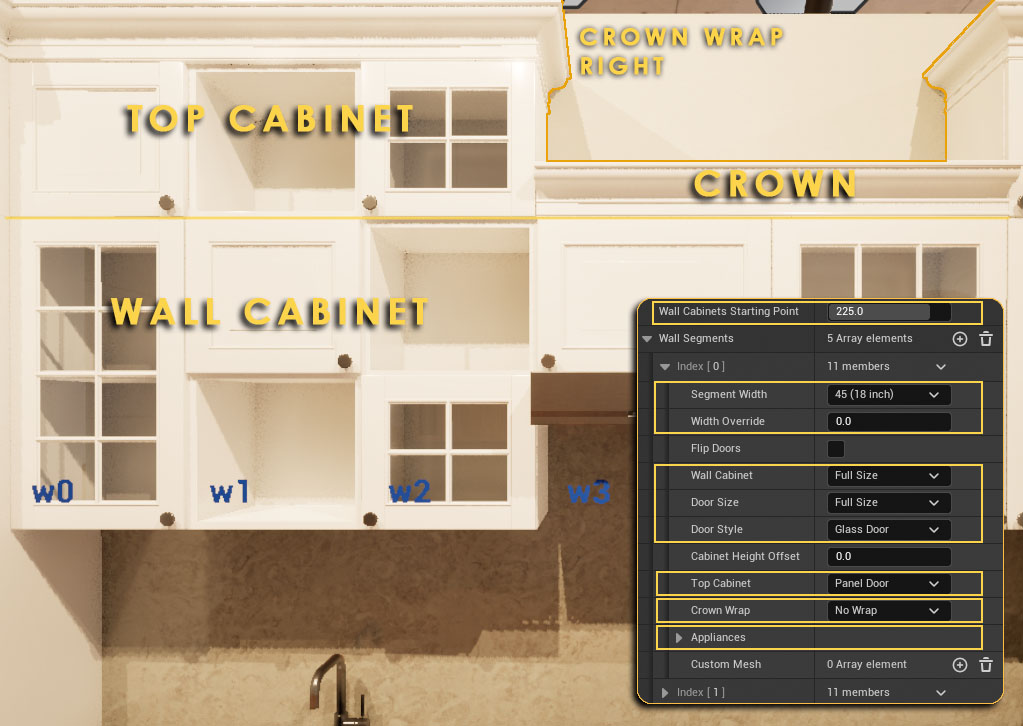
Wall Segments
Wall Segment Starting Point
The distance from the blueprint origin on the very left side. Usually the width of the fridge or tall cabinets placed to the left.
Segment Width
Segment width for this wall segment. Can be overwritten if necessary.
Wall Cabinet
Select the size (height) of the cabinet, and the door type and height.
Top Cabinet
Optionally select the type of an additional top cabinet and its door type.
Crown Wrap
The crown can be wrapped around any cabinet that has its side visible.
Appliances
Select appliances that are placed in or under the wall cabinets (range hood or microwave)
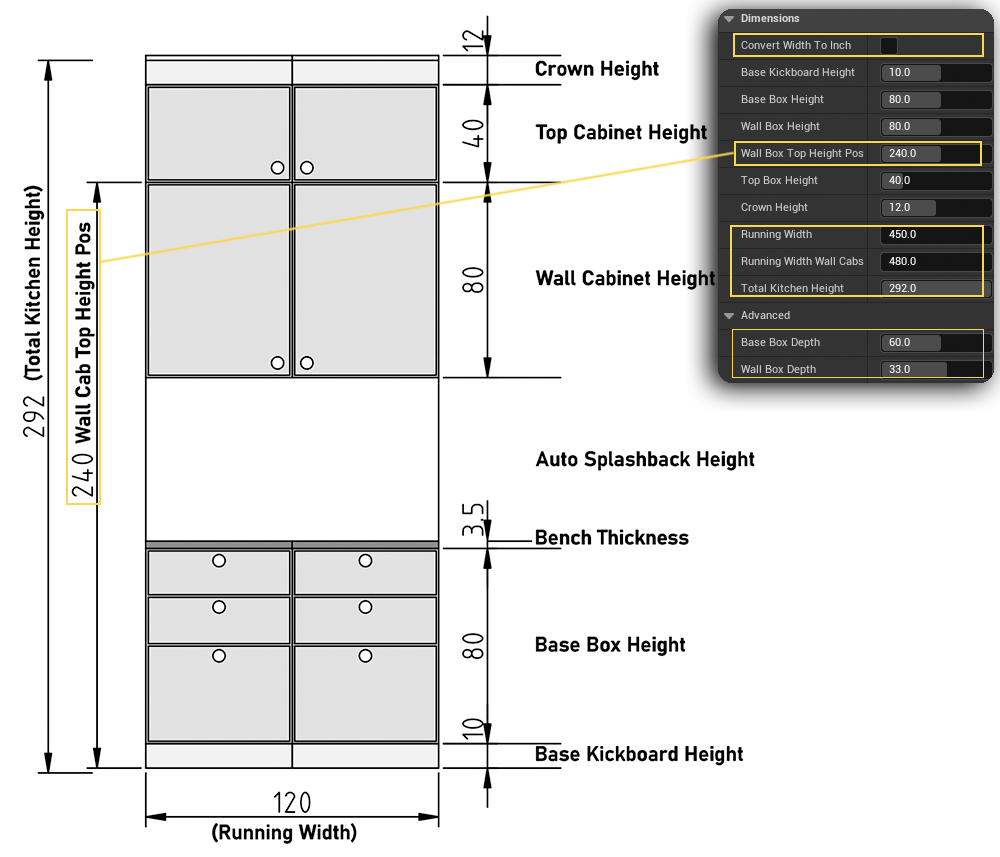
Dimensions
Convert Width to Inch
This will use the precise width converted from inches if precision is needed. Dimensions here will stay in cm.
Wall Box Top Height
The height of the kitchen without top cabinets or a crown
Running Width and Total Height
The results of the dimension set here and all added segments total width.
Depth (Advanced)
The cabinet depth can be set here but this will break an added corner module.
Bench Dimensions
Bench depth and overhang size have been
moved here in newer versions
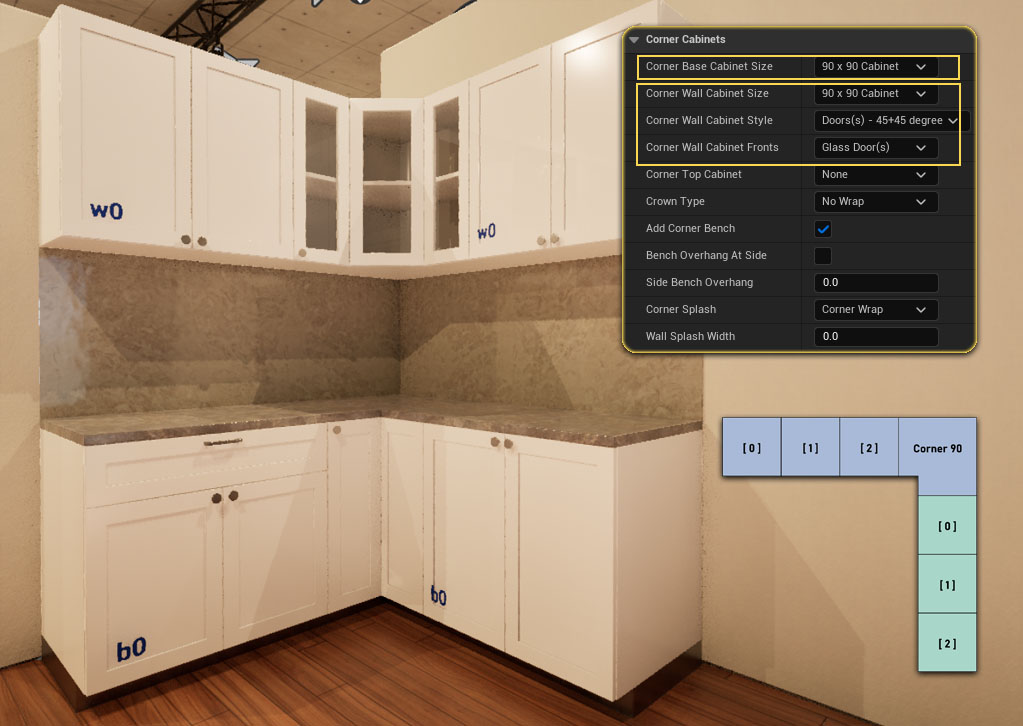
Corner Cabinets
Corner Cabinets can be added to the right side, at the end of the segments.
Another Kitchen blueprint needs to be added for a full L- Shaped kitchen layout.
Corner Base Cabinet
Choose a 90 or 62 cm wide corner element.
Corner Wall Cabinet
Select the width, shape and front style of the wall cabinets.
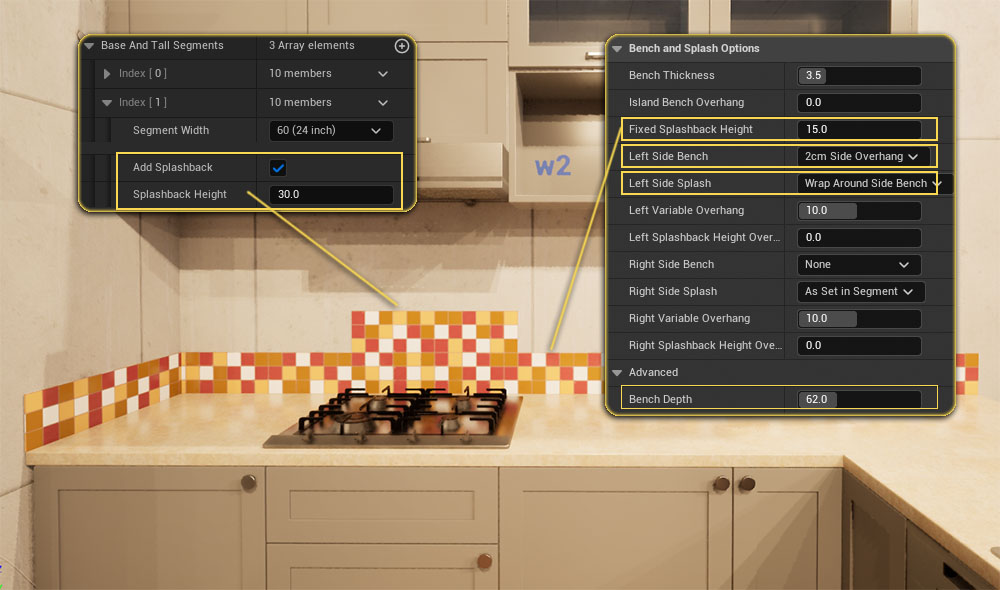
Bench And Splashback
Splash Back Height
Can be set for all segments here and be overwritten in each segment. A width of 0.00 will fill the space between bench and wall cabinet.
Side Bench and Splashback
The bench can overhang to the left or right side. Or it can cover the side of the base (wrap) cabinet as common for kitchen islands.
The splash back can cover the side wall along the bench
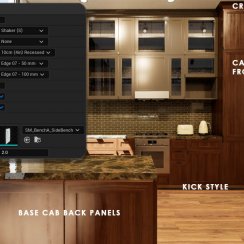
Bench Edge
One of 6 bench edge styles can be selected
in the Kitchen Style section
Bench Dimensions
Bench depth and overhang size have been
moved to the Dimensions section in newer
versions
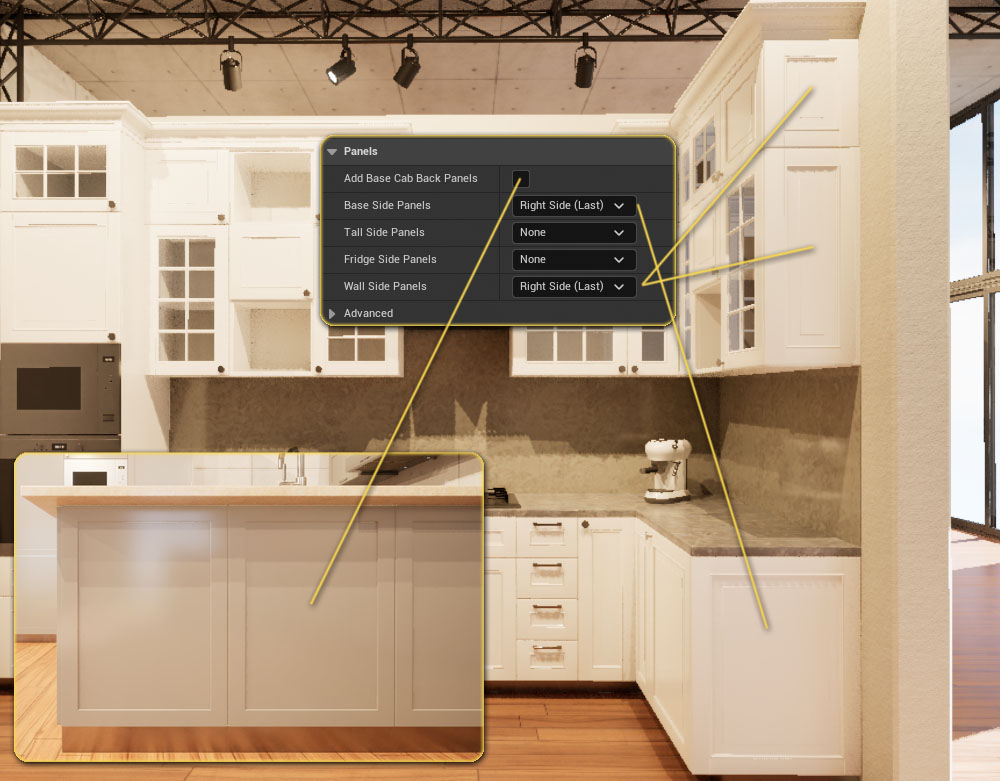
Side or Back Panels
Base Cabinet Back Panels
Door front panels are added as back panels as is common for kitchen islands
Side Panels
Door front panels are added at the left or right side of the kitchen
Bench Wrap
The Bench can wrap down on each side of a kitchen island. This can be set in
the Bench section
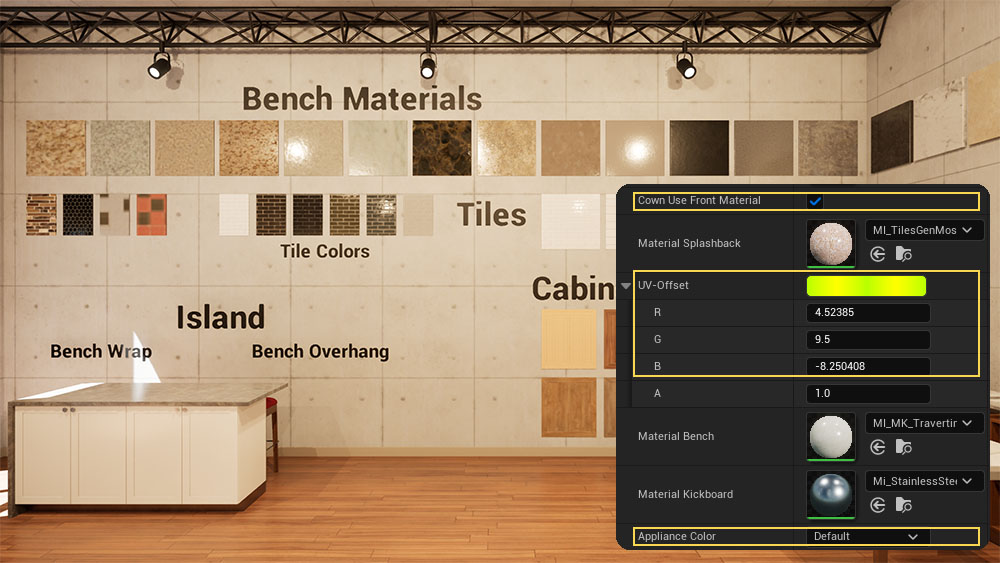
Materials
Crown Use Front Material
The crown can use the material set for fronts or for cabinets.
Splash Back Material UV Offset
The Tile Material's UVs that come with the project can be adjusted when used for the splash back.
Appliance and Handle Color Schemes
Choose the material style for the appliances used in the kitchen. Default will keep the default materials set for the mesh.
Options to change Sink, Mixer, and Handles materials have been added in newer versions
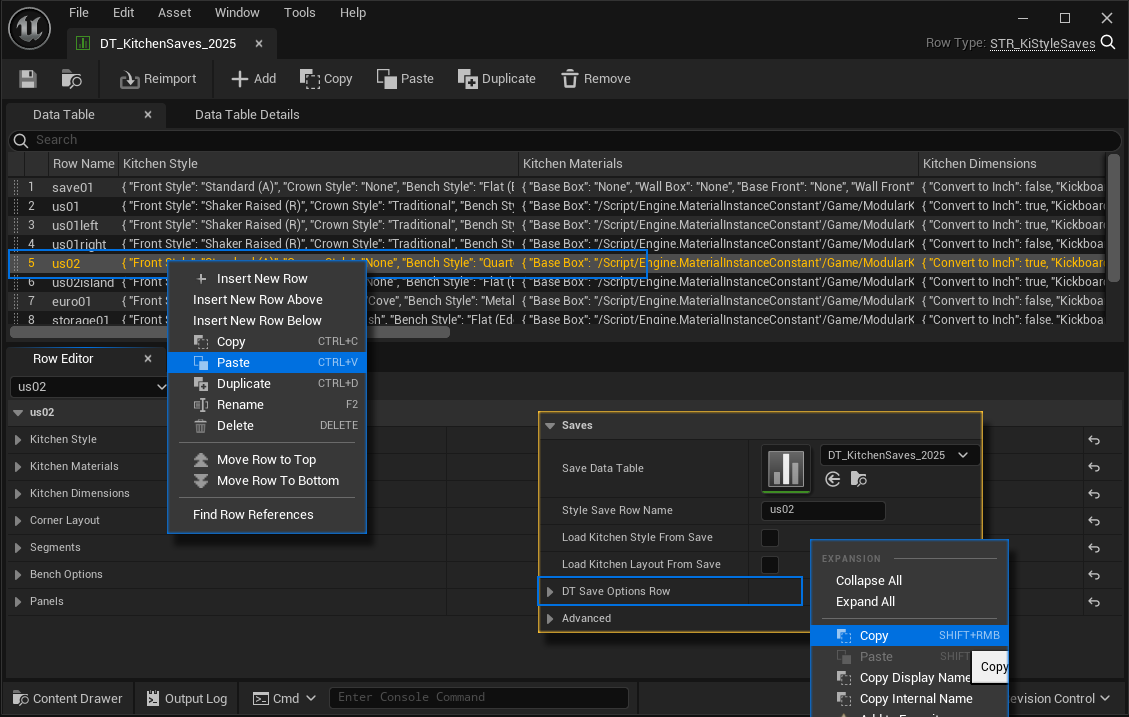
Save Option Row
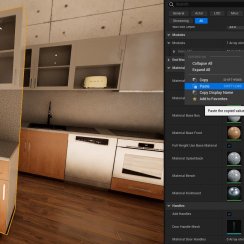
All settings of a kitchen are always stored in a big variable named Save Option Row.
This variable can be copy / pasted into a data table row, being saved there with the data table.
Make a copy of the data table before you update the Modular Kitchen Builder to a new version. An update will revert all changes in the default data tables.


 Top of page