Pages in Documentation

Settings

UI3 Overview

[old] Doors UE5
Quick Guide 2026
Quick Start
Swap Actor
Custom Assets
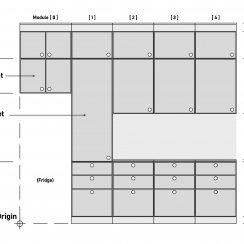
System Drawings
Guide 2022
Tips & FAQ
Guide 2024
Fix Bugs
FAQ
Cost Tracking
Modes
Other Features
Designer
Edit Scene
Var Actor
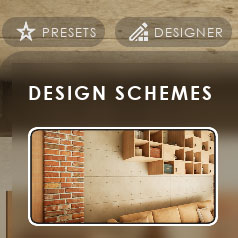
UI Layout
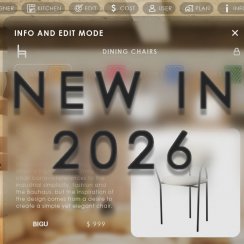
New in 2026
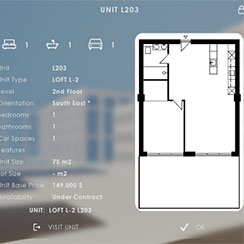
Multi-Unit-Prj
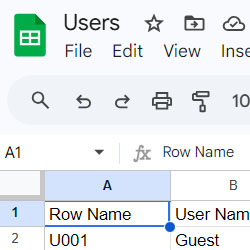
Google Sheets
Data Tables
Video Guides
Quick Videos
Designer
Cost Tracking
Widget Panels
Quick Guide
Scene Settings
Connect BP
VR projects
Version History
F. w. Preview
Fix Known Bugs
UI Settings
UI Layout
Gamemode
FAQ + TIPS
Quick Guide
V4 Functions 2
V4 Functions P1
V4 Quick Guide
Ver History
V3 Placements
V3 Mesh Def.
V3 Segments
V3 Quick Start
Books V2
Books V1
Custom Assets
Additional Assets
User Guide
Swap Actor
FAQ + TIPS
Doors UE4 (V1)

3.1 Bugs Fixes
Ver History
V2 Generic BP
V2 Examples
V1 Railings Fences

UI 1 - Part 1
UI 1

Ui 1 - Part 2

1 Overview
UI2 Features
UI2 Get Started
UI2 Info Map
UI2 BP Actors
UI2 User Manager
UI2 FAQ
UI2 Tutorials

UI3 Overview
Getting Started

3.1 Info Map
Variation Actor
Blueprints
UI Design And Settings
User Interface Design and Settings
Content:
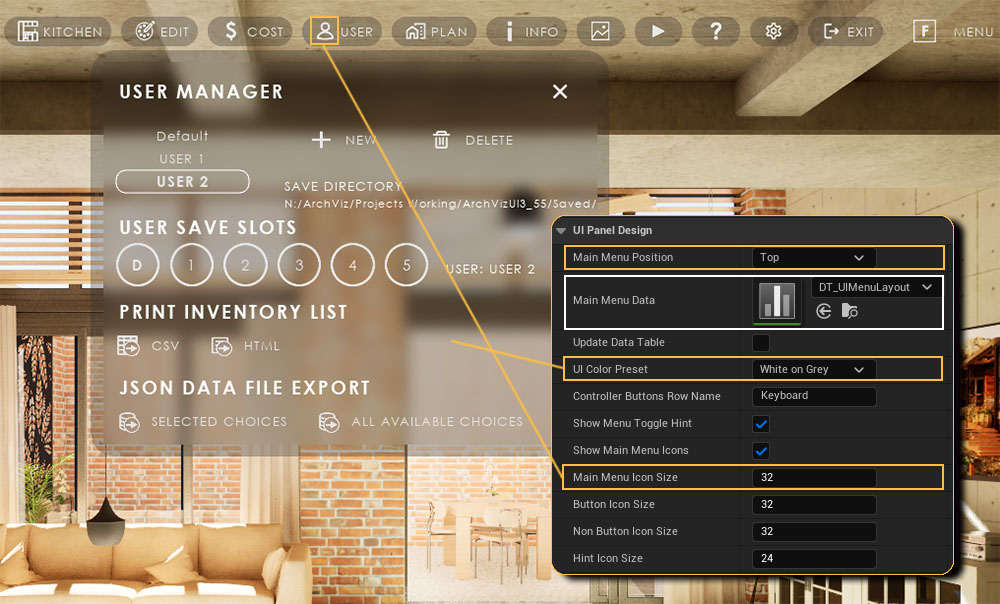
User Interface Design
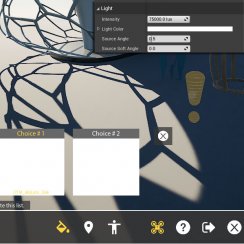
Main Menu PositionPlaces the Main Menu buttons on top or bottom of the screen.
Main Menu Data
The data table holding the design details for the menu. Double
Click to open.
TIP: use your own data table copy, so you can reuse the design in
other projects and don't loose it after an update.
UI Color Preset
Choose a color scheme from the list. The schemes can be modified in the Advanced section.
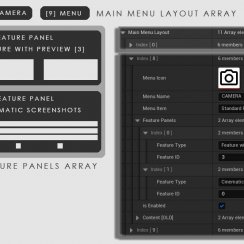
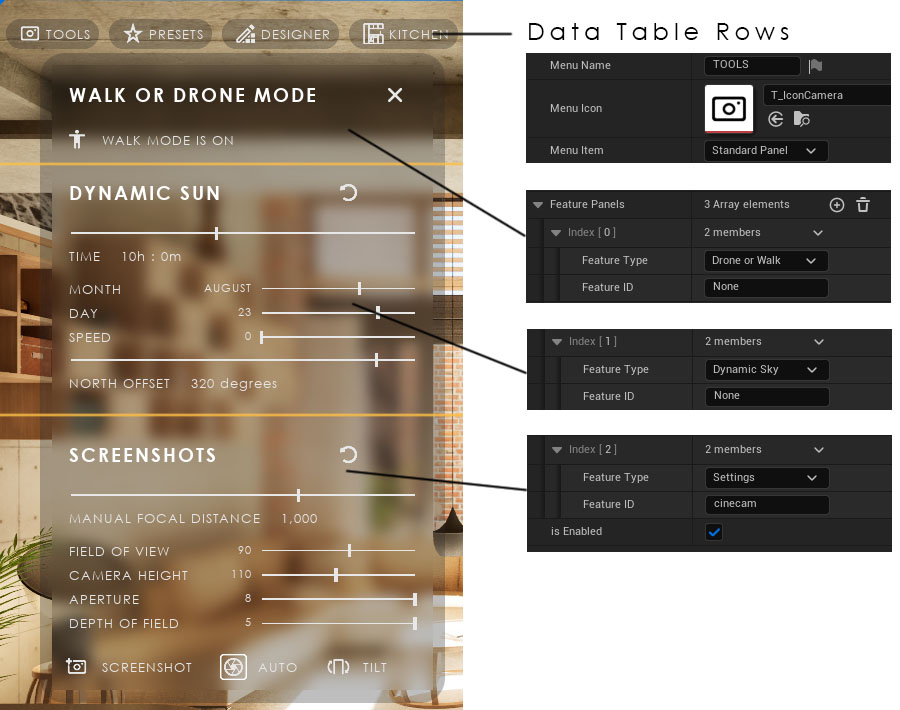
The first row in the data table is for the TOOLS menu. It has three elements added to the Feature Panels array
- DRONE AND WALK MODE is a Button Feature. Because it is commonly used it can be selected directly from the list of Feature Types.
- DYNAMIC SUN is a Settings Feature. It can also be selected directly as a Feature Type.
- SCREENSHOTS is a Settings Feature. It can be selected directly. In this case it is added as Settings with the Feature ID cinecam.
Feature ID
Feature IDs identify the feature if the feature type has multiple variations, like Settings has. Feature ID is the Row Name found in the data table assigned in the Settings section of the Info Map.
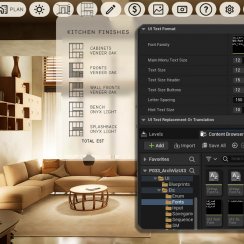
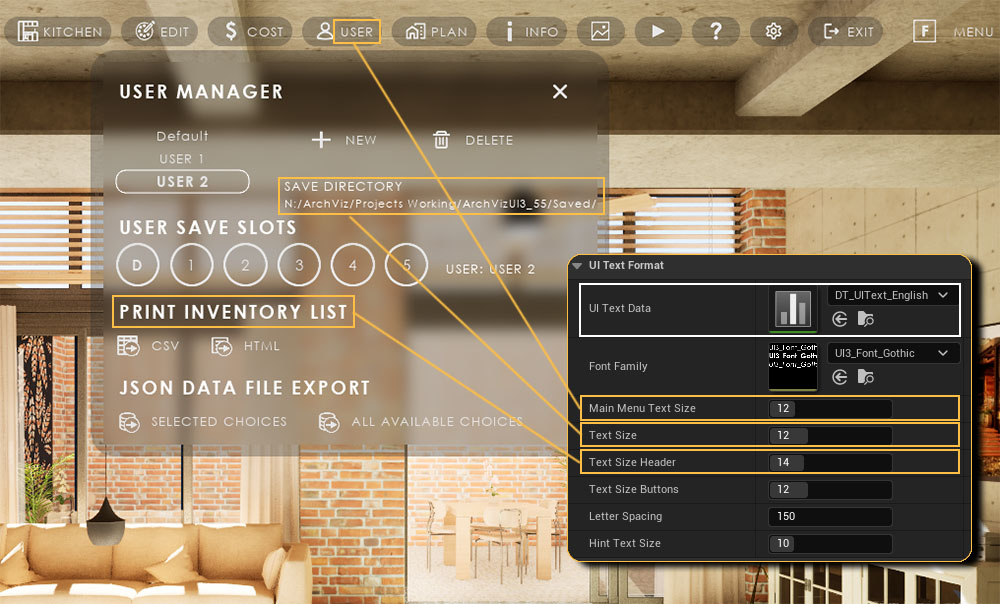
Text Format
Main Menu Text SizeSize of the button text of the main menu.
TIP: Delete the text to only show the button icon
Text Size
Size of all text not formatted elsewhere
Text Size Header
Text size of the headers


 Top of page