Pages in Documentation

Settings

UI3 Overview

[old] Doors UE5
Quick Guide 2026
Quick Start
Swap Actor
Custom Assets
System Drawings
Guide 2022

Tips & FAQ
Guide 2024
Updating
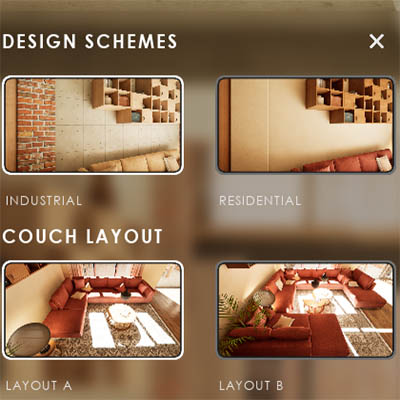
Feat. w. Preview
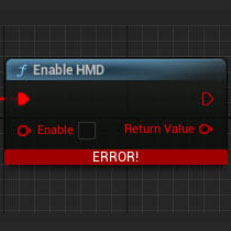
Fix Bugs
FAQ & Tips

Cost Reports
Modes
Other Features
Designer

Edit Scene
Var Actor

New in 2026
Multi-Unit-Prj
Google Sheets
Data Tables

Video Guides
Quick Videos
Designer

Cost Tracking
Widget Panels
Quick Guide
Scene Settings
Connect BP

VR projects
Version History
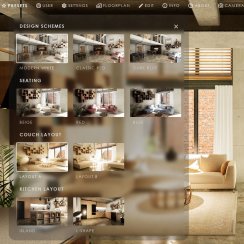
F. w. Preview
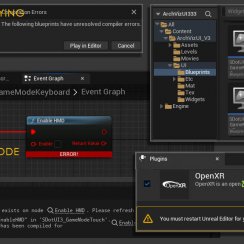
Fix Known Bugs
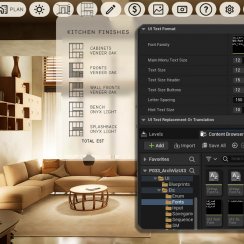
UI Settings
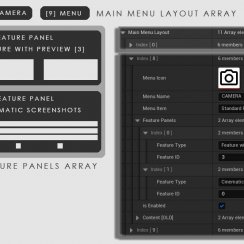
UI Layout
Gamemode

FAQ + TIPS

Quick Guide
V4 Functions 2
V4 Functions P1
V4 Quick Guide
Ver History
V3 Placements
V3 Mesh Def.
V3 Segments
V3 Quick Start

Books V2

Books V1
Custom Assets
Additional Assets
User Guide
Swap Actor
FAQ + TIPS

Doors UE4 (V1)

3.1 Bugs Fixes

Ver History

V2 Generic BP

V2 Examples
V1 Railings Fences

UI 1 - Part 1
UI 1

Ui 1 - Part 2

1 Overview
UI2 Features
UI2 Get Started
UI2 Info Map
UI2 BP Actors
UI2 User Manager
UI2 FAQ
UI2 Tutorials

UI3 Overview
Getting Started

3.1 Info Map

Variation Actor
Blueprints
Known Bugs And How To Fix Them
Known Bugs in UI3 and possible solutions if you do not want to wait for an update. This may require editing some blueprints or widgets.
Also check the FAQ section.
Content:
Mesh Disappears while setting Mesh Variation
Mesh Disappears while setting Mesh Variation
Bug
The mesh disappears when linked to the Variation Actor or the Mesh Variation Type is set to other than Disabled.
This is because the Actor World Transform isn't set in the variation actor. The mesh is therefor moved to position 0,0,0.
Work Around
Copy the mesh's Transform into the variation actor's Actor World Transform before linking the mesh to the variation actor.
 Get fixed Variation Actor UI3 5.5 - 2026-02
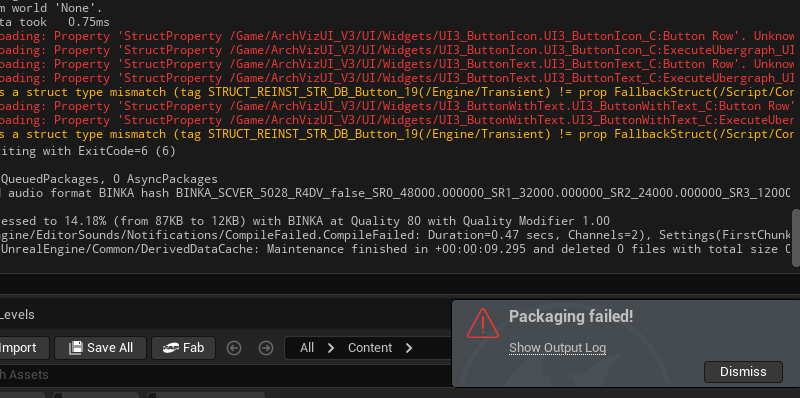
Packaging Failed (2026-04.1)
This only affects packaging, not playing in editor.
There are three widgets that need to be recompiled and saved. Nothing needs to be changed. The files are in UI/Widget
- UI3_ButtonIcon
- UI3_ButtonText
- UI3_ButtonWithText
Fixed in version 2026-04.2
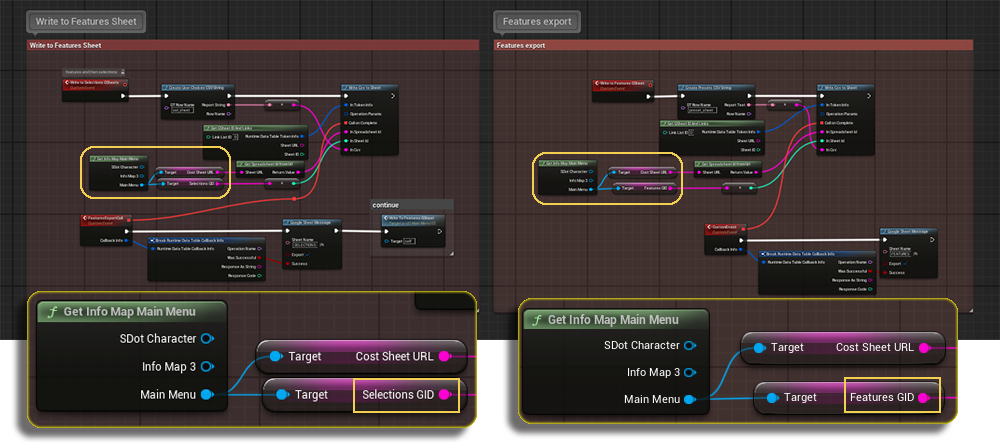
Google Sheets exports not working (2026-04)
Problem and Cause
Only the Features are exported into the user's Google Sheet.
The widget UI3_MainMenu_GS might have the wrong GID variables connected.
Fix
Open the widget and navigate to the Graph window. Look at the 2 areas at the very bottom. Check if the GID's for Selections GID and Features GID are used. There might be the Costs GID variable connected instead.
Drag the replacement variables from the Main Menu pin. Compile and Save.
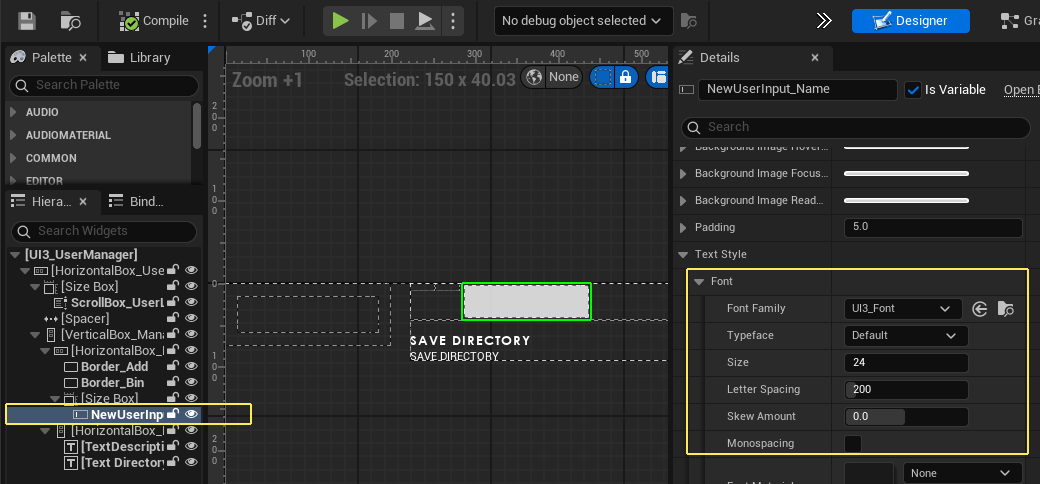
- Go back to the Designer (top right blue button)
- Select the widget called NewUserInput
- Change the font size to 24 in the Details Panel
- Change the color to black further down
- Compile and Save the widget
This error seems to happen in some engine versions and then gets fixed and breaks again. This workaround avoids using the Set Style node.
 Top of page