Pages in Documentation

Settings

UI3 Overview

[old] Doors UE5
Quick Guide 2026
Quick Start
Swap Actor
Custom Assets
System Drawings
Guide 2022
Tips & FAQ
Guide 2024
Updating
Feat. w. Preview
Fix Bugs

FAQ & Tips
Cost Reports
Modes
Other Features
Designer
Edit Scene
Var Actor
New in 2026
Multi-Unit-Prj
Google Sheets
Data Tables
Video Guides
Quick Videos
Designer
Cost Tracking
Widget Panels
Quick Guide
Scene Settings
Connect BP

VR projects
Version History
F. w. Preview
Fix Known Bugs
UI Settings
UI Layout
Gamemode

FAQ + TIPS
Quick Guide
V4 Functions 2
V4 Functions P1
V4 Quick Guide
Ver History
V3 Placements
V3 Mesh Def.
V3 Segments
V3 Quick Start
Books V2
Books V1
Custom Assets
Additional Assets
User Guide
Swap Actor
FAQ + TIPS
Doors UE4 (V1)

3.1 Bugs Fixes

Ver History
V2 Generic BP
V2 Examples
V1 Railings Fences

UI 1 - Part 1
UI 1

Ui 1 - Part 2

1 Overview
UI2 Features
UI2 Get Started
UI2 Info Map
UI2 BP Actors
UI2 User Manager
UI2 FAQ
UI2 Tutorials

UI3 Overview
Getting Started

3.1 Info Map
Variation Actor
Blueprints
Spline Tools Quick Guide 2026
Quick Guide for the Spline Tools: Railings and Fences released first 2026-05-08 for Unreal Version 5.5 and later.
This version now has style options instead of having to place a different blueprint for each style.
This part introduces the new blueprints for Railings and Fences.
Content:
Getting Started
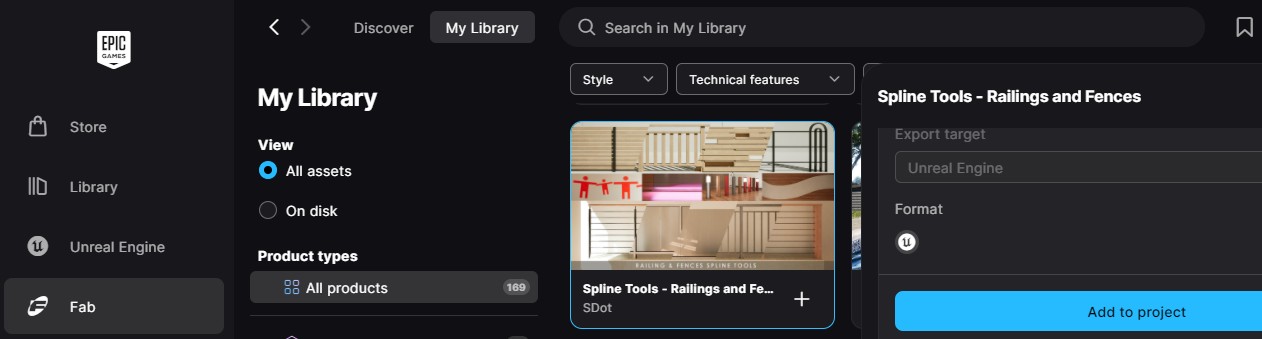
Add to Project
Use the Epic Games Launcher or the FAB plugin to add the Spline Tools to an existing project.
Updating older Version
Confirm overwriting existing files. Minor adjustments may be needed for blueprints that use the function library.
Demo Levels
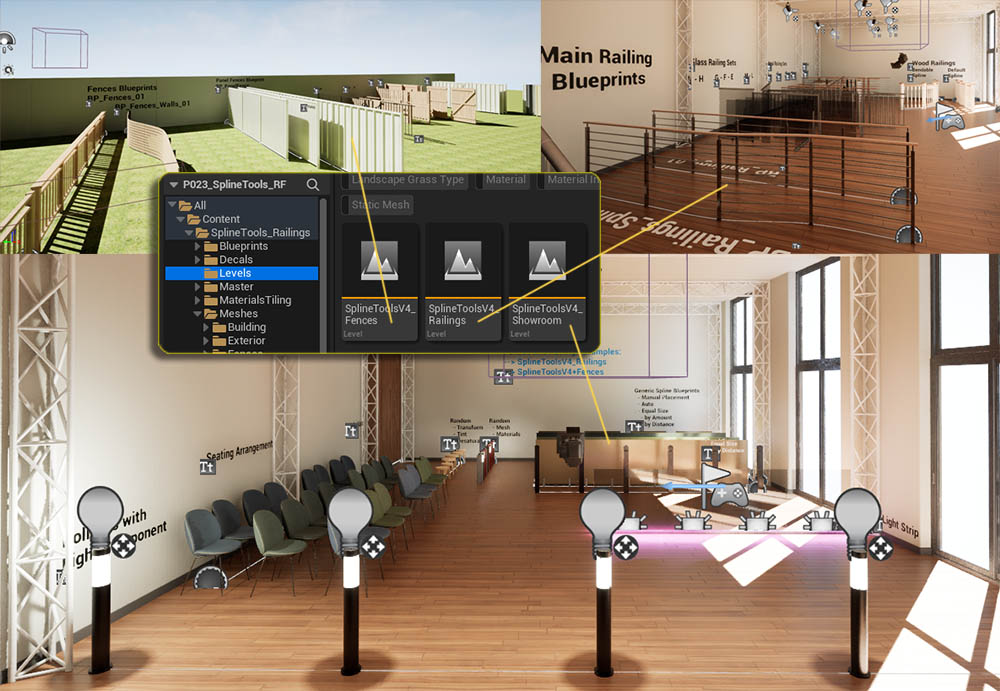
There are 3 demo levels available
- Showroom - generic blueprints and blueprints for decals, lights, and random options
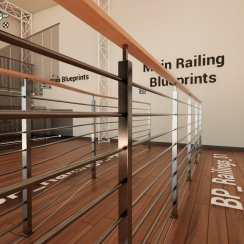
- Railings - has the new railing blueprints with style options and all available railing module meshes placed.
- Fences - has the new fences blueprints with style options and all available fence module meshes placed.
Blueprints Folder
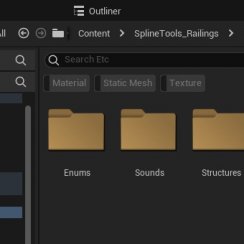
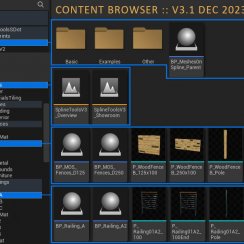
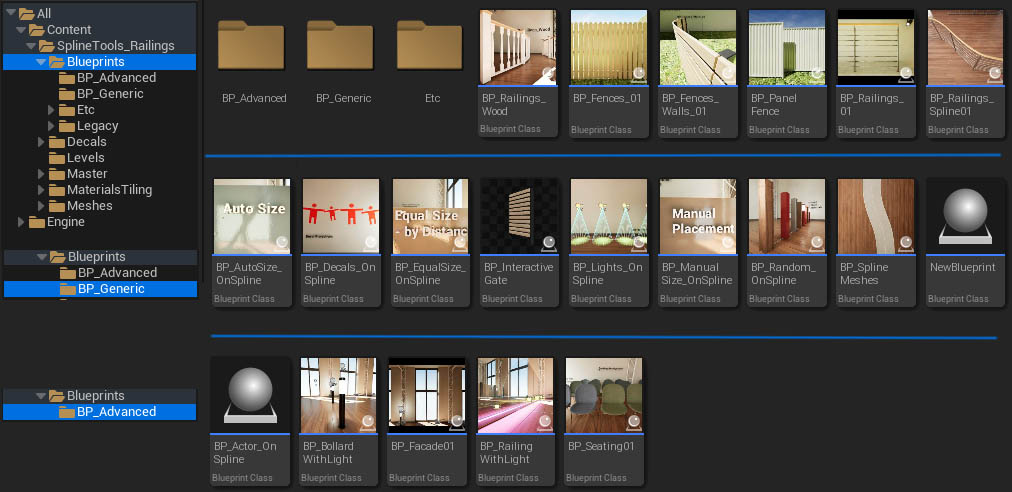
The main railings and fences blueprints can be found here. Examples can be found in the Railings and Fences levels.
BP_Generic
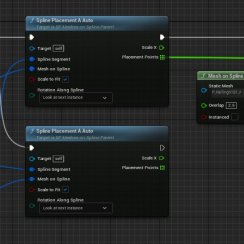
Contains generic blueprints that should cover most cases where splines could be useful. Examples can be found in the Showroom level.
BP_Advanced
Contains some examples of how to use the blueprint library nodes. Examples can be found in the Showroom level.
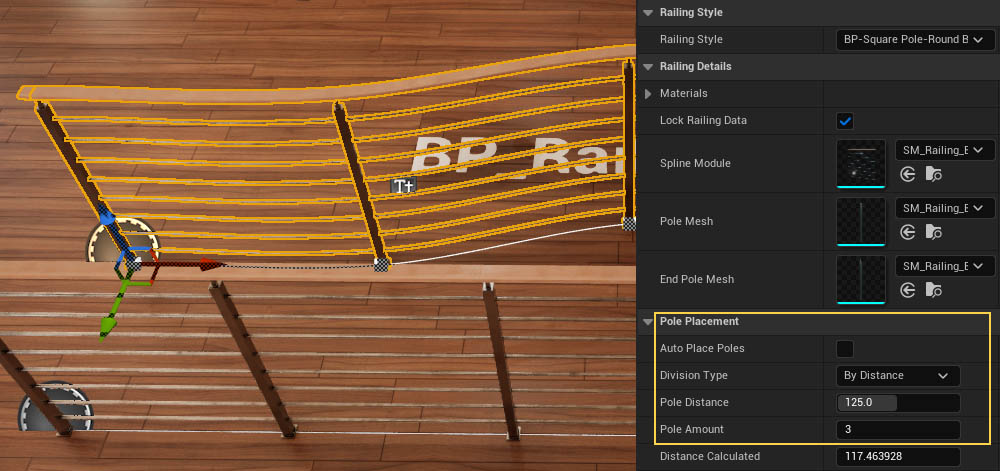
BP_Railings_Spline01
This blueprint uses separated pole meshes. The railing can bend along the spline. The distance between poles can be modified.
| Pole Placement | |
|---|---|
| Auto Place Poles | Poles are placed where two modules meet. Untick to use below settings |
| Devision Type | How the poles are placed |
| Pole Distance | The approximate distance between poles |
| Pole Amount | The amount of poles between start and end point |
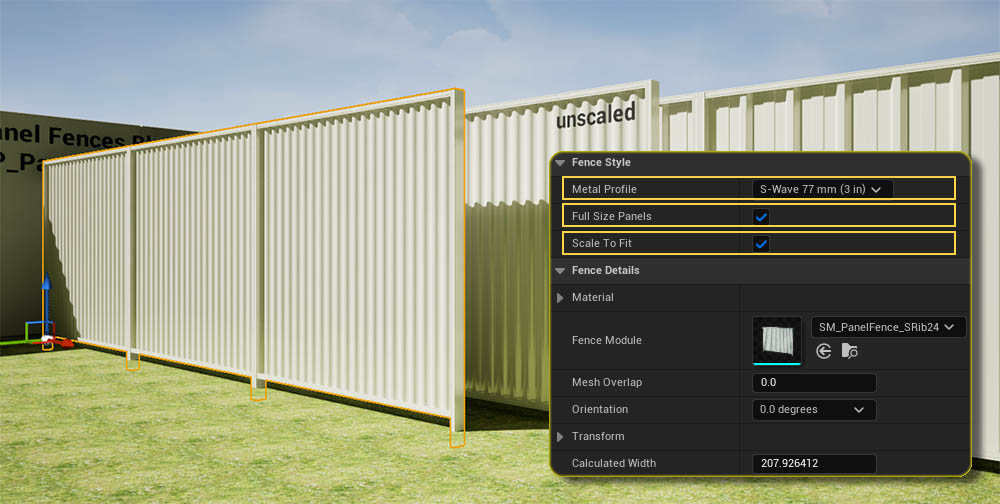
BP_PanelFence
This places Metal Panel Fences.
| Metal Profile | Choose a common profile from the list |
| Full Size Panels | Weather to use full or half size panels per module |
| Scale To Fit | Scales the modules so they fill the entire spline. This can impact the accurate look of the panels but is unnoticeable most of the times. |
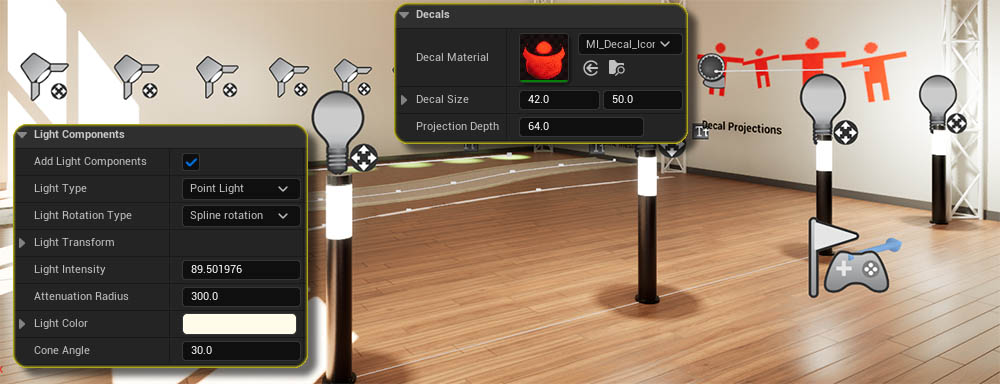
Lights and Decal Actors
Some blueprints offer to add light components or decal actors
Light Components
| Add Light Component | Ads a light to each placement point |
| Light Type | Point, Spot, or Planar |
| Rotation Type | Rotation in Z axis relative to spline direction |
| Light Parameters | Some standard light settings can be set. |
Decal Actors
| Decal Materials | Needs to be a valid Unreal Engine decal material |
| Decal Size | The projection size of the decal |
| Decal Depth | How far the decal is projected. |


 Top of page