Pages in Documentation

Settings

UI3 Overview

[old] Doors UE5
Quick Guide 2026
Quick Start
Swap Actor
Custom Assets
System Drawings
Guide 2022
Tips & FAQ
Guide 2024
Updating
Feat. w. Preview
Fix Bugs

FAQ & Tips

Cost Reports

Modes
Other Features
Designer

Edit Scene
Var Actor

New in 2026
Multi-Unit-Prj
Google Sheets
Data Tables
Video Guides
Quick Videos
Designer

Cost Tracking
Widget Panels
Quick Guide
Scene Settings
Connect BP

VR projects
Version History
F. w. Preview
Fix Known Bugs
UI Settings
UI Layout
Gamemode

FAQ + TIPS
Quick Guide
V4 Functions 2
V4 Functions P1
V4 Quick Guide
Ver History
V3 Placements
V3 Mesh Def.
V3 Segments
V3 Quick Start
Books V2

Books V1
Custom Assets
Additional Assets
User Guide
Swap Actor
FAQ + TIPS
Doors UE4 (V1)

3.1 Bugs Fixes

Ver History
V2 Generic BP

V2 Examples
V1 Railings Fences

UI 1 - Part 1
UI 1

Ui 1 - Part 2

1 Overview
UI2 Features
UI2 Get Started
UI2 Info Map
UI2 BP Actors
UI2 User Manager
UI2 FAQ
UI2 Tutorials

UI3 Overview
Getting Started

3.1 Info Map
Variation Actor
Blueprints
Features With Preview
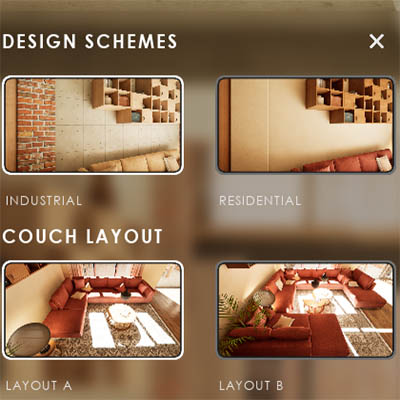
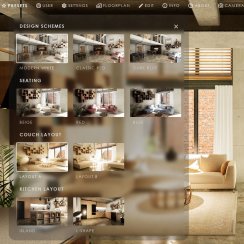
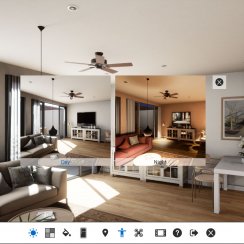
Features with Preview is a type of widget that has larger preview buttons to switch to another option.
- Design Schemes switch many objects to another design
- Variation Groups switch groups of objects
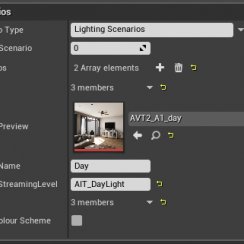
- Scenarios replace a sub level with another one
- Animation plays an unreal sequence
- Scene Travel loads another scene in the same project
Content:
Introduction
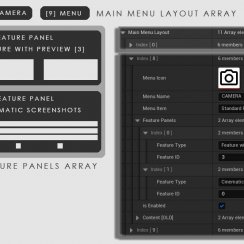
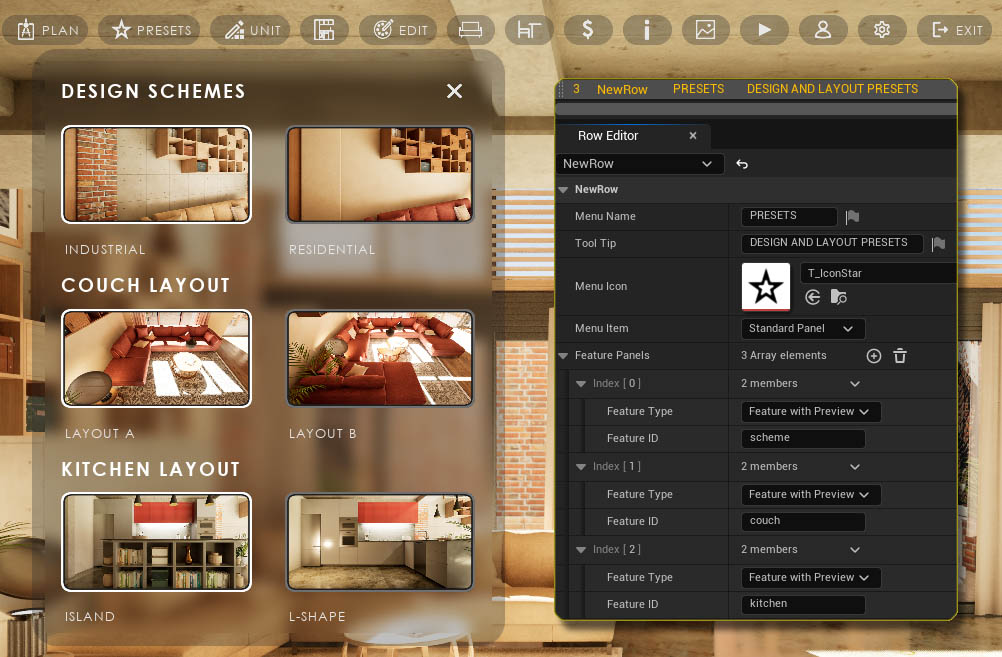
Features with Preview can be added multiple times to the Main Menu.Feature Type
Use Feature With Preview as the Feature Type.
Feature ID
Feature ID is the Row Name of the Feature with Preview in the Features W Preview Data Table that is assigned in the Info Map.
The features use Data Tables to store data. They will be reset if the UI3 project is updated. Consider working in copies of the original UI3 data tables.
Info Map Settings
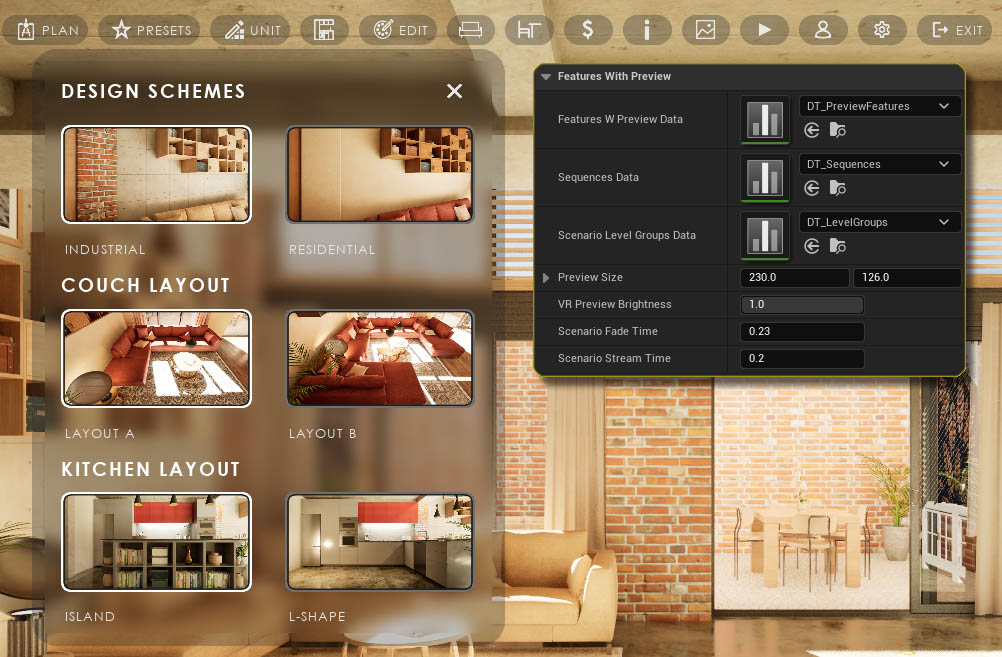
Features W Preview Data
Contains the data for all Features With Preview.
Sequence Data
Links to sequences in the scene
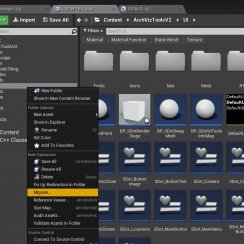
Scenario Level Groups Data
Contains the list of levels for the Scenario Groups
Features W Preview Data
The size of the preview image. The image is by default in 16:9 format but can be any format.
VR Preview Brightness
Only applies to projects with a virtual tablet menu.
Scenario Times
Can be adjusted if objects are streaming visibly in and out.
Animation
This starts playing a sequence.
The sequence can be defined in the Sequences Data table and the Option set here is the row name in the data table.
 Unreal Sequence Documentation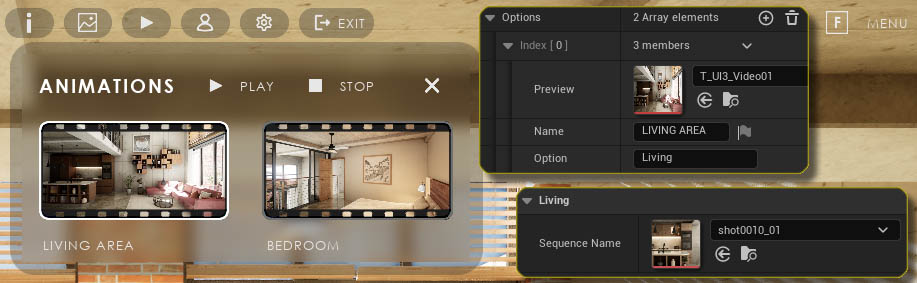


 Top of page